







The Hidden Causes and Costs of Slow Invoicing: Two Trades Operators Weigh In

We sat down with Shannon Ruffing and Tarrell Graham, co-founders of Solhver, a trades operations partner, for a fireside chat during our Time-to-Invoice webinar. Both have deep experience in the trades. Shannon has spent 10 years working across operations and finance, and Tarrell brings 30 years of experience, having worked his way from technician to CEO. This year, they’ve also spent time on site with MSI Data customers, sitting alongside billers and dispatchers to see firsthand where invoicing slows down and how the work really gets done.
Until an invoice goes out, your business is financing work it’s already done. In this post, we recap the fireside chat with Shannon and Tarrell, including where slow invoicing costs trades businesses money, how the speed of Service Pro Time-to-Invoice helps get revenue to you sooner, and what the experts thought after seeing a live demo.
Watch the full conversation below.
The Hidden Costs of a Slow Invoice
“Parts and inventory being lost and then having to have COGS adjustments or inventory adjustments is incredibly damaging.”
Tarrell Graham, Co-Founder, Solhver
When we polled webinar attendees on their organization’s average time-to-invoice (the number of days between the last day of labor and when the invoice is sent to customers), most attendees said between 15 and 30 days, with some stretching to 45. That range is common across trades companies, but it shouldn’t be. Every day an incomplete invoice sits is another day you can’t access your own revenue.
No surprise, some of the biggest invoicing delays come from jobs that are harder to close out. Maybe the scope changed, something went wrong, or the team isn't sure if another visit is needed. These jobs take extra time and attention from the back office. And with urgent service calls and daily demands taking priority, they often get pushed out. Even on a good day, the team might only resolve a small portion of them.
The financial impact adds up quickly, especially because these more complicated jobs are often the most expensive ones. The longer they sit waiting to be invoiced, the longer it takes to get paid. Meanwhile, cash flow gets tighter, and businesses may have to rely on lines of credit, paying interest to cover work they've already completed. Billing delays and errors can also frustrate customers, hurting NPS scores and putting customer relationships at risk.
And invoicing challenges go beyond speed. They're often about the manual work required to get a job ready to bill, and those costs aren't always easy to spot on a P&L.
- Parts and inventory issues. When parts aren't properly recorded or reconciled, teams spend extra time tracking down information. Missing parts can also lead to costly inventory and COGS adjustments.
- Back-office time. Chasing technician notes, reconciling time entries, checking parts, and confirming return visits all add to the workload. Even companies that invoice quickly can spend significant time getting there.
- Unbilled revenue. Completed work can sit waiting for missing information or final review. One service company reported $116,000 in unbilled work at its smallest branch alone.
- Hidden write-offs and $0 invoices. Some jobs are eventually written off or closed with a $0 invoice, making it harder to see how much potential revenue was lost and why.
The takeaway? Time-to-Invoice is about more than sending invoices faster. It's about reducing manual work, protecting revenue, and giving finance teams a clearer picture of the money tied up in completed jobs.
The Hours No One Is Measuring
“I dare anyone in trades to tell me they have enough people doing collections.”
Tarrell Graham, Co-Founder, Solhver
Days to invoice, lost revenue, and inventory accuracy all get tracked. The workload behind them usually doesn’t. People often end up taking on more than they need to because they don’t know an easier way exists.
Tarrell and Shannon saw this firsthand on one of their early site visits with MSI Data, sitting with a biller as she worked through her invoicing process. She had built her own workaround: a Word document of saved prompts she used with Copilot and ChatGPT. For each invoice, she copied the notes out of the sales order, pasted them into an AI tool with the right prompt, and copied the result back in, with four or five copy-and-paste steps along the way.
Her workaround was clever, and it mirrored what MSI Data was building with Invoice Ready Notes, which turns technician notes into clean, invoice-ready summaries automatically without all the copy and paste. Her workaround also carried a workload that no dashboard captured.
Read the full story of the biller who was the API in our webinar recap.
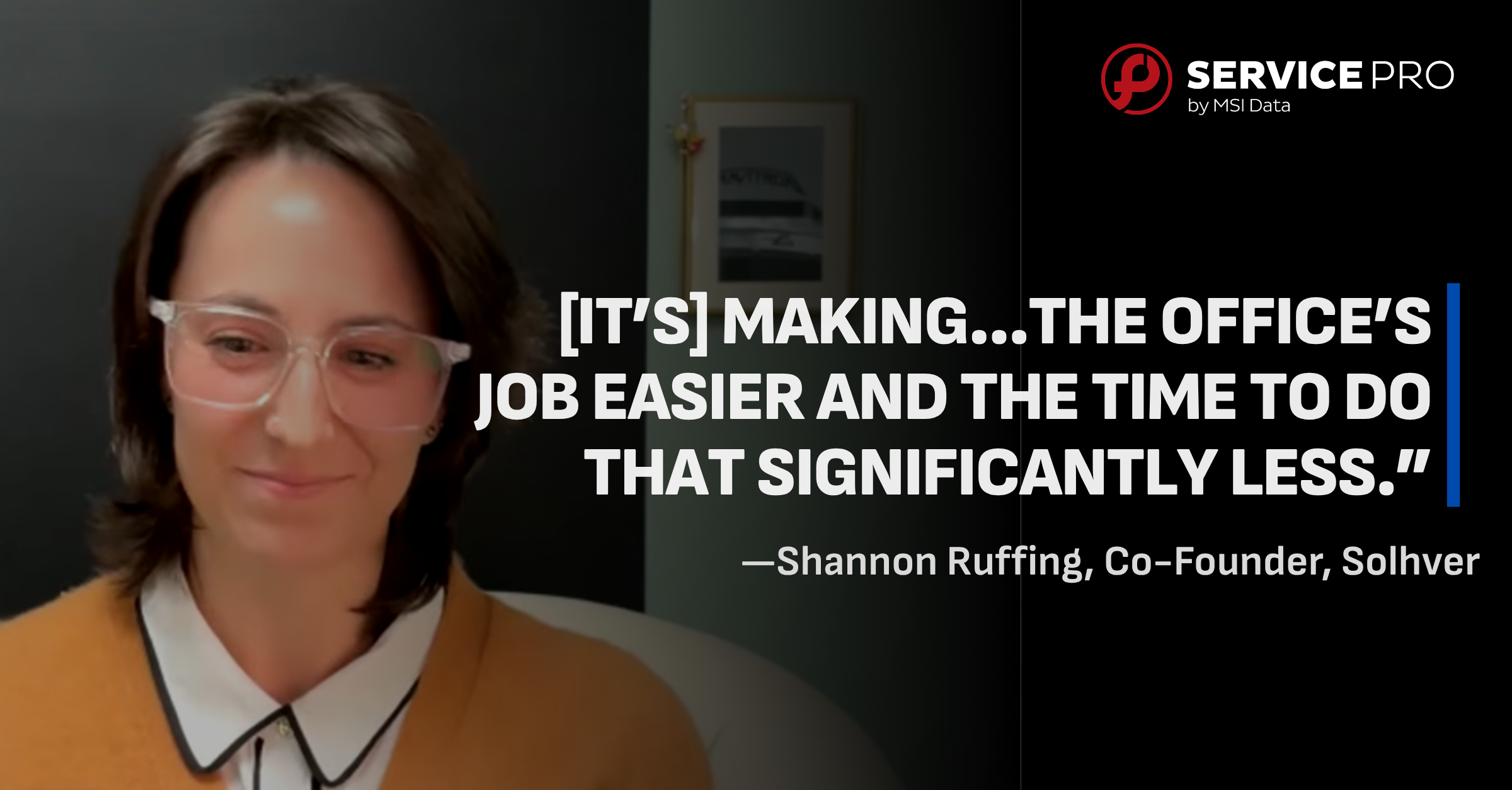
It’s taking some of that sort of mental load off of ‘Where do I find all these things?’ and it’s putting it in a really beautiful place [in Time-to-Invoice]. [It’s] making…the office’s job easier and the time to do that significantly less.”
Shannon Ruffing, Co-Founder, Solhver
Removing that load gives back paid hours that can move to work requiring discretion and decision-making, like collections. Handing a repeatable, monitorable process to AI keeps the same team in place and points their time where it’s needed most.
Why Start the Conversation Now
“Cash is really super important for the longevity of not only the business but then supporting your employees.”
Shannon Ruffing, Co-Founder, Solhver
Teams work toward what they measure, and what gets measured gets done. Operations teams usually focus on the customer’s needs and timeline, and billing sits one step past their view. Leadership may watch time-to-invoice, but dispatchers and parts teams rarely see it day to day. Putting it on a KPI or dashboard makes it something people inspect and act on. And cash flow stays top of mind for any business, since it’s what pays the bills and the people.
Timing matters too. Many trades businesses are seasonal, and the slower end of the year is a better window to plan a process change than the middle of summer. Budgeting often starts around October and locks around November, which makes now a good time to look at costs and prep your team.
There’s also pressure to adopt AI, and adoption is likely already happening at the employee level regardless of overall org preference. On most of Solhver’s on-site visits, the admins or billers were using an AI product of some kind to simplify smaller tasks. Those tools can make individuals faster while fragmenting your systems, breaking internal processes, and sending your data outside the business. Those habits get harder to undo once they set in, which makes fragmentation the thing to get ahead of. Bringing AI in through one focused process with a measurable impact gives teams a clear place to start.
“You can see exactly what it’s doing. It’s fighting that fragmentation and giving your team tools.”
Tarrell Graham, Co-Founder, Solhver
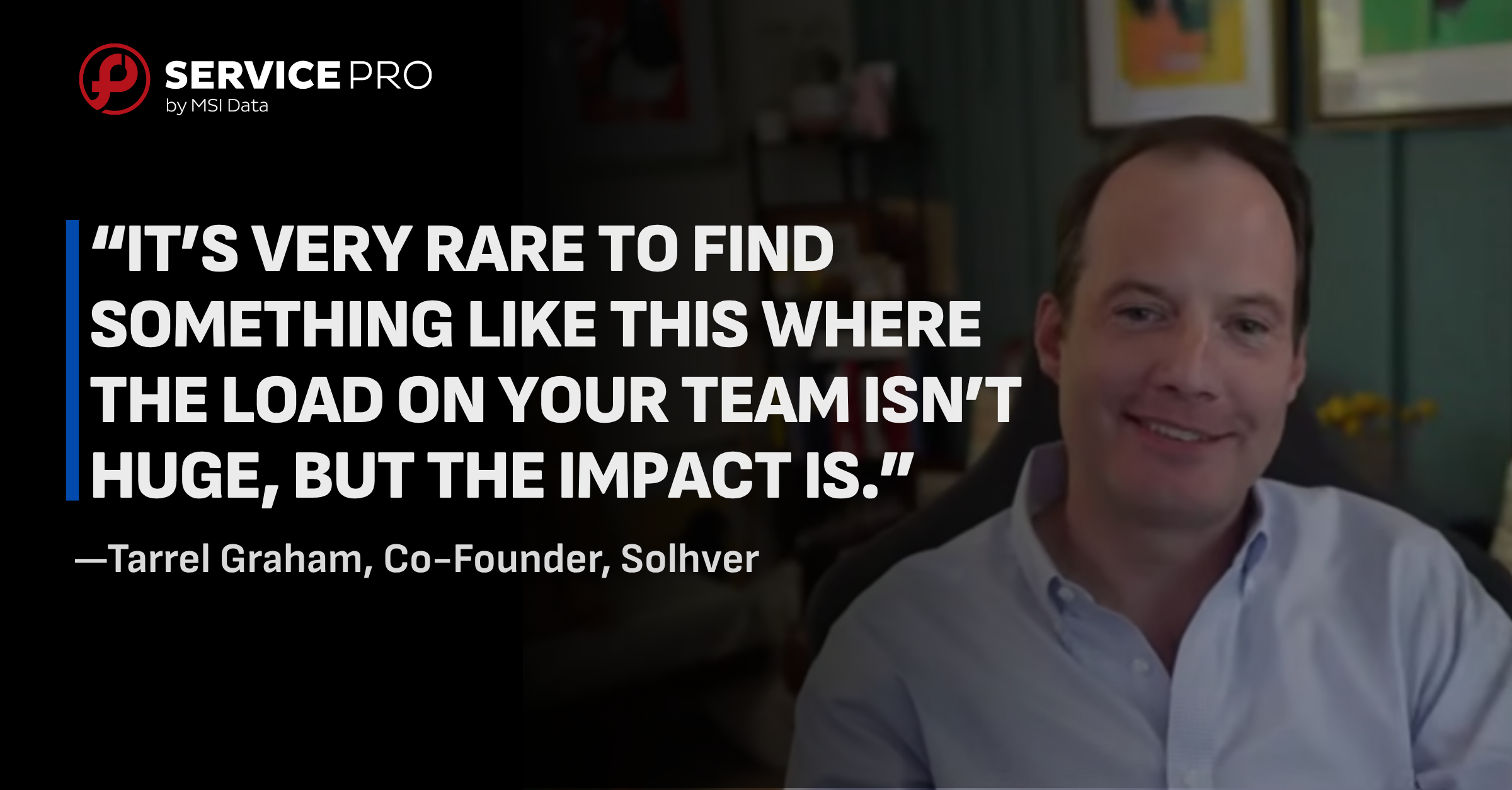
The biggest worry with any project like this is the lift. Can the team take it on, and are there enough hours in the day? For teams already running an FSM and an ERP, Service Pro Time-to-Invoice isn’t a full system implementation, and the load on the team is relatively minimal. You can plan it now and roll it out without overloading anyone when the busy months return.
Seeing Time-to-Invoice in Action
“I especially love the way that you can have the multiple branches and compare and contrast.”
Shannon Ruffing, Co-Founder, Solhver
After the fireside chat, Alok Patel, VP of Product at MSI Data, walked through Time-to-Invoice live, including a few features Shannon and Tarrell hadn’t seen yet. Two of them drew immediate reactions.
The first was the branch comparison view, which shows how Time-to-Invoice stacks up across locations. For leaders running multiple branches, that view makes it easier to spot which locations are moving jobs to invoice quickly and which ones need attention, without pulling separate reports for each.
The second was the links that open related records directly from the dashboard. Time-to-Invoice gives billers and managers one view across their FSM and ERP, so they can click from a job into its source records instead of searching both systems separately. Billers can also see related orders for the same customer, so multiple invoices can go out together instead of trickling in over weeks and prompting questions from the customer. For service managers, stuck orders surface with the technician, dollar amount, and days aged on each one, so the jobs most likely to leak revenue don’t sit unnoticed at the bottom of the pile.
When asked what results they’d expect to see after 30 days, Shannon and Tarrell both pointed to visibility first. They’d look for a clearer picture of where jobs sit in the process, along with an early drop in time-to-invoice, especially on simpler jobs where Invoice Ready Notes writes the notes. In their view, the bigger payoff would come in the 60 to 90 day window, once faster invoicing starts turning into cash flow.
Their Advice for Getting Started
“Your feedback is never more impactful than it is at the start.”
Tarrell Graham, Co-Founder, Solhver
For service leaders thinking about tackling time-to-invoice, Shannon and Tarrell’s closing advice came down to four recommendations:
- Start exploring sooner. The earlier you look into it, the sooner you can realize value. If you take a closer look and decide it isn’t the right fit yet, that’s a fine outcome too.
- Factor in your office staff. Better quality of life for the people handling invoicing is reason enough to take a closer look.
- Treat it as low-hanging fruit. Improving time-to-invoice is a relatively easy area to explore, especially compared to larger system projects.
- Get involved early. Feedback has the most influence at the start, while options are still wide open and features can be customized around how your team works.
Time-to-Invoice was built with those priorities in mind. It works on top of the FSM and ERP you already run, so there’s no rip and replace, and your team can get started without taking on a major implementation. Agents like Invoice Ready Notes take repetitive work off your office staff, and early customers get a direct say in how the product evolves.
See What Time-to-Invoice Can Do With Your Data
The cash sitting in your unbilled jobs is cash you’ve already earned. Now is a great time to get involved and see where your jobs get stuck and how Time-to-Invoice helps move them to invoice faster. Curious what slow invoicing is costing your business? Try our ROI calculator to run the numbers.
Book a Demo to see your data work in Time-to-Invoice.
Watch the full fireside chat here for more insights from Shannon and Tarrell, or get the full webinar recap to see the complete demo and live Q&A.
Frequently Asked Questions
What is time-to-invoice?
Time-to-invoice is the number of days from the last day of labor on a job to the day the invoice is sent. Most attendees in our webinar poll reported between 15 and 30 days.
What are the hidden costs of slow invoicing?
Beyond delayed cash flow and interest on credit, slow invoicing can hide lost parts and inventory, unrecorded write-offs, and $0 invoices. These rarely show up clearly on a P&L, which makes them easy to miss.
Why is the end of the year a good time to start?
Many trades businesses are seasonal, so the slower months leave more room to plan a process change. Budgeting also often starts around October, which makes it a good time to evaluate costs before plans lock.
Do we need to replace our FSM or ERP to use Time-to-Invoice?
No. Time-to-Invoice works on top of the systems you already run, so there’s no rip and replace and no full system implementation.
See what the wait between a finished job and a sent invoice is costing you.
Run the numbers