





Why Is Tribal Knowledge Lost When Field Technicians Retire? (And How to Stop It)

Twenty years of diagnostic knowledge walks out the door when a senior technician turns in his badge. None of it went into the work order or got filed anywhere. The next tech who shows up to that asset starts from zero. Every hour he spends relearning it is an hour the company pays for.
Holding onto that expertise takes a system built to capture it. Once it's written down, it stays put when the technician doesn't.
What Is Tribal Knowledge in Field Service?
Tribal knowledge is the job-specific expertise a technician carries in memory and never writes down. Most work orders capture none of it.
- Procedural knowledge is the actual repair sequence a tech uses on a specific asset, accounting for site-specific modifications the manual never anticipated.
- Asset-specific quirks include details like which valve always sticks, which sensor reads high, or which unit throws a false alarm when ambient temperature hits 95 degrees.
- Customer context covers relationship history, undocumented agreements, site conditions, and access requirements that shape how service gets delivered at that account.
A work order reads "replaced contactor." It leaves out why the tech went to that component first. He knew this unit's contactor fails in summer heat. The next tech inherits the repair record without any of that reasoning.
Why Does Tribal Knowledge Leave With Retiring Technicians?
Field service operations are built to get the work done. Documentation comes second. Knowledge builds up in a technician's head because the systems around him were never designed to pull it out. Nobody notices the problem while he's still around. By the time a senior tech announces retirement, the operation has weeks to capture what took decades to build.
It Lives in Memory, Not in the Work Order
Most field technicians were never asked to document their reasoning, only their outcome. A work order captures what was done but not why, not the diagnostic path, the failed first attempt, or the asset-specific context that made the repair work.
The default operating model in most mid-market field service operations is one senior technician everyone calls all day long with questions, because the tribal knowledge lives in his head and nowhere else. It’s a system design failure.
Job Notes Miss the Real Repair Story
A note that says "replaced contactor" tells the next tech what happened. It leaves out the symptoms that pointed there, what got ruled out first, what to watch for on the next visit, and how likely the issue is to recur. That reasoning is what makes a senior tech valuable. Paper forms and free-text note fields have nowhere to record it.
Incomplete notes also cause trouble in the back office. Before an invoice can go out, someone has to call the technician back for the missing details.
Disconnected Systems Break the Knowledge Chain
Field data sits in one place, asset history in another, and work order records in a third. At some shops, that third place is a spreadsheet. No technician or system sees all of it. Someone ends up manually re-keying serial numbers, contract dates, and billing data from one tool to the next. Some knowledge lives between those tools. The senior tech is the one connecting them, from memory.
Retirement Compresses the Timeline
Many field service operations report that their most experienced technicians are approaching retirement age, while hiring younger replacements has become more difficult. This is the skilled trades gap, a major issue affecting the service industry. Operations that have always relied on one or two senior techs to carry institutional knowledge suddenly face that dependency becoming a liability on a fixed timeline.
Retaining tribal knowledge as senior technicians retire, and getting new techs ramped faster, is one of the most common pain points surfacing in field service sales conversations.
What Does Lost Tribal Knowledge Cost the Operation?
The costs show up in four measurable places:
- First-time fix rate drops. Without the asset history or diagnostic context the senior tech carried in memory, the first visit is more likely to end without a resolution, requiring a second truck roll.
- Repeat truck rolls climb. Each unnecessary return visit carries dispatch cost, travel time, customer frustration, and technician downtime. It also signals to the customer that the service organization doesn't know their equipment.
- Time-to-invoice slows. Incomplete job notes mean back-office staff spend time chasing technicians for information before an invoice can go out.
- Warranty revenue gets written off. When technicians don't know which assets are under warranty coverage, warranty-eligible work gets billed incorrectly or not at all.
How Can Service Leaders Capture Knowledge Before Retirement?
The highest-value knowledge to capture is tied to the assets most likely to generate a service call. Complex assets, high-uptime equipment, and units with long service histories come first. Customer sites where one senior tech has been the primary contact for years belong on the list too. Each step below builds on the one before it.
Start With High-Risk Assets and the Techs Who Know Them
Start with triage and skip the full audit. Before any retirement conversation happens, map which technicians hold knowledge for which assets. That map shows exactly where the operation is exposed.
Standardize Work Order Notes and Failure Codes
Structured note fields turn a repair into knowledge the next tech can search and reuse. A useful structure captures the symptom, diagnostic steps taken, root cause, repair performed, and what to watch on the next visit.
Standardize failure codes across the operation as well. Consistent codes make patterns across assets and sites visible over time.
Capture Photos, Voice Notes, and Repair Steps in the Field
Senior technicians resist documentation that slows them down. Before-and-after photos, short voice notes on what was found, and quick part number scans take almost no writing. Repair sequences can be captured step by step on a mobile device while the work happens. When documentation fits inside the repair, techs keep doing it.
Turn Senior Tech Reviews Into Searchable Guidance
Before a senior technician retires, walk through his most complex or recurring jobs with him in a structured review session. Tie the output to specific assets or failure types. Knowledge with no connection to an asset or job type rarely gets retrieved when someone needs it.
How Does Field Service Software Keep Knowledge in the Workflow?
The process alone is fragile. If knowledge capture depends on individual discipline, it degrades when the next senior tech leaves. Software makes the process structural, so the knowledge stays in the operation regardless of who walks out the door.
Put Asset History on Every Mobile Work Order
Every technician who arrives on site should be able to see the full service history for that asset on their mobile device: prior repairs, failure codes, parts replaced, technician notes, warranty status, and contract coverage.
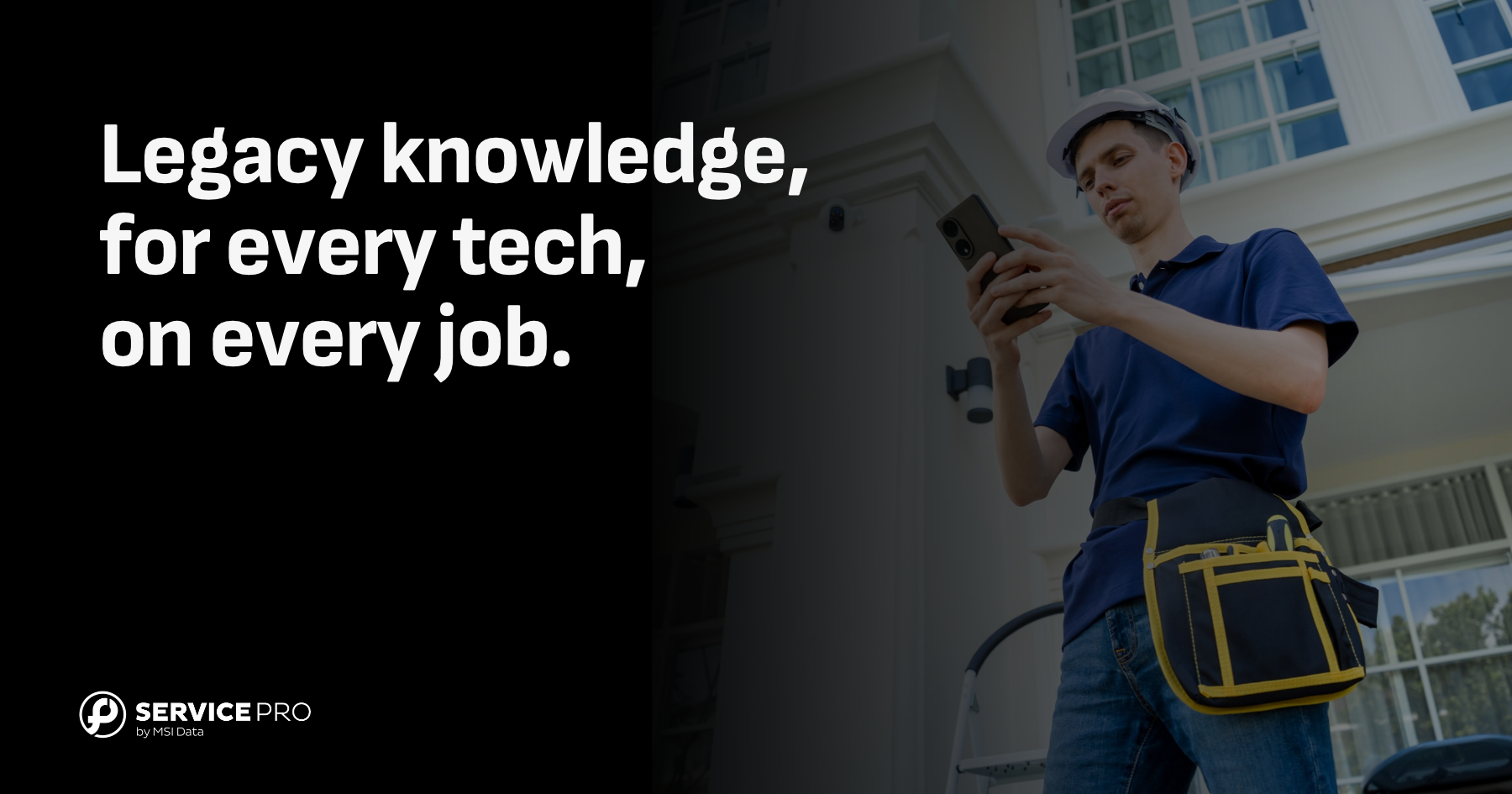
Service Pro delivers this asset and job context at the point of work, so the technician arriving on a job isn’t starting from zero.
Make Knowledge Available Offline
Many assets in power generation, industrial equipment and manufacturing, commercial HVAC & refrigeration, and water treatment sit where cell signal is weak or absent. Techs work in mechanical rooms and basements, on rooftops, and at remote generation sites. A knowledge system that needs a network connection fails in exactly those places.
Service Pro's mobile access is offline-capable, so technicians can pull up asset history and capture job documentation without signal, with data syncing when connectivity is restored.
Use AI Grounded in Your Own Service Data
A generic chatbot has no access to a company's assets, customers, or equipment configurations. Its answers can't help a technician standing in front of a specific unit. Service Pro draws on the company's own manuals, asset records, service history, and work orders. The Job Prep Brief delivers asset and job context before the technician arrives on site. Once there, techs can ask questions by voice or text, or share a photo of the equipment for diagnosis. Every technician on the roster gets access to what the senior tech knows.
Sync Clean Job Data Back to the ERP
Captured field data only becomes organizational knowledge if it flows back into the systems the business runs on. Service Pro integrates natively with Sage 100, NetSuite, Epicor Prophet 21, and Microsoft Dynamics Business Central, so job data, asset records, invoice information, and contract details sync to the ERP without manual re-entry. That eliminates the "island of automation" problem and keeps knowledge captured in the field from staying siloed there.
What Metrics Show the Knowledge Gap Is Closing?

Field Service Tribal Knowledge FAQs
How Early Should You Start Capturing a Retiring Technician's Knowledge?
Start before the retirement conversation. The trigger should be tenure and asset ownership.
Which Asset Types Carry the Most Undocumented Tribal Knowledge?
Complex, long-lifecycle equipment in power generation, industrial manufacturing, commercial HVAC, and water treatment carries the most undocumented knowledge, where service history spans years and failure patterns are site-specific.
How Do You Get Senior Technicians to Share What They Know?
Tie knowledge capture to tools they already use, like mobile work orders and photo capture. Make documentation part of the repair.
Can AI Replace a Senior Technician's Experience?
AI grounded in your own service data reduces the gap between a senior technician's knowledge and what a newer technician can access, though it doesn't replicate the judgment that comes from years in the field. The goal is to make the senior tech's knowledge available after they leave.
What If Technicians Work in Areas Without Cell Signal?
Offline-capable mobile access means knowledge capture and retrieval don't depend on connectivity. Data syncs when signal is restored.
See how Service Pro captures and delivers asset and job context so that knowledge stays in the operation when senior technicians retire. Schedule a free demo at msidata.com/demo.
See what the wait between a finished job and a sent invoice is costing you.
Run the numbers