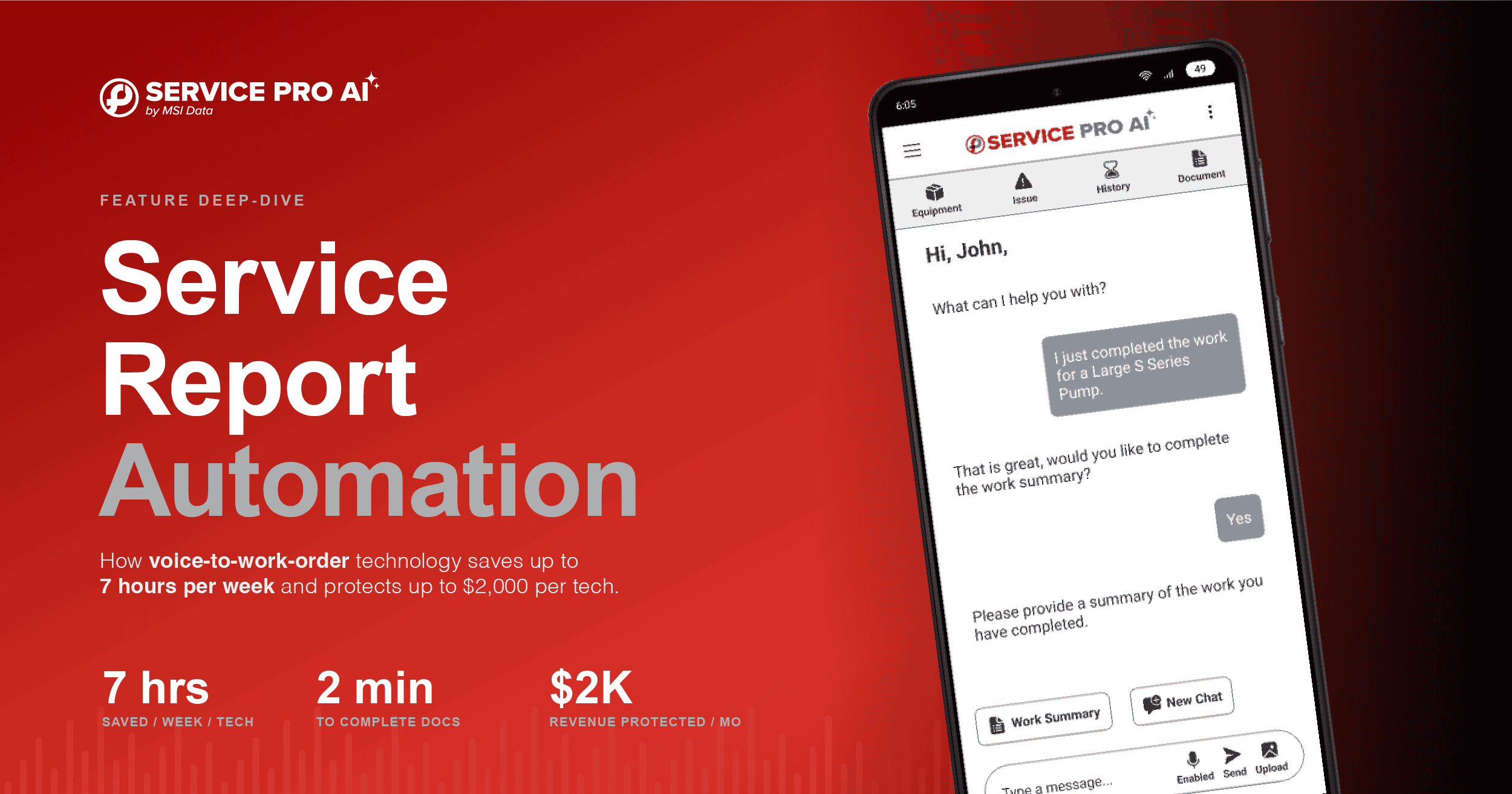
Your field technicians are losing 7 hours every week to something that has nothing to do with fixing equipment: manual data entry and service report wrap-ups.
They finish a job with greasy hands, sit in the van exhausted, and type reports on small screens. The data you get back is often incomplete; missing billable parts, skipping critical details, and leaving money on the table.
Last week, we announced the launch of Service Pro AI, an AI-powered field companion for service technicians. This week, we’re focusing on the feature that directly addresses the most frustrating part of every field service job: Service Report Automation within the Appointment Agent.
The Real Cost of Manual Service Documentation
Here’s what most operations leaders don’t realize: incomplete service documentation isn’t just an annoyance. It’s bleeding revenue.
Technicians spend an average of 7 hours per week on manual data entry and wrap-ups. That’s time that could be spent on billable work. Across a team of 50 technicians, that’s 350 hours per week of non-productive time.
But the bigger hit comes from the data that doesn’t get captured.
When a technician types “Fixed unit. Replaced valve.” and nothing else, your back office has no details about which valve, what parts were consumed, or what follow-up is needed. That incomplete data leads to:
- Rejected invoices from clients who need detailed documentation
- Missing billable parts that were used but never logged
- Warranty disputes you can’t defend because the details weren’t captured
- Repeat truck rolls because follow-up needs weren’t documented
The result? Up to $2,000 per technician per month in revenue leakage from poor documentation alone.
How The Appointment Agent Actually Works
The appointment agent transforms how field service documentation happens. Instead of typing on small screens after every job, technicians use their voice.
Here’s the process:
- Technician finishes the job and taps the microphone in Service Pro AI
- They speak naturally: “I replaced the intake valve on the compressor, tested pressure to 50 PSI, verified the cycle completed successfully. Customer mentioned the unit has been running louder than usual – recommend filter replacement at next service.”
- Service Pro AI generates a structured, invoice-ready summary in real time, capturing all the details
- Parts are automatically logged based on what was mentioned
- Work order is complete with full documentation ready for billing
The entire process takes under 2 minutes. That’s 5-10 minutes saved per job – without asking technicians to change how they work. They just speak instead of type.
What Service Pro AI Captures
The Appointment Agent’s Service Report Automation doesn’t just transcribe what techs say. It structures the information:
- Work performed – formatted for customer invoices
- Parts used – automatically logged for billing and inventory
- Equipment readings – PSI, voltage, temps, whatever was mentioned
- Follow-up recommendations – flagged for scheduling
- Customer notes – captured for next visit context
The technician speaks, and Service Pro AI handles the rest.
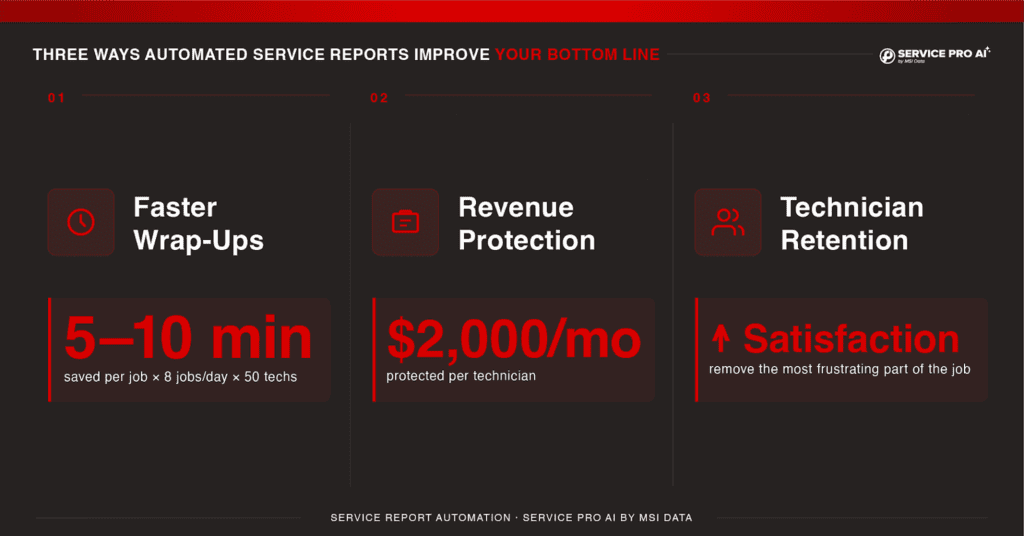
Three Ways Automated Service Reports Improve Your Bottom Line
1. Faster Wrap-Ups, More Productive Time
Technicians save 5-10 minutes per job by speaking instead of typing. Multiply that by 8 jobs per day across a team of 50 techs, and you’re reclaiming significant capacity.
More importantly, you remove the part of the job technicians hate most. Less friction means better compliance, which means better data.
2. Revenue Protection Through Complete Documentation
When techs speak naturally, they include details they’d rarely spend time typing. “I also checked the secondary valve and noticed some wear. Might need replacement in 6 months.”
That’s a future billable visit captured, a defensible record if something fails later, and data your back office can actually use.
Complete documentation protects up to $2,000 per technician per month in revenue that would otherwise leak through rejected invoices, missing parts charges, and warranty disputes.
3. Higher Technician Satisfaction and Retention
Nobody becomes a field service technician because they love paperwork.
When you remove the most frustrating part of the job, satisfaction goes up. Retention improves. Your techs spend more time doing what they’re actually good at, fixing equipment.
Work order summary automation isn’t just about efficiency. It’s about making every day a little easier.
Request your free trial of Service Pro AI here
Frequently Asked Questions
How does voice-to-work-order automation work?
Technicians tap a microphone button in Service Pro AI and speak naturally about the work they performed. Service Pro AI processes the audio, extracts key details (parts used, work performed, readings taken), and generates a structured work summary in invoice-ready format. The entire process takes under 2 minutes per job.
Will this work with our existing Service Pro workflows?
Yes. The Appointment Agent’s Service Report Automation within Service Pro AI integrates directly with the Service Pro platform. Work orders, parts inventory, and customer records sync automatically. Your techs use the same Service Pro platform they’re already familiar with — Service Pro AI adds the voice-to-documentation layer on top.
What if my technicians work in areas with poor connectivity?
Service Pro AI needs either a wifi connection or cellular data to function optimally, so techs can use it anywhere they have coverage. not just on wifi. In a true dead zone, they won’t be able to start a session, so the best practice is to use it wherever there’s a signal. We’re continually working to make the experience smoother on weaker connections.
Why do I need a connection to use Service Pro AI?
Because the AI that powers Service Pro aI is a large model, it does its best work running at full strength in the cloud rather than a stripped down version on a phone. This matters when your techs are relying on accurate, source-grounded answers in the field. The industry is starting to run simple AI tasks directly on devices, but for the resources your techs depend on, cloud-backed is still where the best quality lives, so we can deliver answers that are fast, accurate, and trustworthy.