
Keeping up with AI right now can feel like a full-time job on its own. New models, new capabilities, new headlines every week. So instead of chasing every announcement, we used our July webinar to focus on what actually matters for field service organizations.
MSI Data CEO Michael Gonzalez and Head of Professional Services Bill Langosch hosted a live product update and roadmap session, joined by Rosie Kaplan, COO of GCB Industries, for a customer fireside chat. We covered the AI shifts worth paying attention to, what’s live in Service Pro AI right now, and where we’re headed next.
To watch the Webinar Recording, fill out the form below.
If you want the highlights first, keep reading.
Three AI Shifts That Actually Matter for Field Service
Rather than chasing every new headline, it helps to focus on three shifts that are genuinely changing how service organizations operate.
AI agents are moving from answering to doing. A few years ago, AI meant a chatbot that could tell you where your order was. Today’s agents can own entire workflows end to end, taking action instead of just providing information. Gartner projects that 40% of enterprise apps will embed AI agents by the end of 2026, up from under 5% in 2025.
AI can now read the messy real world. Photos, scanned forms, handwritten notes, and voice captured over shop noise are all inputs field service actually runs on. That data is now machine-readable in ways it wasn’t a couple of years ago, with voice transcription running around 250 milliseconds even in noisy conditions.
Intelligence is abundant, and it’s getting cheaper fast. Running a fixed level of AI capability costs roughly 10 times less every year. What cost $30 in 2023 costs well under $0.50 today. That means AI doesn’t have to be reserved for your highest-value problems. It can touch far more of your day-to-day operations without breaking the budget.
Put together, these shifts mean the work that used to eat technician time, like admin tasks and the wait between job completion and invoicing, is now genuinely automatable.
The Service Profitability Problem
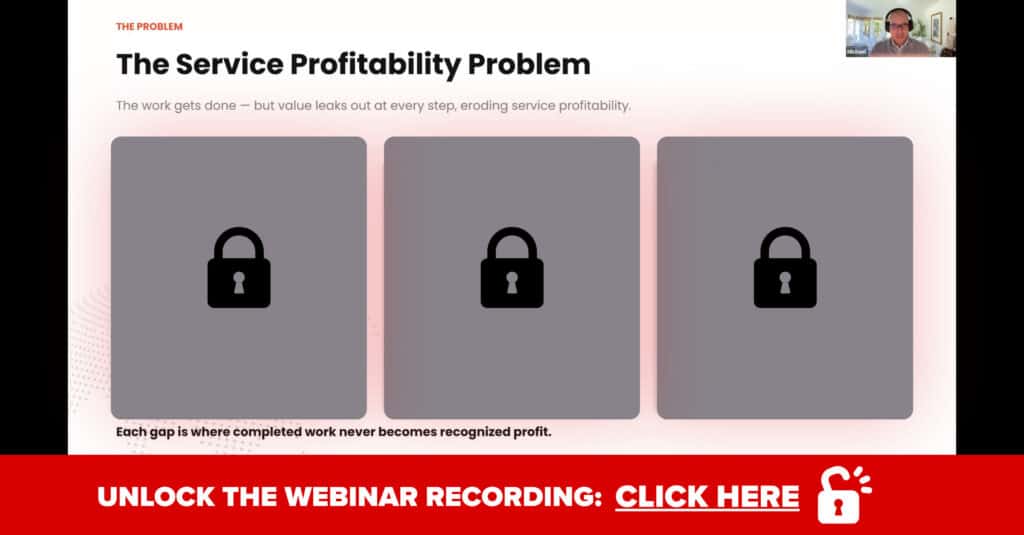
Three problems come up constantly in conversations with service leaders, and they all point to the same root issue: completed work isn’t always turning into recognized profit.
Your people are stretched thin. Your technicians are out there doing the hard, mission-critical work, often juggling more jobs and more complexity than ever before. There’s rarely enough time in the day to get everything back into the system well, so data ends up staying in their heads or on a piece of paper instead of in Service Pro.
Systems don’t talk to each other. Even with real investment in ERPs, FSMs, and CRMs, information doesn’t always flow between them the way it should. A technician might spot an aging asset that’s a clear upsell opportunity, but if that detail never makes it from Service Pro into the CRM, the sales team never hears about it.
Visibility comes too late to act on it. Plenty of teams only see their numbers weekly or every other week. By the time an issue shows up in a report, it’s already cost you time and money. Real-time visibility changes that, letting teams respond to problems as they happen instead of after the fact.
Each of these gaps is a place where the work already happened, but the value never made it back to the business. That’s exactly where Service Pro AI is built to help.

Fireside Chat: Rosie Kaplan, COO of GCB Industries
One of the best parts of the webinar was hearing directly from Rosie Kaplan, COO of GCB Industries, a national boiler service company serving both commercial and industrial customers, with work ranging from smaller service calls to multi-million-dollar projects.
Rosie didn’t want her organization left behind as AI reshaped the industry, so bringing it into GCB became a priority. What drew her to Service Pro AI first was the ability to summarize technician work automatically, along with a second use case close to her heart: training. GCB has technicians at every experience level, and getting junior techs up to speed without pulling senior staff away from billable work is a real challenge.
“It was the idea of it being able to take what the technicians were doing and summarizing it for them,” Rosie said, “as well as knowing that we could input manuals and all the information that they would potentially be needing, and utilizing that to help them if they needed help troubleshooting.”
Job summaries have been valuable, but Job Prep Brief has made a real dent in GCB’s day-to-day operations. Technicians used to constantly call dispatchers to ask about previous inspections or who worked a job last. Now that information is already in front of them before they arrive.
“By having these pre-job briefs, it provides them already with that information,” Rosie explained, “or allows them to ask the AI agent information that they would want prior to going out on a job.”
Rosie was also candid about wanting a closed, controlled system rather than one pulling answers from the open internet. Grounding the AI in GCB’s own manuals and service data means technicians get answers built on what the company actually knows, not a guess.
Want the full conversation with Rosie? Watch the Webinar Recording here.

What’s New in Service Pro AI
Several features are either live today or launching in the coming weeks.
Single App Experience. Technicians no longer have to bounce between Service Pro Mobile and a browser to reach Service Pro AI. AI is now embedded directly inside Service Pro Mobile, so techs can jump straight into an AI conversation from the menu or from a specific appointment, with that appointment’s context already loaded. This is live on iOS today, with Android coming soon.
Library Catalog Query. Available now, this feature lets technicians ask Service Pro AI what manuals exist for a specific model, manufacturer, equipment type, or document type (e.g., parts manual) before they even start troubleshooting. They can see what documentation is available and open the PDF directly from the chat.
Technician Manual Upload. Also available now. If a tech searches for a manual and comes up empty, they can upload the missing document right from their chat session instead of calling the back office. That manual gets indexed and tagged automatically, and it becomes available to every other technician on the team. Admins control whether this feature is turned on, so if you’d rather keep manual uploads centralized, that option stays in your hands.
Invoice Ready Notes. Coming soon, this is a headless agent, meaning once the feature is enabled, it runs automatically in the background without anyone needing to trigger it. It monitors your work orders based on triggers you define, then turns raw technician notes into a clean, professional invoice note using the 3 C’s format (complaint, cause, correction). The goal is simple: less time for your back office spent rewriting technician notes into something invoice-ready, and faster billing as a result.
What’s Coming Next: Time-to-Invoice
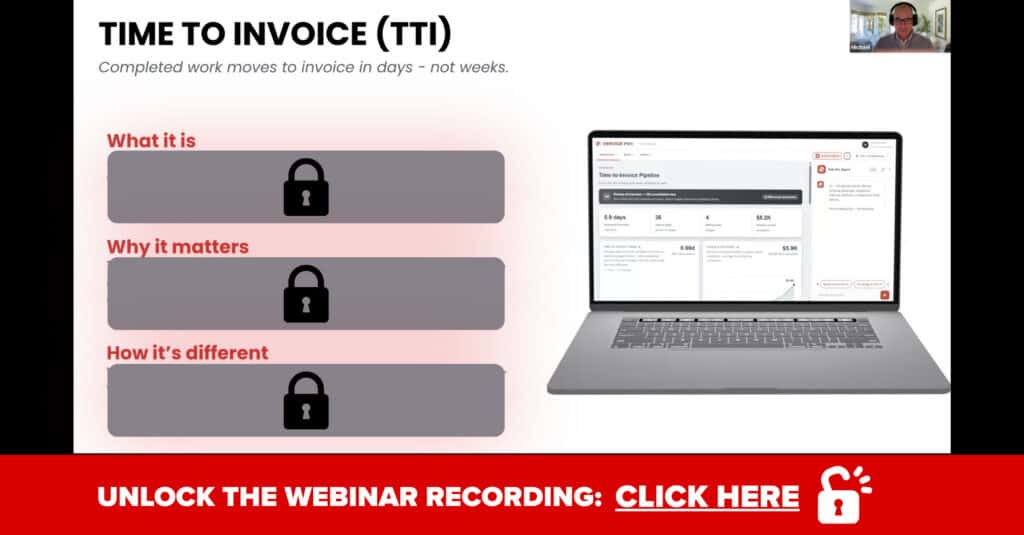
There’s something bigger on the way: a dedicated Time-to-Invoice pipeline built from a coordinated team of AI agents working across Service Pro and your ERP system, including support for NetSuite, Sage, and Epicor.
The goal is a clear, end-to-end view of every job’s path from completion to invoice, flagging where things get stuck along the way, whether that’s missing data or a work order sitting in review too long. This is still early and being built hands-on with customers, so there will be more to share as it takes shape.
What Attendees Asked: Q&A Highlights
How far in advance can technicians see their Job Prep Brief? Right now, it’s visible four hours before a scheduled appointment and re-runs every 10 minutes automatically as it looks for changes. Additionally, Job Prep Brief will soon be available as an option on order creation.
Does Service Pro AI work offline? Not yet. It requires an active internet connection (wifi or cellular data). In a true dead zone, techs won’t be able to start a session, so the best practice is to use it wherever there’s a signal. We’re continually working to make the experience smoother on weaker connections.
What are Invoice Ready Notes? Invoice Ready Notes lie within a headless AI agent that monitors your work orders and automatically turns raw technician notes into a clean, invoice-ready note in the 3 C’s format. It’s designed to cut down the time your back office spends rewriting notes before invoicing.
Start Your Free Trial of Service Pro AI
If you haven’t gotten hands-on with Service Pro AI yet, there’s no better time to start. The trial typically runs five to six weeks, with a dedicated team supporting you through weekly check-ins, troubleshooting tips, and guidance on getting your knowledge base set up. Features like Service Report Automation in the Appointment Agent are ready to use from day one.
Start Your Free Trial of Service Pro AI | Watch the Full Webinar Recording
Frequently Asked Questions
What is Service Pro AI?
Service Pro AI is a closed, enterprise AI system built specifically for field service organizations. It’s grounded in your own data, including existing data like service history in Service Pro Mobile and Service Pro 10, equipment manuals, and knowledge articles, so your technicians get accurate answers based on your operations rather than a guess pulled from the open internet.
What new features were announced in this webinar?
Four features were covered: Single App Experience (Service Pro AI embedded inside Service Pro Mobile), Library Catalog Query, Technician Manual Upload, and Invoice Ready Notes. The first three are available now, and Invoice Ready Notes is launching soon.
Can technicians upload their own manuals?
Yes. If a technician searches for a manual and doesn’t find it, they can upload the PDF directly from their chat session. Admins control whether this feature is enabled, so you decide whether technicians or only the back office can add content to the library.
What is the Time-to-Invoice pipeline?
It’s an upcoming capability built from a coordinated set of AI agents that works across Service Pro and your ERP system to help move completed jobs to invoice faster, flagging where work orders get stuck along the way. It’s still in development and being shaped alongside customers.
What does the Service Pro AI trial involve?
The trial runs five to six weeks with a dedicated team providing weekly support, guidance on prompts and settings, and help getting your knowledge base built out. Features like Service Report Automation are ready to use on day one. Request your free trial here.