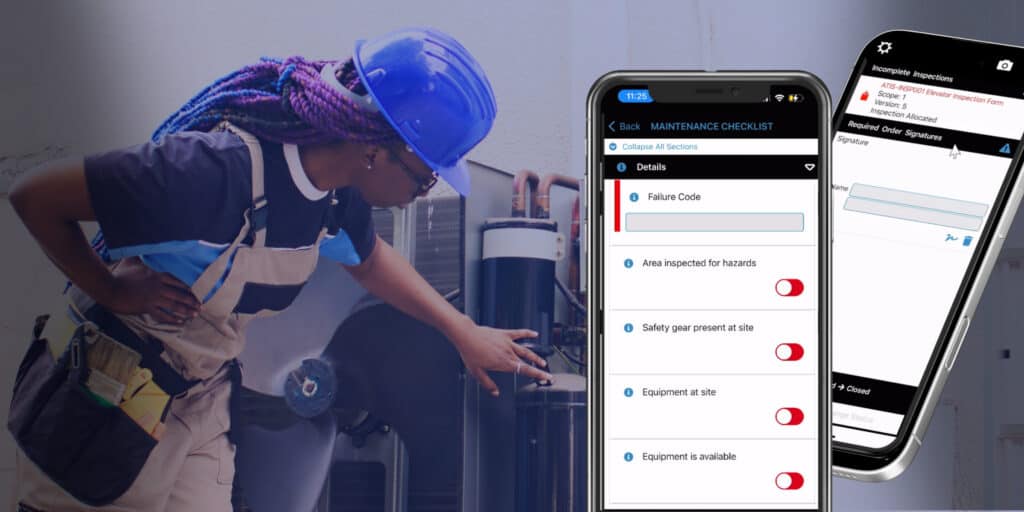

Mobile field service software for HVAC is an application that gives HVAC technicians real-time access to work orders, equipment history, customer records, and diagnostic tools directly from a smartphone or tablet while they’re on a job site. A true commercial-grade HVAC mobile platform looks different from a generic field service app: it works offline in mechanical rooms and basements instead of depending on WiFi, it’s asset-centric, built around equipment and asset history, instead of customer-centric, it connects to your ERP instead of stopping at QuickBooks, and it’s built with compliance requirements like EPA refrigerant tracking in mind. For HVAC operations managing commercial and industrial accounts, the right mobile app is often the difference between a technician who shows up prepared and one who shows up to guess. Below, we break down the five best mobile field service software solutions for HVAC, what each one does well, where it falls short, and which type of HVAC operation it fits.
Let’s get into it.
1. Service Pro by MSI Data
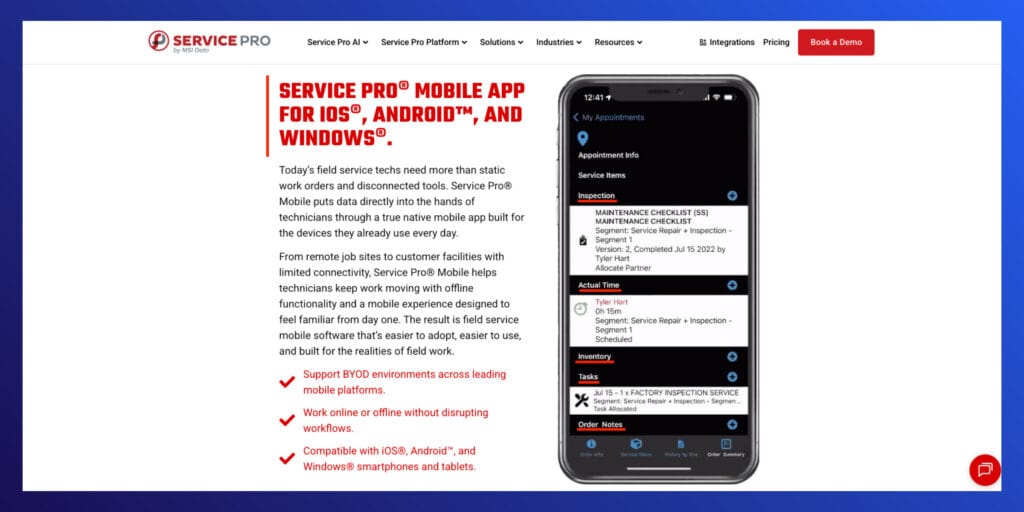
For commercial and industrial HVAC operations, Service Pro by MSI Data is the strongest mobile field service option on the market. Unlike apps built primarily for quick residential service calls, Service Pro is an asset-centric platform, designed around complex equipment, multi-site accounts, and the compliance demands of commercial HVAC work. Technicians get a fully offline-capable native app for iOS, Android, and Windows devices, so a mechanical room in the sub-basement of a hospital or a rooftop unit with no signal doesn’t slow the job down.
Key Features & Differentiators
- Offline-capable native app for iOS, Android, and Windows that captures data with no connection and syncs automatically once back in range
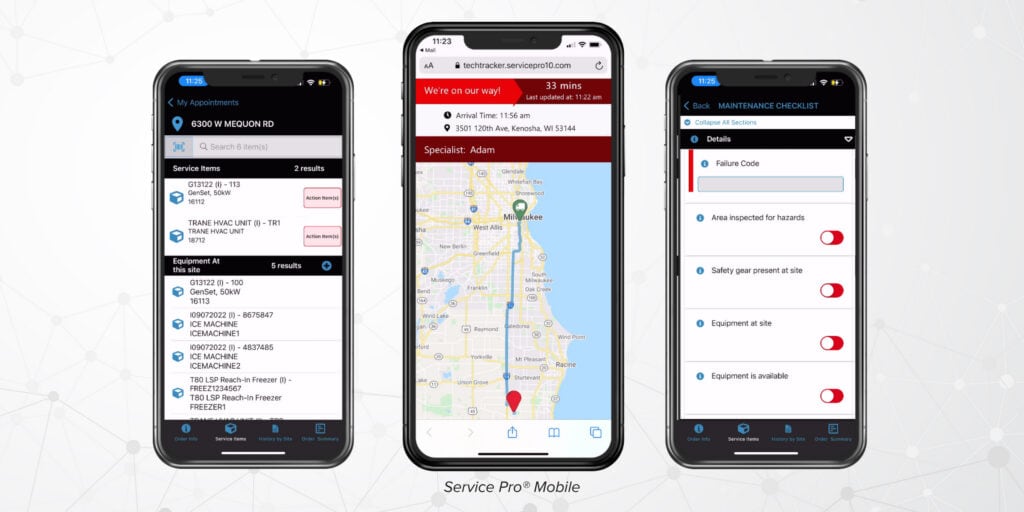
- Full equipment and asset history at the technician’s fingertips, including prior service notes, inspection results, and warranty status
- Paperless, customizable inspections built for high-volume HVAC preventive maintenance programs, from simple checklists to multi-page compliance forms
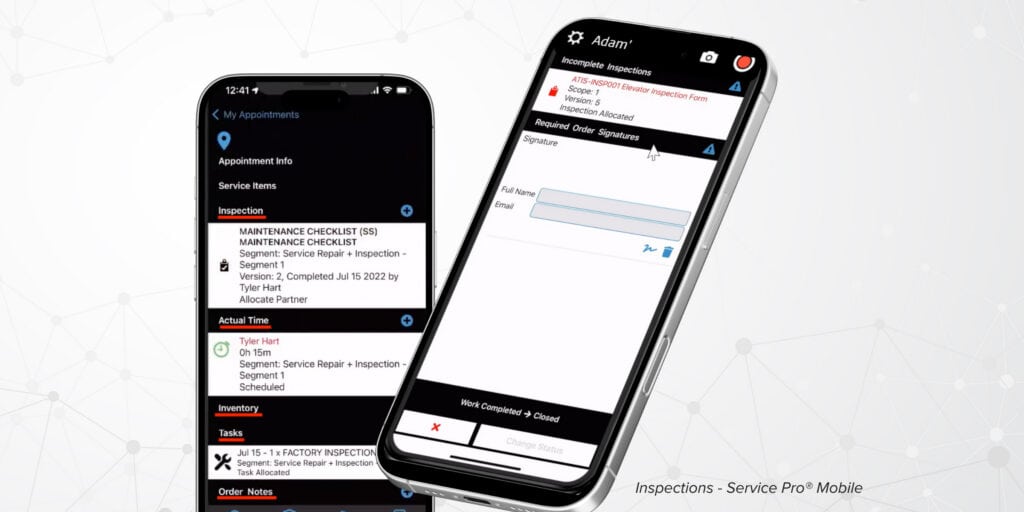
- Photo, video, and digital signature capture on every job, tied directly to the work order
- Voice-to-text note capture so technicians can log detailed findings without typing on a small screen
- Automated punch clocks and labor tracking synced to the back office in real time
- ERP-agnostic integration with systems like Sage 100, NetSuite, Microsoft Dynamics Business Central, and Epicor Prophet 21, so mobile data flows straight into billing and accounting
- Built-in support for EPA 608 refrigerant tracking and other compliance recordkeeping
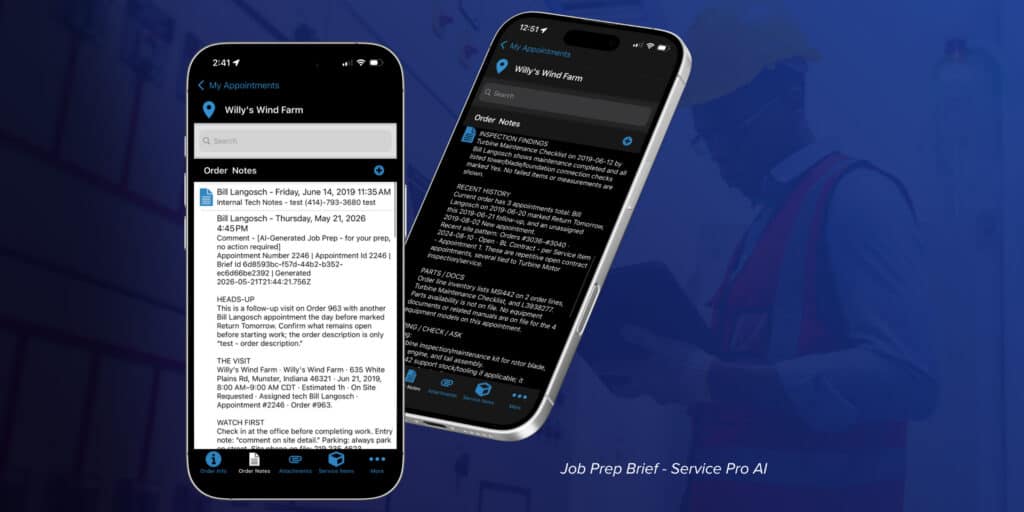
- Service Pro AI’s Job Prep Brief surfaces service history and prior findings before the technician even gets out of the van, part of MSI Data’s broader AI field service software suite
Pros
- Purpose-built as an asset-centric platform for commercial and industrial service, not adapted from a residential scheduling tool
- True offline functionality that works in the mechanical rooms and remote sites where signal disappears, not just a cached-data mode
- Deep ERP integration options for teams already running Sage, NetSuite, or Dynamics Business Central
See Service Pro in action. Schedule your free demo today.
Cons
- Built for commercial and industrial service organizations, so a solo residential HVAC tech running one truck will likely find more platform than they need
- Implementation includes a setup and integration fee, adding upfront cost compared to self-serve residential tools
- Pricing isn’t published, so evaluating cost requires a conversation with sales rather than a quick side-by-side comparison
Pricing
Service Pro’s pricing is not publicly available, mainly because pricing is custom to each organization’s needs. Cost depends on user count, which ERP integrations an operation needs, and which add-on modules (like Business Intelligence or Customer Portal) round out the deployment, so MSI Data prices each rollout around the customer’s specific setup rather than a flat per-seat rate.
Why It Stands Out
Residential-DNA mobile apps are built around quick service calls: get in, fix it, get paid, move to the next house. Commercial HVAC doesn’t work that way. A technician might be troubleshooting a rooftop unit at a hospital, a chiller in a manufacturing plant, or a boiler room with zero signal, and the job depends on asset history that goes back years, not just what happened last visit. Service Pro is built for that reality as an asset-centric platform, with offline functionality that actually works, asset-level history instead of just customer records, and ERP connections that keep the back office in sync. That combination is why Service Pro is featured here as the top mobile field service option for commercial HVAC.
2. ServiceTitan
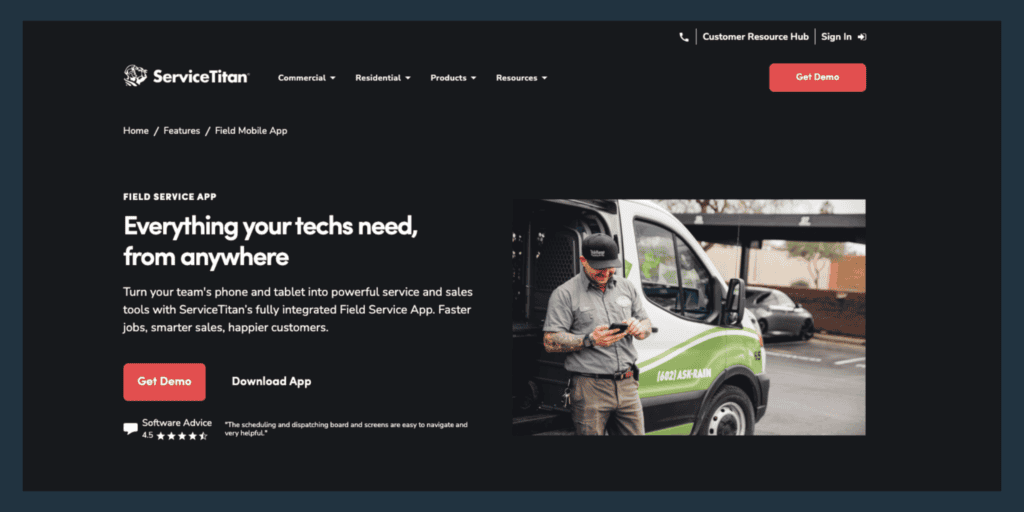
ServiceTitan is one of the most widely adopted field service platforms in residential HVAC, with its Mobile 2.0 app used by technicians at thousands of contractors.
Key Features & Differentiators
- Real-time job details, customer history, and directions on the technician’s phone
- Good-better-best proposal builder tied to a flat-rate pricebook
- Atlas, ServiceTitan’s AI assistant, surfaces equipment manuals and troubleshooting guidance
- Mobile payment collection and invoicing at the point of service
Pros
- Frequently updated app with strong iOS and Android ratings
- Deep dispatch and reporting tools once fully configured
- Wide adoption means plenty of contractor peer knowledge and training resources
Cons
- Pricing reportedly runs high, roughly $245 to $500 per technician per month, plus a substantial implementation fee
- Priced around residential volume, so commercial equipment tracking and ERP integration are limited
- Some users report a clunky navigation flow and occasional QuickBooks sync issues
Pricing
ServiceTitan doesn’t publish pricing publicly. Based on figures reported by HVAC contractors and industry review sites, typical costs run $245 to $500 per technician per month, plus implementation fees from $5,000 to $50,000 depending on company size, with annual contracts required.
Why It Stands Out
ServiceTitan is one of the most recognized mobile HVAC apps in the market, but it’s designed for residential service. For commercial HVAC techs working on complex equipment with deep service histories and ERP-driven back offices, the residential foundation shows.
3. Housecall Pro
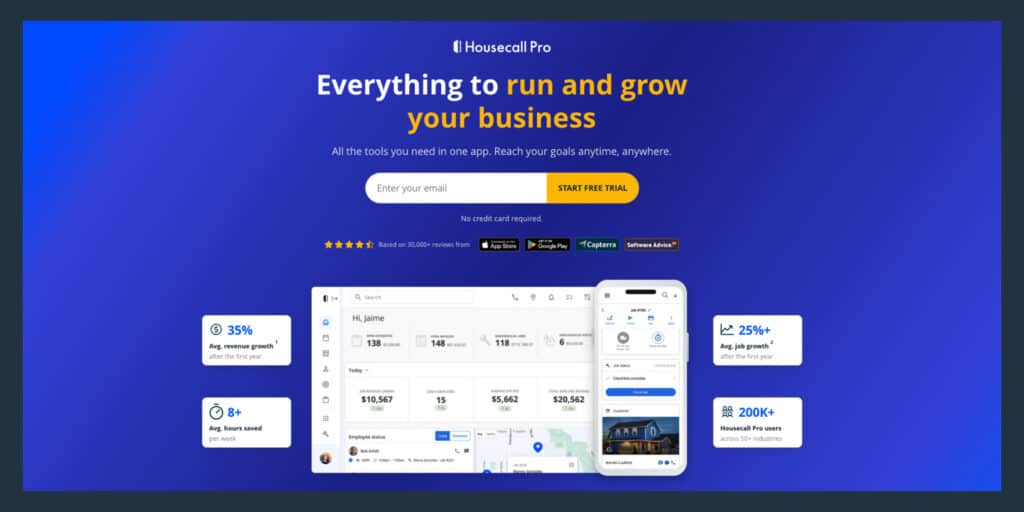
Housecall Pro is a mobile-first platform built for small home service businesses running quick, repeat-style jobs like HVAC tune-ups.
Key Features & Differentiators
- Drag-and-drop scheduling with GPS technician tracking from the mobile app
- On-site invoicing and payment collection through Stripe
- Automated customer texts, including on-my-way notifications
- Flat-rate pricebook add-on (Profit Rhino) for consistent field pricing
Pros
- Fast setup, with a solo tech or small crew able to start booking jobs within a day
- Affordable entry pricing compared to enterprise platforms
- Responsive customer support at higher plan tiers
Cons
- Limited offline support, which matters in equipment rooms and low-signal areas
- Customer-centric design rather than asset-centric, so deep equipment history and inspection tracking are thin
- Reporting and customization stay limited at lower plan tiers
Pricing
Plans range from about $59 to $79 per month for a single-user Basic plan up to $299 or more per month for the Max tier, with additional users priced separately.
Why It Stands Out
Housecall Pro’s strength is speed and simplicity for small residential crews. Commercial HVAC operations juggling multi-site contracts, equipment histories, and ERP integrations will outgrow it quickly.
4. FieldEdge
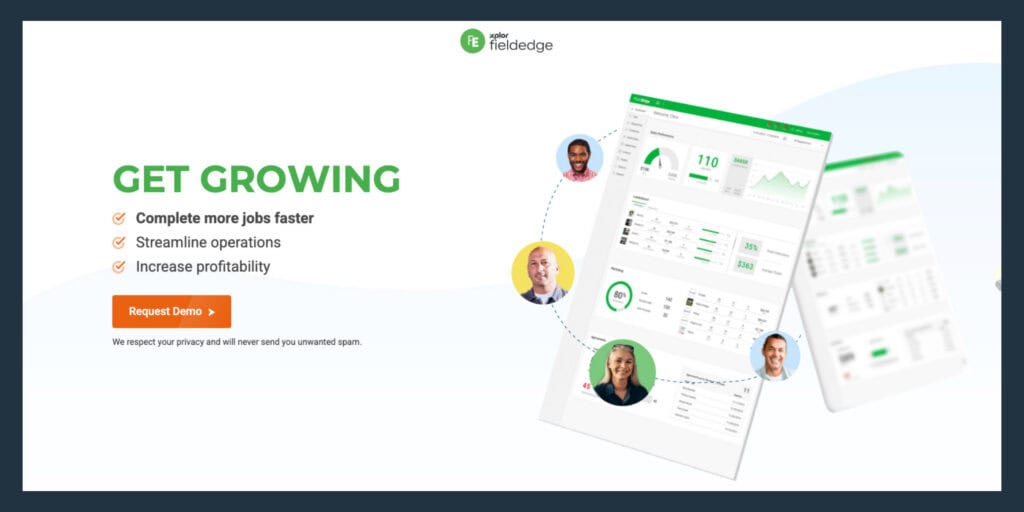
FieldEdge, formerly the dESCO/ESC platform, has served HVAC and plumbing contractors for decades and is best known for its Coolfront flat-rate pricebook.
Key Features & Differentiators
- Coolfront flat-rate pricebook with thousands of prebuilt HVAC and plumbing repair line items
- Two-way QuickBooks Desktop and Online sync
- Dispatch board with skill- and location-based suggestions
- Service agreement management with automated renewal reminders
Pros
- Strong QuickBooks Desktop integration for shops that rely on it
- Deep service agreement and technician-profitability reporting
- More affordable than ServiceTitan while covering similar ground
Cons
- Mobile app UX feels dated, requiring more taps than newer competitors
- Pricing isn’t published and requires a sales call to get a quote
- Less suited to industries outside HVAC and plumbing
Pricing
FieldEdge doesn’t publish pricing publicly. Based on figures reported by HVAC contractors and industry review sites, costs generally fall below ServiceTitan’s per-technician rate but above entry-level tools like Housecall Pro, depending on team size and modules.
Why It Stands Out
FieldEdge is built for established HVAC shops that run on QuickBooks Desktop and rely on flat-rate pricing. It delivers ServiceTitan-style depth at a lower price, but the mobile experience trails newer, more polished apps.
5. Simpro
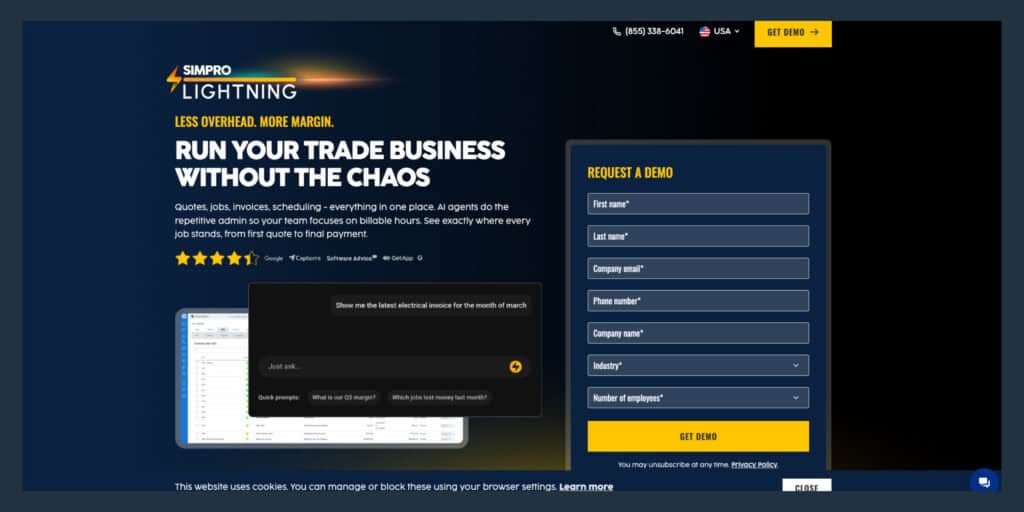
Simpro is a field service and job costing platform built for HVAC operations that mix service calls with larger commercial installs.
Key Features & Differentiators
- Mobile job cards with full site history, customer notes, and equipment records
- Clock in/out with automatic travel-time and billable-hour tracking
- QR and barcode asset scanning tied to equipment history
- Two-way accounting sync with QuickBooks, Xero, and other platforms
Pros
- Handles the full quote-to-job-to-invoice life cycle for service and project work
- Strong job costing and margin visibility on complex installs
- Scales well for operations managing both maintenance contracts and larger projects
Cons
- Mobile app reliability draws frequent complaints, including crashes and forced reinstalls
- Steep learning curve and setup investment
- Pricing skews high enough that smaller operations often look elsewhere
Pricing
Simpro’s pricing is not publicly available. It’s priced around each customer’s workflow, and based on figures reported by HVAC contractors and industry review sites, costs generally run higher than lighter-weight tools like Housecall Pro, particularly for teams under five users.
Why It Stands Out
Simpro’s edge is handling commercial installs and project-based work alongside standard service calls in one system. HVAC operations with a mix of maintenance contracts and larger jobs get more out of Simpro than out of tools built purely for quick service calls, though the mobile app itself lags behind the back-office depth.
Looking for the Best Mobile Field Service Software for HVAC?
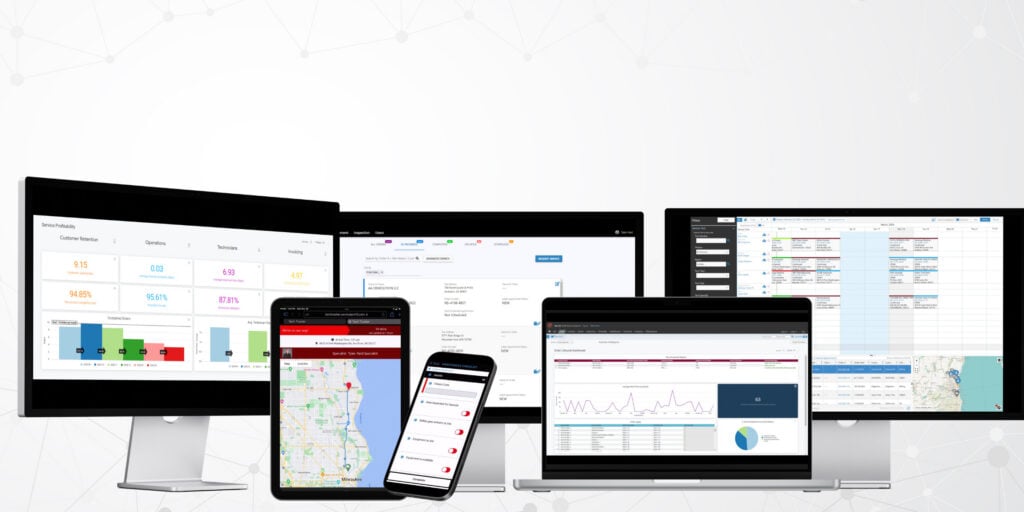
Of the five platforms above, Service Pro by MSI Data is the clearest fit for commercial and industrial HVAC operations. As an asset-centric platform, offline functionality that works in mechanical rooms, equipment-level history instead of just customer records, and ERP integrations that keep billing accurate all point to the same conclusion: HVAC companies managing complex accounts need a platform built for that complexity from the ground up.
Waukesha-Pearce Industries (WPI), a heavy equipment service provider with nearly a century in the industry, saw that difference firsthand. After moving preventive maintenance work onto Service Pro, WPI reduced its average PM life cycle by more than 40 percent and realized seven-figure warranty recovery savings within a year. “It’s amazing to be able to assign work orders between departments and make decisions to close them faster,” says District Service Manager Chad Ticknor.
If your HVAC technicians are still guessing at equipment history or losing signal at the worst possible moment, it’s worth seeing what a purpose-built platform looks like in practice. Schedule your free Service Pro demo today.