

Most service organizations evaluate AI field service software by feature count and end up buying an implementation project.
The platforms that get the most attention, Salesforce Field Service, Microsoft Dynamics 365, IFS, Oracle, are also the ones with the longest runways to productive use. Forrester’s study on Dynamics 365 Field Service alone shows $350,000 in third-party setup costs and ten IT staff running at full capacity for up to a year.
This list covers ten platforms: Service Pro, ServiceMax, Aquant, XOi, FieldCamp, and BuildOps round out the rest. They don’t compete for the same buyers, and a few of them aren’t FSM systems at all.
What they’re all measured against here is straightforward: does the AI work on your asset data, does it help technicians in the field, and does it connect to your ERP without replacing it?
What Is AI-Powered Field Service Management Software
AI-powered field service management (FSM) software uses machine learning and purpose-built AI agents to automate scheduling, guide technicians during repairs, enforce contract and warranty coverage, and generate service documentation without manual entry.
The difference between standard FSM software and an AI-powered platform is what happens after the work order is created. Standard FSM digitizes the clipboard. AI-powered FSM reads the asset’s service history, predicts what the job needs, and writes the invoice record before the technician drives back to the shop.
The AI layer runs on the organization’s own asset records, service history, equipment manuals, and work orders. A back-office staffer who currently reconciles incomplete technician notes before an invoice can go out sees the difference on day one: the AI reads what the technician captured, cross-references the asset’s contract terms, validates warranty status, and syncs a structured summary to the ERP without a phone call or a second pass.
How We Evaluated AI Field Service Management Software
- The platforms below were evaluated against seven criteria drawn from what service managers and directors of field services actually ask during demos. A service manager who has sat through enough pitches walks in with a written list of requirements. Here’s our key list:Asset-centricity: The AI must operate on the organization’s own asset records, service history, and equipment documentation. Generic answers do not reduce repeat visits.
- Field execution support: The platform should guide technicians in real time at the point of work, covering job prep, diagnostics, documentation, and parts verification, not just optimize the dispatch board.
- Revenue automation: The AI should enforce contract and warranty coverage at work-order intake and generate invoice records without manual entry, compressing a billing cycle that typically runs two weeks.
- ERP integration: The platform must connect natively to back-office systems like Sage 100, NetSuite, Epicor, or Microsoft Dynamics Business Central without requiring a system replacement.
- Offline mobile capability: Technicians in basements, remote sites, or industrial facilities lose connectivity regularly. Asset records, work orders, and checklists must stay accessible and sync when signal returns.
- Ops intelligence: The platform should surface service profitability trends and technician utilization data on demand, not in a Tuesday-morning batch report.
- Adoption support: The vendor should provide implementation resources beyond a login, such as a forward-deployed engineer or embedded onboarding, because retraining cost and timing frequently stall deals.
Which AI Field Service Platforms Compare Best
No platform wins every category. The right choice depends on whether the organization needs deep ERP integration, enterprise CRM alignment, speed to value, or asset-centric AI.
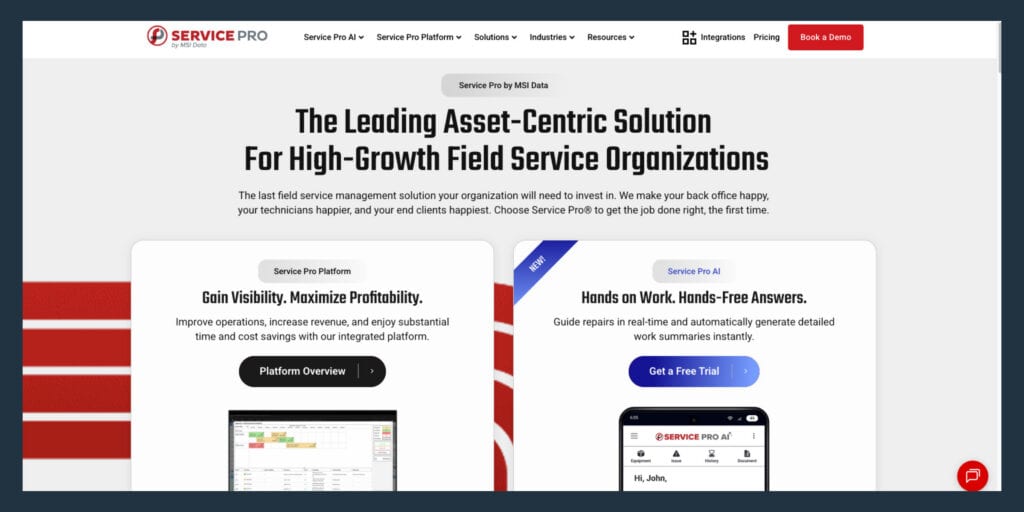
Service Pro by MSI Data — Best for Asset-Centric Industrial and Energy Service
Service Pro is built for asset-heavy service organizations in power and energy, industrial equipment and manufacturing, commercial HVAC and refrigeration, and heavy machinery, typically with 25 or more field technicians managing large physical assets like cranes, compressors, industrial equipment, and power generation systems.
The AI layer runs across purpose-built agent groups:
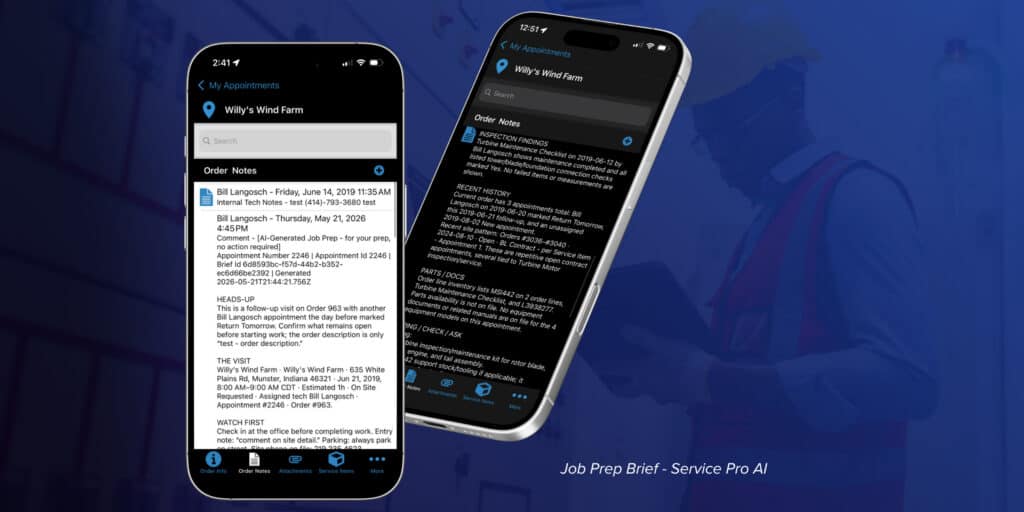
- Field Execution: Job Prep Brief delivered before the technician arrives, real-time diagnostic guidance during the repair using the company’s own asset records, manuals, service history, and parts catalogs.
- Revenue Recognition: Automated warranty and invoice agents that enforce coverage and generate same-day invoice records synced to the ERP.
- Ops Intelligence: Trends and historical data for service leaders, so profitability is visible without waiting for a batch report.
AI responses are grounded in the customer’s own manuals, asset records, service history, and work orders. Every AI trial includes a Forward Deployed Engineer embedded with the customer’s team. Native ERP integrations cover Sage 100, NetSuite, Epicor Prophet 21, and Microsoft Dynamics Business Central. The platform performs best when the organization’s asset and work order data is already structured in a system, and the AI layer improves as that data matures.
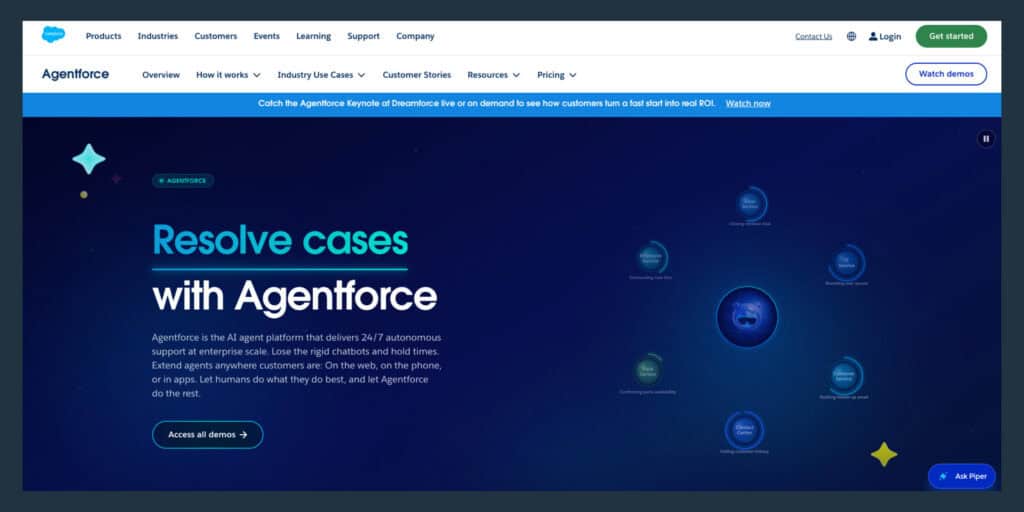
Salesforce Field Service (Agentforce) — Best for CRM-Led Enterprise Teams
Salesforce Field Service uses Einstein AI and the Agentforce agent framework to optimize scheduling, dispatch, routing, and customer communication for large enterprise teams already running on the Salesforce CRM platform. G2 review synthesis reports that AI-driven scheduling and route optimization cuts manual dispatch work up to 70%.
Agentic scheduling only helps once the data model, territories, skills, and constraints are clean. Getting there is the hard part. Forrester’s Total Economic Impact study for Salesforce Field Service reports typical implementation time ranged six to ten months and required IT resources, Salesforce admins, operations managers, and executive sponsors throughout. G2 aggregated reviews flag high cost and complicated implementation as the most common drawbacks, with steep learning curve cited frequently.
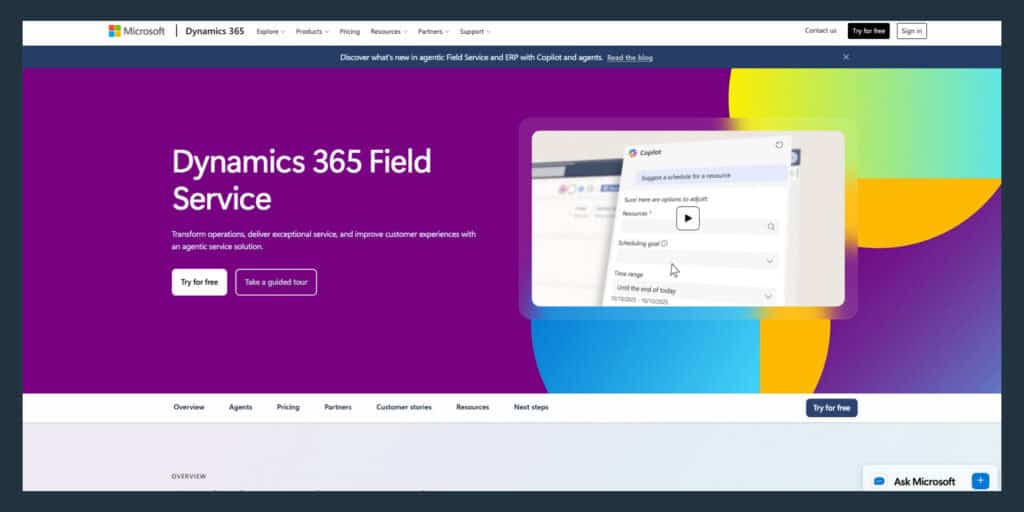
Microsoft Dynamics 365 Field Service — Best for Microsoft-Stack Organizations
Microsoft Dynamics 365 Field Service uses Azure AI and Copilot to draft work orders from email, summarize job history for technicians, flag scheduling conflicts, and optimize resource scheduling through its Resource Scheduling Optimization add-in. Microsoft’s June 2026 licensing guide lists Field Service at $105 per user per month, with Copilot AI assistance included.
Forrester’s Total Economic Impact study for Dynamics 365 Field Service models implementation with a six to twelve month project duration and third-party consultant setup fees around $350,000. Internal IT costs are shown as ten full-time employees at 100% capacity. A Microsoft marketplace fixed-scope accelerator offer shows 16 to 18 weeks and $148,000 base pricing for a packaged deployment. G2 reviewer synthesis calls out setup and configuration as challenging and time-consuming.
IFS Field Service Management — Best for Complex Asset-Intensive Industries
IFS FSM targets aerospace, defense, energy, and manufacturing organizations with AI tools for predictive maintenance scheduling, service contract tracking, parts forecasting, and multi-level equipment hierarchy management. IFS positions its Planning and Scheduling Optimization engine as continuously adapting in real time across resources, routes, priorities, and constraints.
Capterra reviews include the complaint that IFS FSM is significantly more expensive and that buyers must budget for implementation costs. A Gartner Peer Insights review reports that integration into the customer’s landscape was difficult due to challenges finding the right knowledge in the portfolio. IFS is not suited for organizations that need fast time-to-value.
Oracle Field Service — Best for High-Volume Dispatch Operations
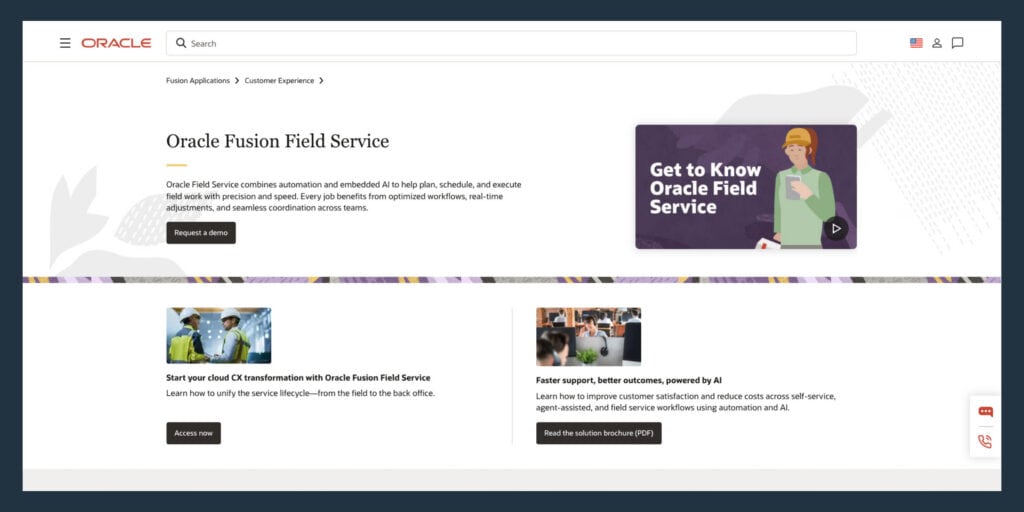
Oracle Field Service uses self-learning AI to optimize routing and capacity forecasting for large mobile workforces, improving technician assignments across hundreds of variables simultaneously. Oracle states its engine continuously adjusts routes and assignments using factors like traffic, skills, parts availability, and historical performance, with AI embedded at no additional charge.
A G2 reviewer explicitly calls out that preventive maintenance configuration is not friendly to configure. Another G2 review flags implementation and training as a challenge and notes the platform can be intimidating for end users. Oracle’s own customer hub content states that buyers will typically have an implementation partner and that Oracle expects trained, certified individual consultants as a requirement to implement Oracle products.
PTC ServiceMax — Best for Asset Lifecycle Management
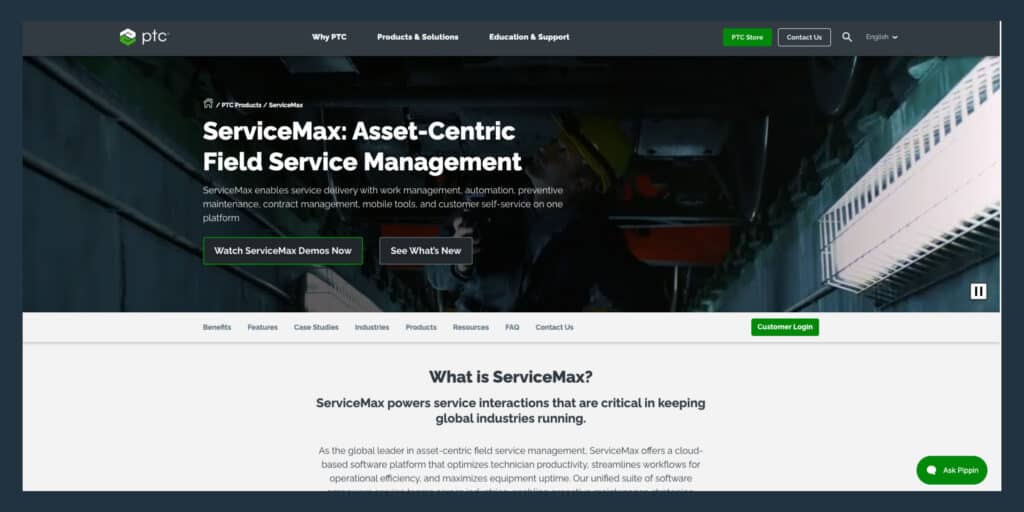
ServiceMax focuses on asset-centric service with AI tools for predictive maintenance, warranty management, parts optimization, and service contract tracking, with strong Salesforce integration. PTC documentation describes ServiceMax AI as an assistant embedded across the platform, with AI usage analytics and credit consumption tracking built in.
ServiceMax runs as an application on the Salesforce platform, so buyers inherit Salesforce platform governance and admin dependency. A Capterra review notes that when deployed on Salesforce, the managed package can take a large amount of space, and custom code delivered during implementation was poorly commented, making it hard for customers to maintain or extend. G2 pros and cons synthesis includes reports of performance issues and downtime.
Aquant — Best for Service Intelligence and Technician Decision Support
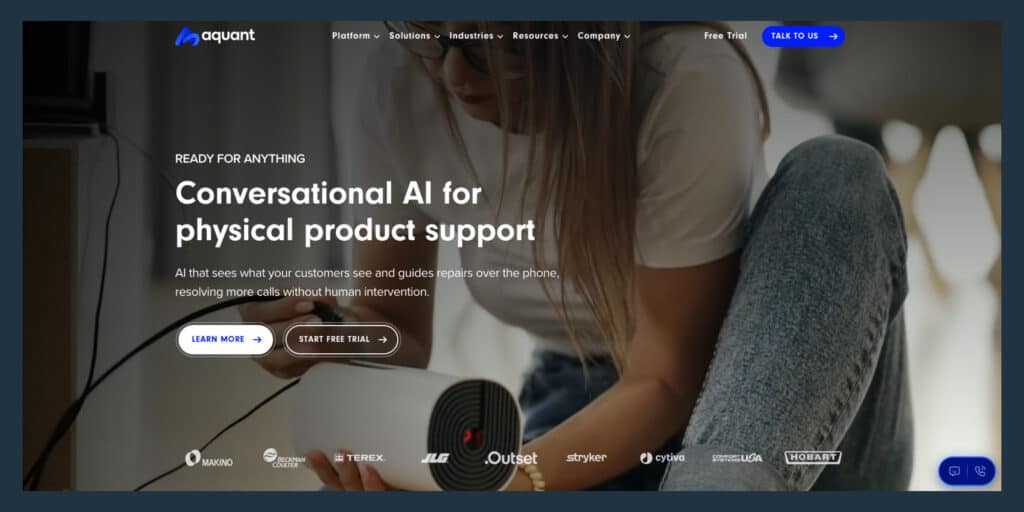
Aquant uses AI to surface repair recommendations and triage guidance based on historical service data. G2 seller messaging emphasizes diagnosis and troubleshooting guidance, domain-trained on service data rather than a generic large language model, spanning technicians, contact center staff, dispatchers, and service leaders.
Aquant is a service intelligence platform that layers onto an existing FSM system of record. Its platform page shows integrations with Oracle, Salesforce, Microsoft, ServiceNow, IFS, and ServiceMax, confirming it layers onto an existing stack rather than replacing dispatch, billing, work orders, and scheduling. Aquant’s integration guidance explicitly frames its value as unlocking the full potential of Aquant by connecting it with existing tools and systems.
XOi — Best for Visual Field Documentation
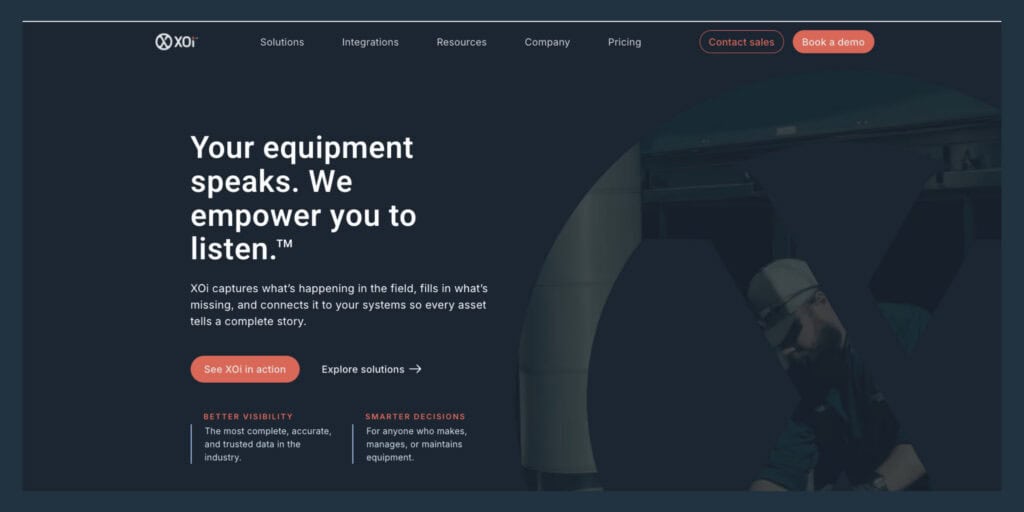
XOi captures job-site photos, video, and technician notes and uses AI to generate structured documentation and asset records from field captures. G2 describes technicians using XOi to capture dataplate information with OCR, run guided workflows, document asset conditions, and auto-generate customer-ready summaries.
XOi states plainly on LinkedIn that it is not a field service management system. XOi’s own blog instructs customers to start with a field service management platform for dispatch, scheduling, billing, and work order management, and positions XOi as integrating into major FSMs. Their ServiceTitan integration article frames the workflow as moving between two applications, which confirms XOi is an add-on, not a replacement.
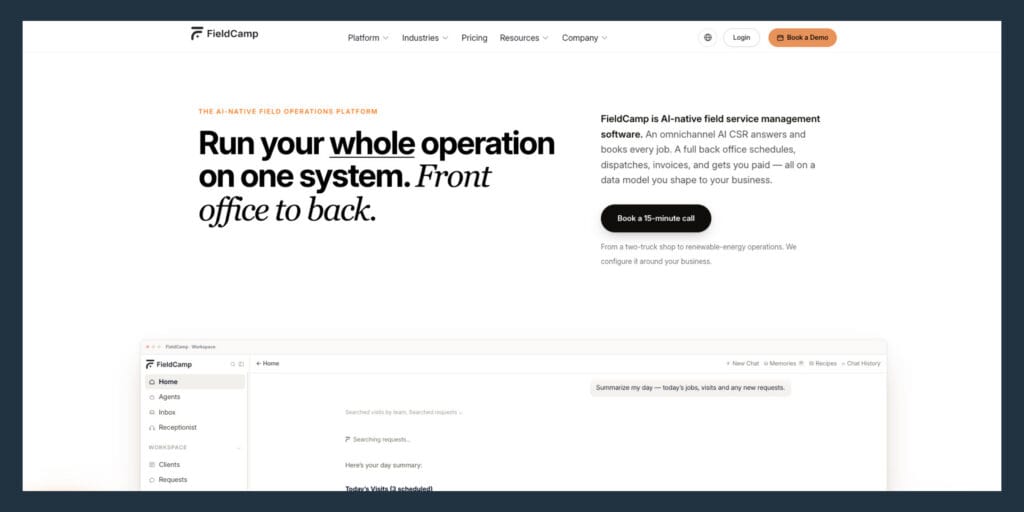
FieldCamp — Best for AI-First Smaller Field Operations
FieldCamp is an AI-native platform built for smaller field service teams, roughly ten to two hundred technicians, in trades including HVAC, plumbing, electrical, and appliance repair. Its AI dispatcher evaluates scheduling combinations in real time, and it includes four autonomous agents for lead triage, customer support, follow-up, and operations.
FieldCamp’s integration docs list QuickBooks, Xero, and Wave as its accounting connections. That is a practical set for small trade businesses. Power and energy or heavy industrial service organizations require a different industrial ERP ecosystem. G2 seller description positions FieldCamp for small to mid-sized trade service businesses and notes it complements other tools like CRM and QuickBooks, confirming it is not designed to be the core ERP-integrated backbone for asset-centric service.
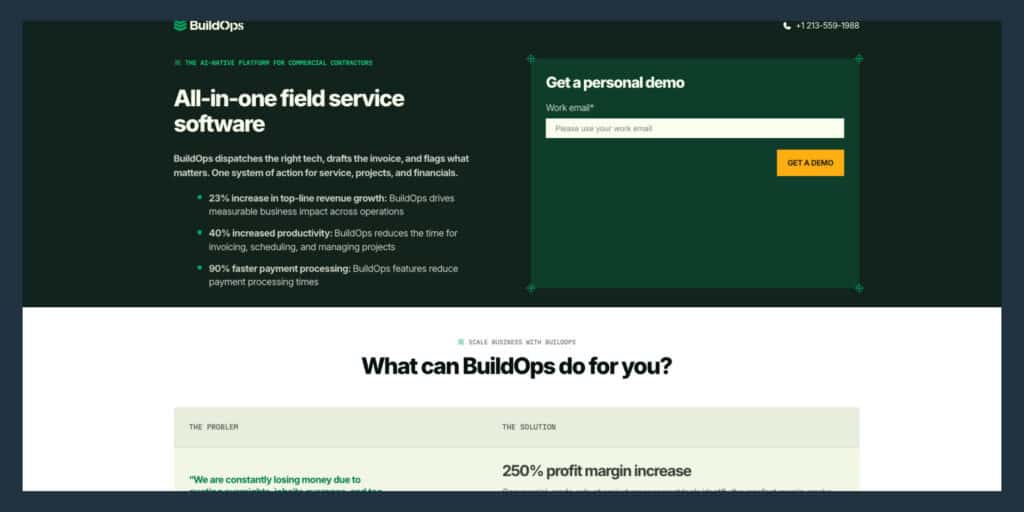
BuildOps — Best for Commercial Contractors
BuildOps is built for commercial contractors in HVAC, electrical, plumbing, and fire safety, with an AI-powered mobile app that speeds up field reporting and invoice writing. BuildOps markets that AI assists every dispatch decision, factoring in technician skills, building plans, parts availability, and drive time.
G2 review text includes the complaint that BuildOps is inconsistent in how information is integrated. A Capterra review flags the need for a bi-directional flow between Sage and BuildOps. A CFMA community post states that Sage 300 integration has been very bumpy and requires HH2 as the connection layer. BuildOps can be strong for contractor operations, though serious ERP requirements around job cost, accounts payable, multi-entity rules, and asset-centric service tend to expose integration depth limits quickly.
| Platform | Best For | AI Layer Type | Asset-Centric | ERP Integration | Offline Mobile | Best Fit Team Size |
| Service Pro | Industrial, energy, HVAC asset service | Field execution, revenue, ops intelligence | Yes | Sage, NetSuite, Epicor P21, Business Central | Yes | 25+ technicians |
| Salesforce Field Service | CRM-led enterprise teams | Scheduling, dispatch, customer communication | Limited | Salesforce ecosystem | Yes | 100+ technicians |
| Microsoft Dynamics 365 FS | Microsoft-stack organizations | Work order drafting, scheduling, summarization | Limited | Microsoft Dynamics suite | Yes | 100+ technicians |
| IFS FSM | Aerospace, defense, energy, manufacturing | Predictive maintenance, contract tracking | Yes | IFS ERP suite | Yes | 200+ technicians |
| Oracle Field Service | High-volume dispatch operations | Routing, capacity forecasting | Limited | Oracle ecosystem | Yes | 200+ technicians |
| PTC ServiceMax | Asset lifecycle management | Predictive maintenance, warranty, parts | Yes | Salesforce integration | Yes | 100+ technicians |
| Aquant | Service intelligence layer | Repair recommendations, triage guidance | Yes | Integrates with existing FSM | No | Any size (add-on) |
| XOi | Visual documentation | Photo/video capture, OCR, documentation | Limited | Integrates with existing FSM | Yes | Any size (add-on) |
| FieldCamp | Small trade service teams | AI dispatcher, lead triage, customer support | Limited | QuickBooks, Xero, Wave | Yes | 10-200 technicians |
| BuildOps | Commercial contractors | Dispatch, field reporting, invoice writing | Limited | Sage (via HH2), QuickBooks | Yes | 20-200 technicians |
What AI Field Service Features Matter Most
The features below are what to look for when evaluating any platform on the list above. The ones that matter are the ones that compress time, recover revenue, reduce repeat visits, or cut back-office rework.
- AI dispatch and route optimization: AI scheduling considers technician skills, proximity, parts availability, and SLA windows simultaneously, replacing the dispatcher’s manual cross-referencing of spreadsheets and phone calls. The dispatcher still makes judgment calls. The AI handles the logic.
- Technician guidance and job prep: AI delivers a job prep brief before the technician arrives, pulling asset history, prior service notes, parts requirements, and relevant documentation so the tech walks in already knowing what they are dealing with. A technician who shows up prepared does not need to make a second trip for the right part or call the one senior tech who knows everything.
- Warranty, contract, and invoice automation: AI enforces contract and warranty coverage at work-order intake, preventing write-offs, and generates invoice records the same day a job closes. Waukesha-Pearce Industries (WPI) was losing roughly $3.5 million a year in warranty write-offs before Service Pro. Automated coverage enforcement recovered that revenue.
- Offline mobile access: If the platform requires a live connection to function, it will not work in the field. Offline capability ensures asset records, work orders, checklists, and parts data stay accessible in basements, remote sites, industrial facilities, and rural locations, then sync when signal returns.
- Asset history and parts context at the point of work: AI grounded in the organization’s own asset records and service history reduces repeat visits. Generic AI training that ignores specific equipment data leaves technicians without the context they need.
- ERP and API integration: Service data captured in the field should flow directly to the back office without manual re-entry. ERP-agnostic integration matters because replacing a back-office system is not a realistic option for most mid-market service organizations.
- Ops intelligence and profitability reporting: A controller who does not have real numbers until a batch ERP report runs Tuesday morning cannot act on profitability issues the same day they surface. AI-powered reporting surfaces technician utilization, service margin, contract profitability, and trend data on demand.
How to Choose AI FSM Software
The decision framework below is what to do when making the call after reviewing the platforms and features above.
Match the AI layer to your asset data
AI FSM software that operates on the organization’s own asset records, manuals, and service history outperforms generic AI. Audit what data exists and where it lives before evaluating platforms, because the AI is only as good as the data it runs on.
Test AI with real service scenarios, not demo data
The gap between a vendor demo and live operations is where most implementations disappoint. Ask vendors to run the AI against the organization’s own job types, asset classes, and ERP before committing. A demo that uses the vendor’s sample data does not prove the platform will work with the organization’s actual equipment, contract terms, or back-office systems.
Tie platform selection to measurable service metrics
Identify two or four specific metrics before evaluating platforms: time to invoice, first-time fix rate, warranty write-off rate, and technician utilization are commonly cited. If the vendor cannot name the metric the platform improves and by how much, the platform is not ready.
Plan technician adoption before signing
Ask vendors specifically what onboarding support is included, whether that is a forward-deployed engineer, embedded training, dedicated success manager, or self-serve documentation, and what the realistic go-live timeline looks like for a team of the organization’s size. Service Pro includes a Forward Deployed Engineer embedded with the customer’s team for every AI trial. A platform that requires the organization to figure out adoption on its own will sit unused.
Frequently Asked Questions
What is AI-powered field service management software?
AI-powered field service management software uses machine learning and purpose-built AI agents to automate scheduling, guide technicians in the field, enforce contract and warranty coverage, and generate service documentation automatically. The AI layer operates on the organization’s own asset records and service history, not generic inputs.
Which AI field service software works best with ERP systems?
Service Pro by MSI Data integrates natively with Sage 100, NetSuite,, Epicor Prophet 21, and Microsoft Dynamics Business Central. Microsoft Dynamics 365 Field Service integrates natively with the Microsoft ERP suite, and Salesforce Field Service connects to Salesforce’s own CRM and ERP ecosystem. Confirm native integration rather than middleware-only before shortlisting any platform.
How does AI field service software improve first-time fix rate?
AI delivers a job prep brief to the technician before arrival, pulling the asset’s full service history, relevant documentation, parts requirements, and prior technician notes so the technician arrives prepared with full context.
Does AI field service software replace dispatchers or technicians?
The AI handles scheduling logic and documentation that currently consumes dispatcher and back-office time, while the dispatcher still makes judgment calls and the technician still does the work.
What data does AI field service software need to work?
AI FSM platforms perform best when the organization’s asset records, work order history, service contracts, and equipment documentation are already structured in a system. Platforms grounded in the organization’s own data outperform those relying on general training data alone.
How long does AI FSM implementation take?
Implementation timelines vary by platform complexity, data readiness, team size, and ERP integration scope. Enterprise platforms like Salesforce Field Service and Microsoft Dynamics 365 Field Service typically require six to twelve months, according to Forrester Total Economic Impact studies for each platform. MSI Data embeds a Forward Deployed Engineer with the customer’s team for every AI trial, which shortens the gap between go-live and productive use.