

Most service organizations outgrow their FSM software and don’t realize it until they’re already losing money.
The tools built for smaller crews stop scaling around 50 technicians.
Dispatch complexity goes up and asset volume goes up.
Back-office data flow breaks down.
The software is the bottleneck hiding behind the manual workarounds your team built around it.
This article compares seven platforms at that scale: Service Pro by MSI Data, ServiceTitan, Salesforce Field Service, Microsoft Dynamics 365 Field Service, ServiceMax, IFS Field Service Management, and Simpro.
Not every platform handles the details the same way. Microsoft explicitly notes that warranties are not tied to work orders in Dynamics 365 Field Service, meaning coverage enforcement requires custom logic, not a built-in setting. That kind of specificity is what separates a good demo from a good deployment.
What Is the Best Field Service Management Software for 25+ Technicians?
For asset-centric operations in power generation, industrial equipment, and commercial HVAC, Service Pro by MSI Data is the strongest fit. For large residential and commercial trades, ServiceTitan leads. Salesforce Field Service fits enterprises already standardized on Salesforce CRM, Microsoft Dynamics 365 Field Service fits organizations running the Microsoft stack, and ServiceMax fits regulated, asset-heavy industries like medical devices and oil and gas.
The right choice depends on your industry and your ERP. It also depends on whether asset management or scheduling complexity is the bigger constraint.
| Platform | Best For | ERP Integration | Asset-Centric |
| Service Pro by MSI Data | Power generation, industrial equipment, commercial HVAC | Native: Sage 100, NetSuite, Epicor P21, Business Central | Yes |
| ServiceTitan | Residential and commercial trades | NetSuite, Sage Intacct | Limited |
| Salesforce Field Service | Salesforce-standardized enterprises | NetSuite connector available | Configurable |
| Microsoft Dynamics 365 Field Service | Microsoft-stack organizations | Dynamics suite native | Configurable |
| ServiceMax | Medical devices, oil and gas, utilities | API/middleware | Yes |
| IFS Field Service Management | Utilities, telecommunications, defense | IFS Cloud native | Yes |
| Simpro | Trade contractors running project-based work | Marketplace integrations | Limited |
Why Does Field Service Software Break at 50 Technicians?
Tools built for crews of 10 to 15 hit structural limits when dispatch complexity and asset volume grow at once, and back-office data flow breaks down. The dispatcher problem creates the visibility problem, which hides the parts problem. That delays the invoice.
The Dispatch Board Stops Scaling
Your dispatcher is cross-referencing spreadsheets and making phone calls to find who has the right certification and is closest to the job. One missed match means a truck roll with the wrong tech, a failed first visit, and a callback. At 50 technicians, that is the default.
Visibility Drops Across Crews and Branches
Your controller has no real numbers until the batch ERP report runs Tuesday morning, and is doing work-in-progress tracking in a manual Excel function. Without real-time job status, utilization gaps go undetected and margin leaks silently.
Parts and Asset Data Split Across Systems
Manually re-keying serial numbers, contract dates, and billing data between an ERP and a separate service system creates what one prospect called “an island of automation.” Warranty revenue starts to disappear here, because no one can prove coverage when the data lives in two places.
Invoice Delays Hide Margin Loss
Teams running 25+ technicians often see extended delays between job close and invoice out the door. A back-office staffer reconciling incomplete technician notes before an invoice can go out, sometimes calling the tech back to fill in gaps, is a data capture problem.
Best Field Service Management Software for Teams With 25+ Technicians
Each platform below is evaluated on what it is built for, what it does well at 25+ technicians, and where it breaks down.
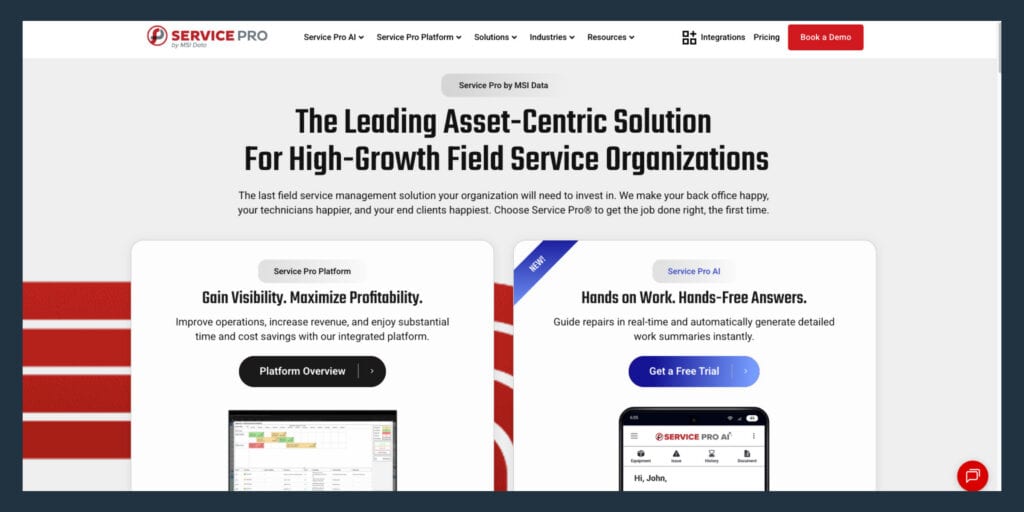
Service Pro by MSI Data
Service Pro is the asset-centric platform built for equipment-heavy service organizations in power generation, industrial equipment and manufacturing, and commercial HVAC and refrigeration.
Waukesha-Pearce Industries, LLC (WPI), MSI Data’s largest customer, recovered roughly $3.5M a year in warranty write-offs after implementing Service Pro’s coverage enforcement at work order intake.
- Asset and equipment service history tied to every work order: Serial number, install date, warranty status, and prior service notes are attached to the asset record and visible to the technician before they arrive on-site.
- Contract and warranty coverage enforcement at intake: The system flags coverage before a work order is dispatched, so warranty work gets documented and filed rather than written off.
- Offline-capable mobile app: Technicians complete work orders, capture signatures, and attach photos without a cell signal, and the data syncs when connectivity returns.
- Preventive maintenance and high-volume inspection scheduling: PM work orders generate automatically on schedule, with asset-specific checklists attached.
- ERP-agnostic integration: Native connections to Sage 100, NetSuite, Epicor Prophet 21, and Microsoft Dynamics Business Central, so field data reaches the back office without manual re-entry.
- Service Pro AI: Real-time technician guidance, same-day invoice generation, and warranty leakage recovery built into the platform.
Service Pro fits asset-centric organizations with 50 to 1,500 technicians managing large physical assets. It is not the right fit for residential home services or teams without an existing ERP.
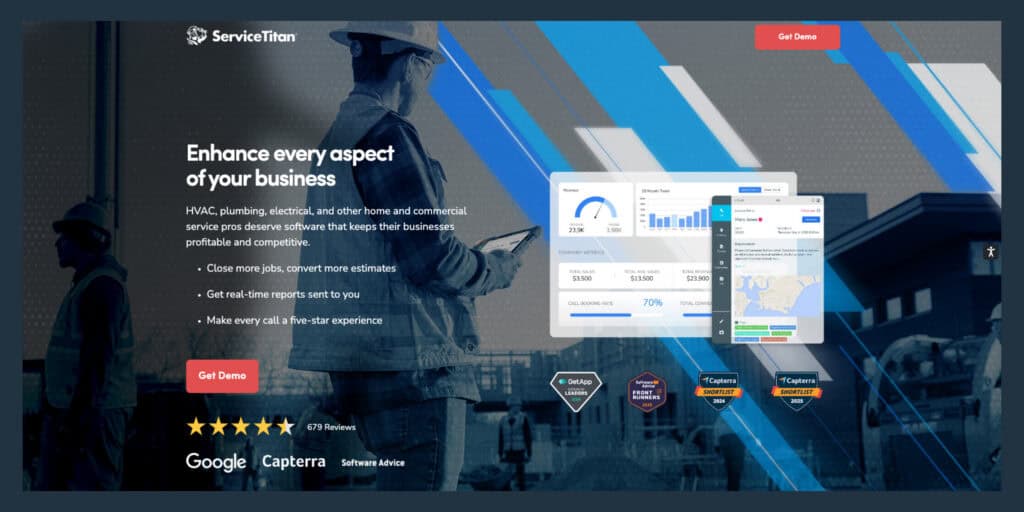
ServiceTitan
ServiceTitan is the dominant platform for large residential and commercial trades: HVAC, plumbing, and electrical. At 25+ technicians it offers deep dispatch, pricebook management, payroll, and marketing automation.
- Dispatch board: Real-time scheduling with color-coded job status and GPS tracking
- Pricebook management: Flat-rate pricing with automated updates across the team
- Payroll and commission tracking: Automated timesheets tied to job completion
- Mobile technician app: Job details, inventory, and customer history in the field
Pricing is quote-only, implementation takes months, and the platform is built for trades, not equipment-heavy industrial or power generation operations.
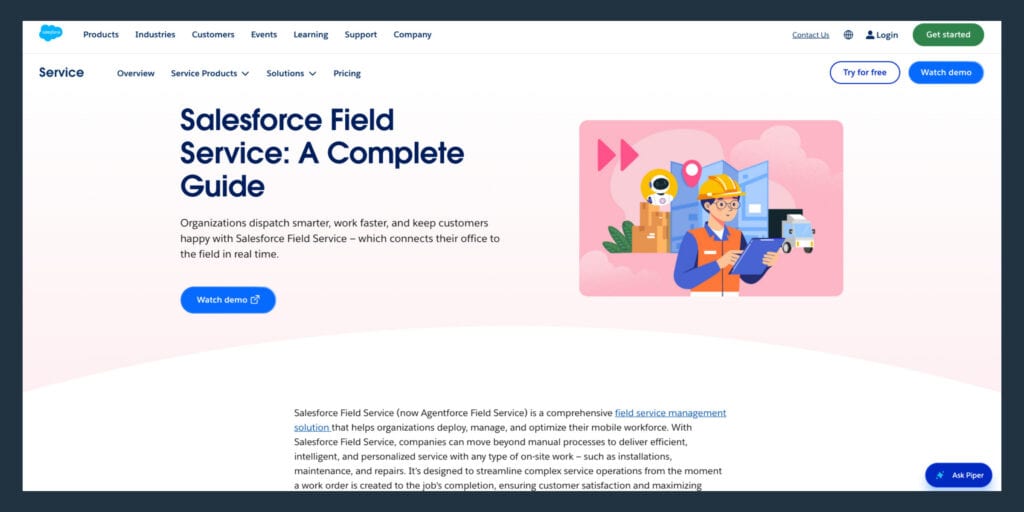
Salesforce Field Service
Salesforce Field Service fits enterprises already standardized on Salesforce CRM that need field operations connected to their sales and account data. At 25+ technicians it offers AI-assisted scheduling and asset management, along with Visual Remote Assistance.
- AI-assisted scheduling: Appointment optimization across skills, location, and availability
- Asset lifecycle management: Equipment history, warranty tracking, and service contract visibility
- Visual Remote Assistant: Live video support connecting field technicians with remote experts
- AppExchange ecosystem: Thousands of third-party integrations for specialized workflows
Per-seat cost is high, implementation requires Salesforce expertise or outside consultants, and the offline mobile app has documented functional limits that become more painful as you add technicians, objects, and attachments.
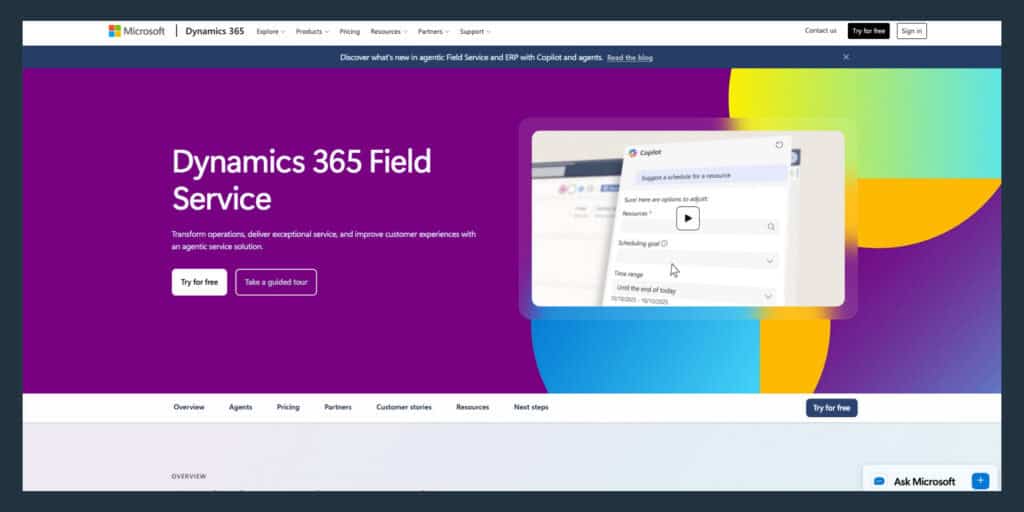
Microsoft Dynamics 365 Field Service
Microsoft Dynamics 365 Field Service is the natural choice for organizations already running Teams, Dynamics CRM, and Power Platform. At 25+ technicians it offers resource scheduling optimization and IoT-connected asset monitoring. Copilot-assisted technician guidance is also included.
- Resource scheduling optimization: Automated technician assignment across skills, territory, and time windows
- IoT asset monitoring: Connected equipment alerts that auto-generate work orders before a failure
- Copilot integration: AI-assisted technician guidance and work order summarization
- Power Platform: No-code workflow automation and custom reporting
One concrete limitation: Microsoft explicitly notes that warranties are not tied to work orders in Dynamics 365 Field Service, so pricing and discounts are not automatically applied at intake. Warranty enforcement requires custom logic or entitlement design, not a built-in toggle.
ServiceMax
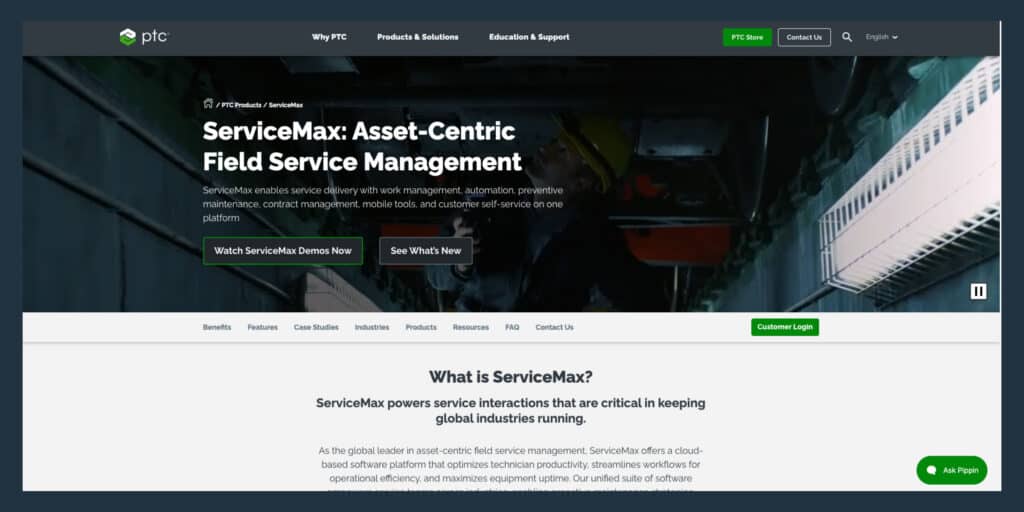
ServiceMax (now part of PTC) is built for asset-heavy industries: medical devices, oil and gas, manufacturing, and utilities. At 25+ technicians managing complex, high-value equipment it offers asset lifecycle management and predictive maintenance, plus compliance documentation.
- Asset lifecycle management: Full equipment history from installation through decommission
- Predictive maintenance: IoT and sensor data to flag service needs before failure
- Compliance documentation: Audit-ready service records for regulated industries
- Parts and entitlement management: Warranty and contract coverage checked at work order creation
ERP connectivity is typically an integration program via APIs and middleware, not a native out-of-box guarantee for specific ERPs. Plan for that work before you sign.
IFS Field Service Management
IFS is an enterprise FSM platform used in utilities, telecommunications, defense, and manufacturing. At 25+ technicians it handles complex scheduling and contract management. Field execution spans large distributed workforces.
- Dynamic scheduling engine: Skills-based dispatch across large, distributed technician pools
- Contract and SLA management: Service agreement enforcement tied to scheduling and invoicing
- Field execution mobile app: Offline-capable with asset history, checklists, and parts lookup
IFS is at its most native when paired with IFS Cloud. If your ERP is NetSuite, Epicor, or Sage 100, plan for integration work that goes beyond flipping a switch.
Simpro
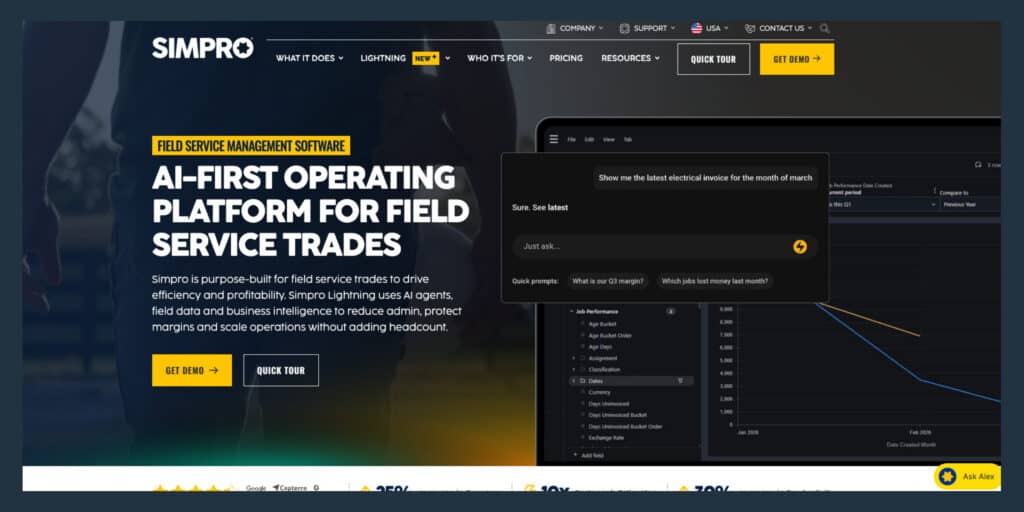
Simpro is built for trade contractors running project-based work: HVAC, plumbing, electrical, and fire protection. At 25+ technicians it handles multi-phase job management and detailed job costing, plus inventory tracking.
- Multi-stage project management: Job phases, milestones, and subcontractor coordination
- Job costing: Labor and material cost tracked against revenue per job in real time
- Recurring invoices: Automated billing for maintenance contracts and service agreements
Simpro’s data model is built around jobs and projects. For equipment-heavy, entitlement-driven service, the gap is warranty and contract enforcement depth, and ERP-grade synchronization.
What Features Should 25+ Technician Teams Compare?
Service managers walk into demos with a written list of requirements because they have sat through enough pitches that don’t hold up. The feature categories below are the ones that separate platforms that scale from platforms that collapse.
Asset and Equipment Service History
Every work order must tie to a specific asset record: serial number, install date, warranty status, service history, and attached documentation. Without it, technicians arrive without context, first-time fix rates drop, and warranty claims get written off because no one can prove coverage.
- Asset record depth: Can you attach manuals, photos, and prior service notes to a specific serial number?
- Warranty and contract linkage: Does the system flag coverage automatically at work order intake?
- Service history visibility: Can a technician see the full repair history on their phone before they arrive?
Scheduling, Dispatch, and Route Optimization
Skills-based dispatch means the system assigns work based on qualifications, not just availability. Skills, certifications, geography, parts availability, and open time windows all have to resolve simultaneously, and route optimization sequences multi-stop days to reduce drive time.
- Skills and certification matching: Does the system assign based on qualifications, or just availability?
- Real-time rescheduling: Can the dispatch board absorb a cancellation or emergency without manual reshuffling?
- Route optimization: Does the platform sequence multi-stop days to reduce drive time?
Offline Mobile Field Service App
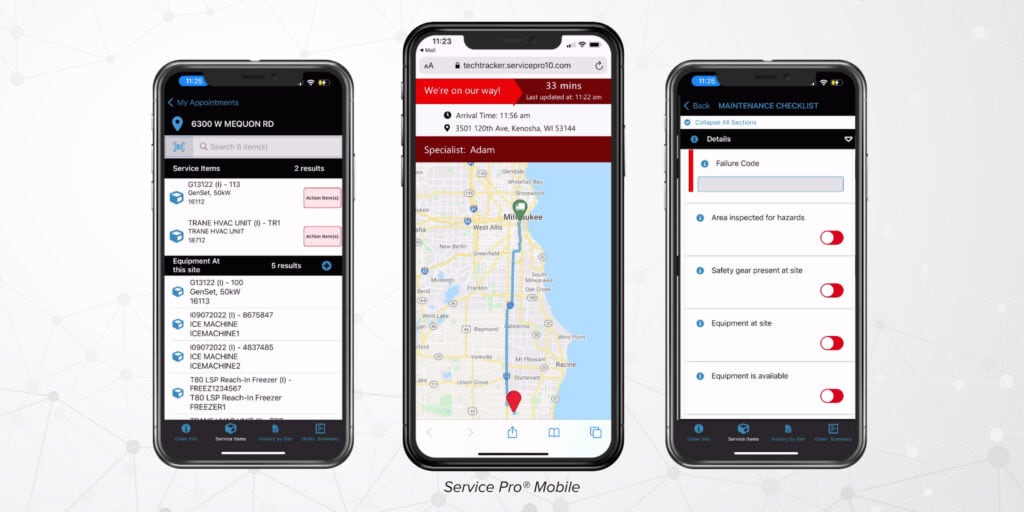
Offline-capable means the app stores work orders, asset history, and parts data locally on the device so a technician can complete a job without a connection. The sync behavior matters as much as the offline access: larger teams accumulate more queued changes, and sync failures at scale are a real systems engineering problem, not a minor inconvenience.
- Offline work order completion: Can a technician close a job, capture a signature, and attach photos without signal?
- Auto-sync on reconnect: Does data push to the back office the moment connectivity returns?
- Parts and asset lookup offline: Can the technician see the equipment history and parts list without a connection?
Contract, Warranty, and Coverage Enforcement
When coverage enforcement is manual, technicians perform work that should be covered under warranty, the claim never gets filed, and the revenue is written off. Coverage enforcement means the system flags warranty or contract coverage before a work order is dispatched and captures the data needed to file a claim at the point of service.
- Automatic coverage check at intake: Does the system flag warranty or contract coverage before a work order is dispatched?
- Claim documentation: Does the platform capture the data needed to file a warranty claim at the point of service?
- Write-off visibility: Can the service manager see warranty revenue recovered versus written off?
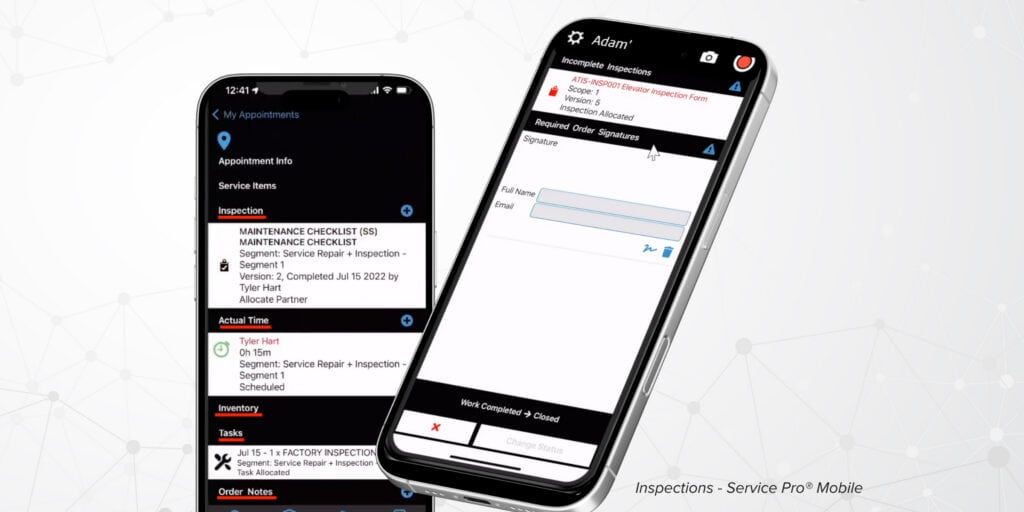
Preventive Maintenance and Inspection Workflows
PM compliance is the percentage of scheduled maintenance visits completed on time. The platform needs to auto-generate PM work orders on schedule, attach the right checklists to the right asset type, and track compliance across the full customer base.
- Auto-generated PM work orders: Does the system create scheduled maintenance jobs without manual input?
- Asset-specific checklists: Are inspection forms tied to equipment type and service interval?
- PM compliance reporting: Can the service manager see which scheduled visits were completed on time?
Parts Inventory and ERP Integration
ERP-agnostic integration means the platform has pre-built connectors to multiple ERP systems, not just one. Service Pro supports native integrations with Sage 100, NetSuite, Epicor Prophet 21, and Microsoft Dynamics Business Central. Most other platforms in this category rely on marketplace partners or custom API work for at least some of those ERPs.
- Native ERP connections: Does the platform have a pre-built integration to your ERP, or does it require custom API work?
- Two-way data flow: Do parts consumed in the field update inventory in the ERP automatically?
- Invoice sync: Does a closed work order trigger an invoice record in the ERP the same day?
Reporting for Utilization, Margin, and First-Time Fix Rate
First-time fix rate is the percentage of service calls resolved in a single visit without a return trip. Your controller doing work-in-progress tracking in a manual Excel function because the ERP report only runs once a week needs the platform to surface these metrics live, not on a batch schedule.
- First-time fix rate tracking: Does the platform calculate and surface this metric automatically?
- Technician utilization: Can the service manager see billable hours versus available hours per technician?
- Margin by job: Does the platform show revenue minus labor minus parts per work order?
- Real-time dashboards: Is the data live, or does it depend on a scheduled report run?
How Should You Evaluate Field Service Software at Scale?
The most common hesitation in this buying process is retraining cost and timing. “I won’t implement anything new midyear” is a real objection. The steps below give a process that addresses it directly.
Demo Your Busiest Service Day
Ask the vendor to run the demo using your actual scenario: your technician count, your asset types, your ERP, your busiest dispatch day. A vendor who cannot demo your workflow is showing you a product that was not built for it.
Test Offline Mobile Work
Put the mobile app in airplane mode and complete a work order end-to-end. Capture a photo, close the job, record parts used. Then reconnect and confirm the data synced correctly. This test takes ten minutes and eliminates a category of implementation surprises.
Calculate Cost at Your Future Headcount
Per-seat pricing that looks reasonable at 50 technicians can become the largest line item on your software budget at 100. Model the cost at your current headcount and your projected headcount in two years, and confirm whether dispatchers, managers, and back-office users are included in the per-seat count.
| Pricing Model | What Counts as a “User” |
| Per-seat (all users) | Technicians, dispatchers, managers, back-office staff |
| Per-technician only | Field technicians only |
| Flat-rate unlimited | All users included |
| Custom enterprise | Negotiated based on deployment |
Check ERP Ownership and Data Flow
Your IT lead will ask where the FSM is the system of record and where the ERP is. The risk is buying a platform that duplicates data your ERP already owns, creating a reconciliation problem instead of solving one. Ask the vendor specifically: which system creates the invoice record, which system owns the customer master, and how does a field parts transaction get from the work order to the general ledger.
Verify Implementation Timing and Training
Ask the vendor for a realistic implementation timeline, not the best-case scenario. Ask how many of your team members need to be retrained, what the training format is, and whether a dedicated implementation resource is included or billed separately. Service Pro embeds a Forward Deployed Engineer with the customer’s team during AI adoption, because AI adoption is an organizational effort that needs real support, not just a login.
Where Does Service Pro Fit for Equipment-Heavy Teams?
Service Pro is built for asset-centric field service organizations managing large physical assets. Here’s 4 situations that prove it:
Best Fit for Power Generation, Industrial Equipment, and Commercial HVAC
The priority verticals are power and energy solutions, industrial equipment and manufacturing, commercial HVAC, and refrigeration. If your technicians are servicing cranes, power generation systems, or commercial refrigeration units, the platform’s asset record structure and service history model were built for that work.
Best Fit When Your ERP Stays in Place
Service Pro integrates natively with Sage 100, NetSuite,, Epicor Prophet 21, and Microsoft Dynamics Business Central. For organizations where the ERP is owned by a parent company or PE sponsor and is not on the table for replacement, that native integration list matters.
Best Fit When Warranty Revenue Leaks
WPI was losing roughly $3.5M a year in warranty write-offs before Service Pro automated coverage enforcement at work order intake. If your team performs warranty work but cannot consistently document and file claims because data is captured inconsistently in the field, Service Pro’s warranty agent closes that gap.
Best Fit When Senior Tech Knowledge Bottlenecks Work
The one senior technician everyone calls all day long, because the tribal knowledge lives in his head and nowhere else, is a workforce continuity risk. Service Pro AI’s Job Prep Brief delivers asset history, prior service notes, and relevant documentation to the technician’s phone before they arrive on-site, so new technicians ramp faster and senior technicians stop being the bottleneck.
Frequently Asked Questions
What Is the Best FSM Software for Teams With 25+ Technicians?
Service Pro by MSI Data for asset-centric industrial and energy operations, as well as large residential / commercial trades and regulated asset-heavy industries.
When Should a Field Service Team Move Off Small Business FSM Software?
When scheduling complexity outpaces what a dispatcher can manage manually, when asset records and service history need to be tied to individual equipment serial numbers, or when ERP integration becomes a daily reconciliation burden.
What Is the Best Mobile App for Field Service Technicians?
The best mobile app works offline, surfaces asset history and work order details without a connection, and syncs automatically when the technician returns to coverage. Service Pro, ServiceMax, and Microsoft Dynamics 365 Field Service all have strong offline mobile capability.
Should a 25+ Technician Team Choose a Platform or a Point Solution?
At 25+ technicians, a point solution (scheduling-only, invoicing-only, or mobile-only) creates the data reconciliation problem it was supposed to solve. A platform that connects scheduling, asset management, work orders, and ERP in one data model eliminates the manual re-entry between systems.
How Much Does Field Service Management Software Cost for 25+ Technicians?
Pricing at this scale is almost always quote-based and depends on technician count, module selection, and ERP integration complexity. Ask vendors to model cost at your current headcount and at your projected headcount in two years, and confirm whether dispatchers, managers, and back-office users are included in the per-seat count.
Can Field Service Management Software Integrate With an Existing ERP?
Most enterprise FSM platforms offer ERP integration, but the depth varies. Native integrations sync data automatically; API-based integrations require development work to configure and maintain. Ask the vendor which ERPs they connect to natively and which require custom work.
What KPIs Should Field Service Management Software Track?
The four metrics that most directly predict service profitability at 25+ technicians are first-time fix rate, technician utilization, time to invoice, and warranty revenue recovered versus written off. A platform that cannot surface these four without a manual report run is not built for this scale.