

Most FSM software was built for the trades and then stretched to cover industrial equipment. The stretch costs money.
Waukesha-Pearce Industries, LLC (WPI) was losing $3.5 million a year in warranty write-offs before they had a system that checked coverage before dispatch. The root cause is software that tracks equipment as a location-based list instead of a serialized asset with a real service history.
The platforms in this guide (Service Pro, ServiceMax, IFS, Salesforce Field Service, ServiceNow, ServiceTitan, Simpro, and MaintainX) each handle this differently. Some were purpose-built for it, others adapted from trades platforms.
What is field service software for large equipment?
Field service management (FSM) software coordinates technicians, work orders, parts, and billing for organizations that dispatch service teams to customer sites. For large-equipment operations, the requirements are different in ways that most FSM platforms were never designed to handle.
Which would you choose?
- A platform built for scheduling HVAC tune-ups tracks customer locations and appointment slots
- A platform built for servicing cranes, power generation systems, or industrial refrigeration tracks individual serialized assets with full service histories, warranty coverage periods, and parts replaced across hundreds of jobs.
Most buyers choose platforms designed for the first use case and discover the mismatch after implementation.
Four capabilities separate equipment-heavy FSM from general field service software:
- Asset-centric work orders: Every work order ties to a specific piece of equipment, not just a customer account. A technician dispatched to service a 500-kilowatt generator needs that unit’s install date, prior service notes, and open warranty claims before leaving the yard.
- Contract and warranty enforcement at intake: Coverage gets checked before dispatch, so billable work is not written off as warranty and warranty-covered work is not billed to the customer.
- ERP integration without manual re-entry: Field data moves into the back office (Sage, NetSuite, Epicor, Business Central) automatically.
- True offline execution: Technicians working on a generator in a basement or a crane on a remote site can open work orders, view asset history, and close jobs without a cell signal.
Best field service management software for large equipment
The platforms below represent different approaches to asset-heavy operations, from purpose-built equipment service tools to enterprise workflow systems adapted for field work.
| Platform | Best For | Standout Feature for Large Equipment | ERP Integration |
| Service Pro by MSI Data | Power generation, industrial equipment, commercial HVAC/refrigeration | Asset-centric work orders with contract and warranty enforcement at intake | Native: Sage 100, NetSuite, Prophet 21, Business Central |
| ServiceMax | Regulated, asset-intensive enterprises (medical devices, oil and gas, manufacturing) | Asset hierarchy and equipment lifecycle tracking | Runs on Salesforce |
| IFS Field Service Management | Large enterprises in manufacturing, utilities, defense | Continuous AI scheduling engine | Middleware-dependent for complex ERP payloads |
| Salesforce Field Service | Organizations already running Salesforce CRM | Native CRM data continuity | Significant configuration overhead |
| ServiceNow Field Service Management | Large enterprises managing field service alongside IT workflows | AI-driven dynamic scheduling | Built for enterprise scale |
| ServiceTitan | Residential and commercial trade businesses | Pricebook Pro and integrated marketing tools | Optimized for trades, not industrial equipment |
| Simpro | Trade contractors needing project-based work alongside recurring service | Inventory and asset tracking with contractor portals | Handles mixed project and service work |
| MaintainX | Industrial and manufacturing operations teams | Offline-capable mobile app and AI-powered time estimation | Strongest as a CMMS-adjacent tool |
Service Pro by MSI Data
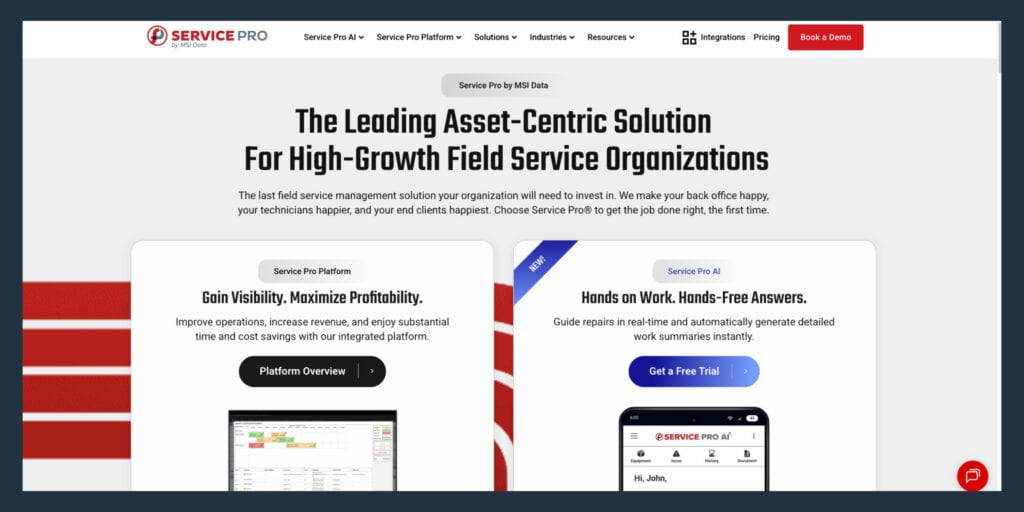
Service Pro is built exclusively for asset-centric field service across power generation, industrial equipment and manufacturing, and commercial HVAC and refrigeration. Every work order ties to a serialized asset record with full service history, install date, warranty status, and contract coverage. The platform handles high-volume inspections and preventive maintenance scheduling alongside reactive work, and has been MSI Data’s sole focus for more than 15 years.
The standout capability is contract and warranty coverage enforcement at work-order intake, before dispatch. Service Pro connects natively to Sage 100, NetSuite, Epicor Prophet 21, and Microsoft Dynamics Business Central, so the organization does not replace the back-office system it already runs.
Service Pro AI delivers a Job Prep Brief to the technician before the job: asset history, prior service notes, open warranty status, and relevant documentation pulled from the organization’s own records. Technicians use voice, text, and images in the field for diagnostics and documentation. The warranty agent flags coverage conflicts before dispatch. The invoice agent generates invoice records synced to the ERP. Every Service Pro AI trial includes a Forward Deployed Engineer embedded with the customer’s team, not just a login and a knowledge base.
ServiceMax
ServiceMax tracks asset hierarchy and equipment lifecycle from installation to decommissioning, which matters for industries with strict compliance and audit requirements. It is best suited for regulated, asset-intensive enterprises in medical devices, oil and gas, and manufacturing.
ServiceMax runs on Salesforce. Organizations already running Salesforce CRM gain standout data continuity. Organizations evaluating ServiceMax as a standalone FSM platform face significant configuration overhead. G2 reviews flag sync failures in offline mode, and one Gartner Peer Insights review states: “The offline functionality has constant sync failures.”
IFS Field Service Management
IFS handles the scale and complexity of enterprise field operations through a continuous AI scheduling engine that optimizes technician assignments and travel routes in real time as new jobs arrive. It is best suited for large enterprises in manufacturing, utilities, and defense with complex asset hierarchies and multi-level service contracts.
Implementation complexity and budget requirements are high. Capterra reviews call out “a little long to implement” and warn that data schema and functionality changes can “complicate implementation and lengthen cycle.” IFS’s own technical documentation acknowledges situations where outbound integration cannot build complex structured payloads and points to external middleware (such as Boomi) to compose data and handle responses.
Salesforce Field Service
Salesforce Field Service connects field service data to the same system that holds opportunity records, customer accounts, and sales history. Organizations already running Salesforce CRM gain standout data continuity. Organizations evaluating it as a standalone FSM platform face significant configuration overhead.
G2 reviews repeatedly flag complexity around scheduling policies, work rules, and optimization logic, with customizations and integrations adding to maintenance overhead. Salesforce documents multiple offline limitations, including the Inventory tab not being available offline and Flow data-write operations that cannot execute until the worker is back online. A G2 reviewer notes the mobile app can “lag or behave inconsistently in low-connectivity environments.”
ServiceNow Field Service Management
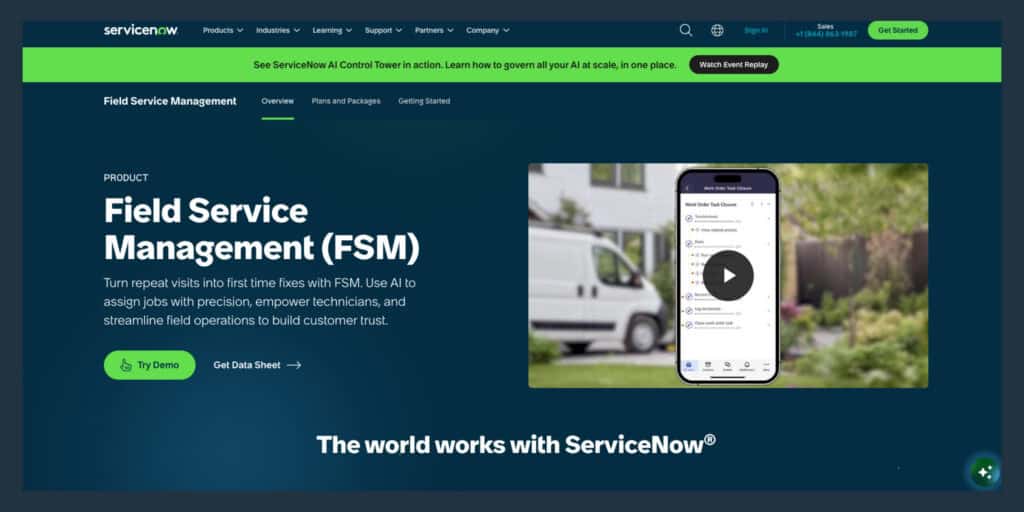
ServiceNow handles field service as one layer in a broader enterprise service management stack, which matters for organizations that need field work orders to trigger IT tickets or procurement workflows. AI-driven dynamic scheduling and cross-department workflow orchestration are the standout capabilities.
G2 reviews cite that configuration and implementation can be “complicated” and “complex and time-consuming.” A G2 reviewer notes “initial offline sync can sometimes be slow if you have a lot of data.” Mid-market equipment service organizations will find it oversized.
ServiceTitan
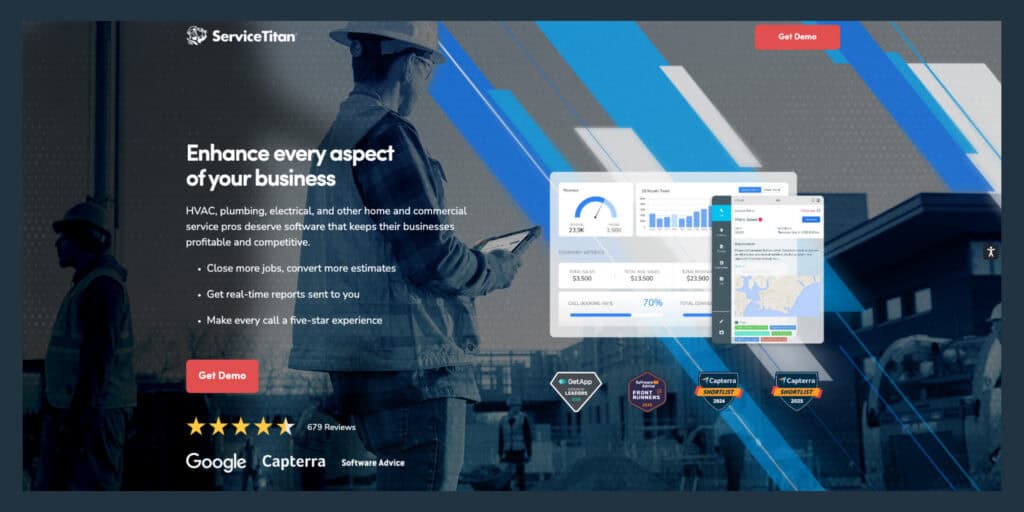
ServiceTitan is explicitly marketed “exclusively for the trades,” which is a materially different operating model than industrial OEM, crane, or power generation service. Installed equipment tracking is framed as “a record of installed equipment at a customer location,” with fields like model, serial, warranty, and service history. That is a site-based equipment list. Industrial equipment service requires a multi-level asset tree of assemblies and sub-assemblies.
ServiceTitan tracks warranty information but does not enforce OEM entitlement logic at invoice or claim time. The mobile app works offline, though ServiceTitan’s own documentation frames it as “what works offline, what has limitations, and what requires an active connection.” App Store reviews include complaints about getting stuck at login when a connection drops.
Simpro
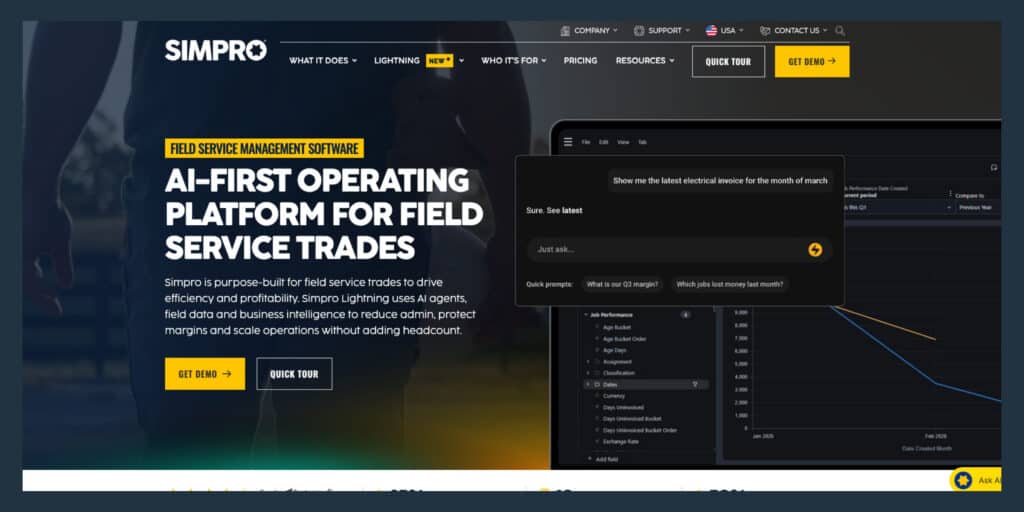
Simpro handles mixed project and service work well, with inventory and asset tracking alongside customer and contractor portals. It is explicitly positioned as “built for the trades” (electrical, fire, HVAC, plumbing, security), and the product story is “quote to job to invoice” contractor workflow.
Offline behavior is described as showing “the last data received before going offline,” which falls short of what industrial organizations need: full-fidelity asset and service history, deep hierarchies, parts, and procedures available offline. A Capterra review states: “product is often offline and the mobile apps don’t upload Tech notes.”
MaintainX
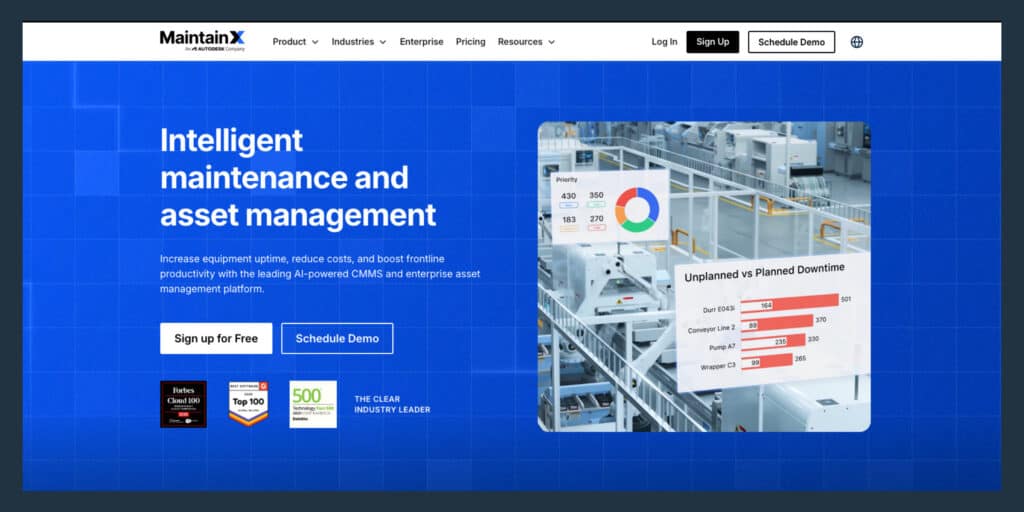
MaintainX is explicitly a CMMS (computerized maintenance management system) in its own help center documentation. The platform describes customers, locations, and assets, with execution objects of work requests, quotes, and work orders. Billing and invoicing is commonly externalized to accounting systems. Customer billing depends on an accounting integration instead of a purpose-built FSM billing layer with rate cards, entitlement checks, and AR rules.
Offline mode is cache-based and requires an internet connection to build and update the cache first. You cannot switch organizations while offline, which is a practical limitation for multi-entity service organizations.
What features matter for equipment-heavy service?
Your dispatcher is cross-referencing spreadsheets and making phone calls to figure out who has the right skills and is closest to the job. Your controller does not have real numbers until a batch ERP report runs Tuesday morning. Your one senior technician is fielding calls all day because the tribal knowledge lives in his head and nowhere else. The features below are the ones that fix those problems directly, and should be in every quality field service mamagent platform today.
Asset histories and installed base tracking
An installed base is a structured record of every piece of equipment a service organization maintains, organized by customer, site, and individual unit. Each asset has a serial number, location, service interval, and full history of work performed. A technician who can see that a specific unit has had three compressor replacements in the past year knows to check the refrigerant line before assuming the compressor failed again.
Look for platforms that track assets by serial number, location, and service interval independently of the customer record. If the platform can only show equipment as a list tied to a location, the platform lacks the asset depth required for large equipment service, regardless of how strong its scheduling or invoicing tools are.
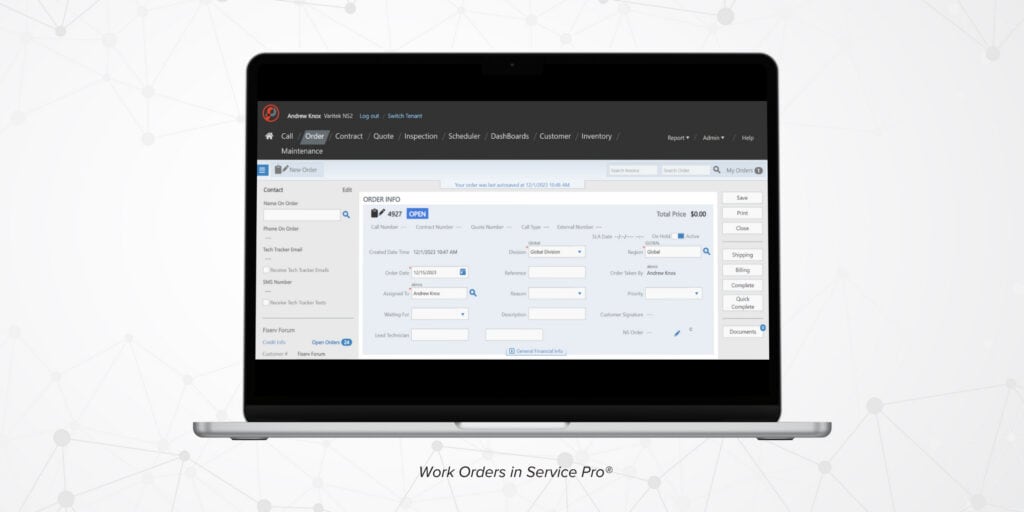
Offline mobile work orders
Offline capability means the technician can open the work order, view asset history, capture notes and photos, and close the job without a connection, with data syncing automatically when connectivity returns. Some platforms describe offline as “showing the last data received before going offline,” which is not the same thing.
Ask for a live demonstration of offline mode before signing anything. Open a work order, view asset history, capture notes and photos, and close the job without a connection. Vendors who can demonstrate offline mode in the sales cycle have a working feature.
Dispatch by skill, location, and parts
A technician certified for one type of power generation system may not be qualified for another. Parts availability visibility at dispatch time means the dispatcher can see which technicians have the required part in inventory before assigning the job. Look for platforms where dispatchers can filter by skill set and parts inventory while accounting for travel time.
Contract and warranty coverage enforcement
Contract and warranty enforcement means the system checks coverage at work-order intake, before the technician is dispatched. The consequence of not having it is warranty revenue write-offs that accumulate invisibly. Look for platforms that enforce coverage automatically, not platforms that rely on a back-office staffer manually checking contract terms after the job is closed.
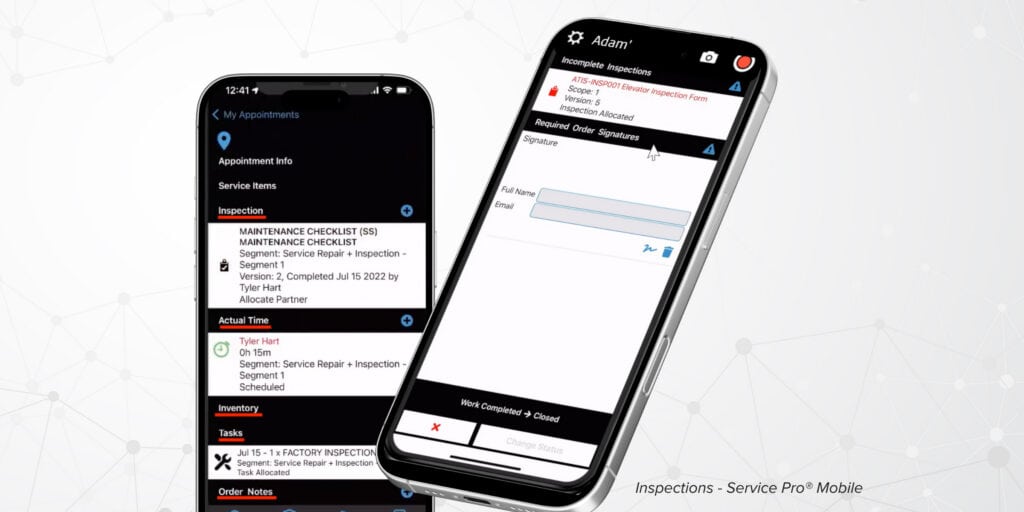
Preventive maintenance and high-volume inspections
Preventive maintenance scheduling in an FSM platform means automated triggers by date or meter reading, with the system generating work orders from PM schedules without dispatcher intervention. Equipment like power generation systems and commercial refrigeration runs on mandatory service intervals, and missing them creates both customer risk and contract liability.
For organizations managing hundreds of assets across multiple sites, look for platforms that can auto-generate work orders from PM schedules at volume.
Technician KPIs and profitability dashboards
A profitability dashboard shows job-level margin, warranty write-off rate, and first-time fix rate by technician in real time. A standard ERP report shows revenue and cost after the fact. Real-time visibility lets you catch problems before Tuesday morning’s batch report.
Look for platforms where these metrics are available in real time.
How should you choose FSM software for large equipment?
The wrong platform costs more than the licensing fee. It costs retraining time, data migration, months of disruption, and the opportunity cost of delayed improvements. Work through each criterion below as a discrete filter before you get to a demo.
Match the platform to asset complexity
Start here before evaluating any other feature. If the answer requires a workaround, the platform is not built for large equipment service regardless of how strong its scheduling or invoicing tools are.
Ask a vendor:
- Can I search for a single asset by serial number and see every work order, part replaced, coverage period, and technician note in one view?
Check technician count and site coverage
Platforms built for small home service businesses behave differently under the scheduling and dispatch load of 50 to 500 technicians across multiple regions. Request a demo with your actual technician count and site structure loaded.
Ask a vendor:
- How does the dispatch board perform at our scale?
- What does multi-site reporting look like?
Check ERP data ownership
The IT lead or ops director who owns the ERP relationship will ask this question even if the service manager champion does not raise it first. “Data master” means which system is the system of record for customers, assets, pricing, and invoices. A platform that only integrates with one ERP forces the organization to choose between the FSM and the ERP it already runs.
Ask a vendor:
- Is the integration native?
- What data syncs bidirectionally?
Model time to invoice and warranty recovery before you buy
Calculate your current time-to-invoice: average days between job close and invoice sent. Estimate your warranty write-off exposure: what percentage of closed jobs in the last quarter had warranty claims that were not billed or were incorrectly written off. These two numbers give you a baseline to hold the platform accountable to after go-live, and they are the numbers your controller or FP&A director will ask for anyway.
Plan training before you commit
A realistic implementation timeline for a 50-to-500-technician organization runs from 90 days to six months, depending on ERP integration complexity and data migration scope. Technician adoption affects time-to-value more than software configuration. Vendors that embed support during rollout see higher adoption rates six months later than vendors that hand you a login.
Ask a vendor:
- What do the first 90 days look like?
- Who is accountable for adoption?
Red flags in field service software for large equipment
Some platforms look capable in a demo, but working with it in the field shows a different story. These gaps surface after go-live, and are things leaders evaluating platforms should be on the lookout for.
No true offline mode for field technicians
If the mobile app requires a connection to open a work order or view asset history, technicians servicing equipment in signal-dead environments will revert to paper. Ask for a live demonstration of offline mode before signing anything. Vendors who can demonstrate offline mode in the sales cycle have a working feature.
Flat asset records with no service history depth
If the platform tracks assets as a name and a location but cannot show every work order, part, and coverage period tied to a specific serial number, it is not built for large equipment. Ask to see a single asset record with at least 20 work orders and associated parts replaced. A flat asset record is a CMMS feature. Equipment-service platforms require deeper asset records.
Manual warranty checks at invoice time
If the platform does not enforce contract and warranty coverage at work-order intake, the check happens at invoice time or not at all. Ask: at what point in the work order lifecycle does the system flag a coverage conflict? If the answer is “at invoice time” or “the back office checks it,” the platform relies on manual coverage checks, and you’ll pay the price in efficiency.
Batch-only ERP sync
A platform that syncs to the ERP once a night means field data is always hours behind the back office, and invoice delays and reconciliation errors follow. Ask whether the integration syncs in real time or on a schedule. “Nightly batch” sync delays billing by at least a day.
AI that answers from generic training data
Some platforms add AI features that pull answers from general knowledge rather than the organization’s own asset records, service history, and equipment documentation. For large equipment service, answers drawn from that specific unit’s service history are more useful than generic answers about a generator fault code. Ask whether the AI answers from your records or a general model, and if it’s a general model, run!
5 ways Service Pro fits large equipment service
1. Asset-centric work orders across power, industrial, and HVAC
Service Pro ties every work order to a serialized asset record with full service history, install date, warranty status, and contract coverage. Built specifically for power generation, industrial equipment and manufacturing, and commercial HVAC and refrigeration. The platform handles high-volume inspections and preventive maintenance scheduling alongside reactive work.
2. ERP-agnostic integration with the back office
Service Pro connects natively to Sage 100, NetSuite, Epicor Prophet 21, and Microsoft Dynamics Business Central. ERP-agnostic means the organization does not replace the back-office system it already runs. Bidirectional sync and invoice generation eliminate the manual re-entry step between field data and the ERP.
3. Service Pro AI job prep and field execution
Service Pro AI delivers a Job Prep Brief to the technician before the job: asset history, prior service notes, open warranty status, and relevant documentation pulled from the organization’s own records. Technicians use voice, text, and images in the field for diagnostics and documentation, with structured service summaries generated automatically at job close.
4. Automated warranty and invoice agents
The warranty agent checks coverage at work-order intake and flags conflicts before dispatch. The invoice agent generates invoice records synced to the ERP.
5. Forward Deployed Engineer for AI adoption
Every Service Pro AI trial includes a Forward Deployed Engineer embedded with the customer’s team. A person is accountable for adoption, embedded with the customer’s team. The FDE model exists because AI adoption in field service is an organizational effort that requires hands-on support.
Frequently Asked Questions
What is the best field service software for large equipment?
The best field service software for large equipment tracks serialized assets with full service histories, enforces contract and warranty coverage at work-order intake, and integrates natively with the ERP the organization already runs. Service Pro by MSI Data is purpose-built for this use case across power generation, industrial equipment, and commercial HVAC and refrigeration.
How is FSM software different from a CMMS?
A CMMS is designed for internal maintenance teams managing plant or facility assets. FSM software is designed for customer-facing field service organizations dispatching technicians to external job sites and billing for completed work under service contracts and warranties.
Do field technicians need offline access for large equipment service?
Technicians servicing large equipment in industrial facilities, remote power generation sites, or commercial buildings with poor signal coverage need full offline access: the complete asset record, service history, and work order forms. Full offline access prevents technicians from reverting to paper and eliminates the data gap that creates billing and compliance problems.
Which KPIs should equipment service leaders track?
The four metrics that surface most consistently in equipment-heavy service operations are first-time fix rate, technician utilization rate, time to invoice, and warranty write-off rate. First-time fix rate measures how often a job is resolved in a single visit; technician utilization measures billable hours as a share of available hours; time to invoice measures the gap between job close and invoice sent; warranty write-off rate measures revenue lost to coverage errors.
How long does enterprise field service software take to implement?
Implementation timelines for FSM platforms at organizations with 50 or more technicians typically run from 90 days to six months, depending on ERP integration complexity and data migration scope. Technician adoption affects time-to-value more than software configuration.
Can FSM software recover warranty revenue?
FSM software with automated contract and warranty enforcement checks coverage at work-order intake, before dispatch, so billable work is not incorrectly written off as warranty and warranty-covered work is not billed to the customer. WPI recovered $3.5M in annual warranty write-offs after implementing automated enforcement.