

Most enterprise FSM evaluations stall because every platform looks the same in a demo.
The differences show up later – when your dispatcher is still making calls to confirm certifications, when the controller is still waiting on a Tuesday-morning batch report, when the integration your vendor called “native” turns out to need middleware and a consultant.
This guide covers nine platforms: Service Pro, Salesforce Field Service, Dynamics 365, ServiceNow, IFS Cloud, Oracle Field Service, ServiceMax, SAP FSM, and ServiceTitan. Each one is scored on ERP integration depth, asset and contract enforcement, offline mobile capability, and whether profitability data is visible in real time or batched overnight.
We also name the limitations vendors don’t lead with. Salesforce caps maintenance-plan asset tracking at 2,000 records and can exclude complex-work information from its scheduling optimization. (That’s in their own documentation – it just rarely comes up in the pitch.)
How we ranked enterprise field service management platforms
Your dispatcher is cross-referencing spreadsheets and making phone calls to figure out who has the right certifications and is closest to the job. Your controller is waiting on a Tuesday-morning batch report to know whether last week was profitable. We built this guide for people anc companies experiencing problems like these.
We scored each platform against six criteria that separate enterprise-grade tools from schedulers adapted for larger teams:
- ERP integration depth: Does the platform connect natively to Sage, NetSuite, Epicor, Business Central, or P21, or does it require middleware and custom build work?
- Asset and contract management: Does the platform enforce warranty and service contract coverage at the work order level, or does it only store the data in a separate module?
- Offline mobile capability: Do field technicians retain full job access in areas without cell coverage, or does the app require connectivity to load asset history and checklists?
- Scheduling at scale: Can dispatchers manage 50-plus technicians across multiple regions without manual cross-referencing?
- Reporting and profitability visibility: Does the platform surface gross margin and technician utilization in real time, or does the data batch overnight?
- Implementation fit: Does the vendor support phased rollout and dedicated onboarding, or hand the buyer a login and a knowledge base?
Quick comparison of enterprise field service management software
Pricing varies by team size, module configuration, and implementation scope. The table below covers the platforms evaluated in this guide.
| Platform | Best For | ERP Integration | Asset Management | AI Scheduling | Offline Mobile | Starting Price |
| Service Pro by MSI Data | Power and energy-adjacent verticals, industrial equipment manufacturing, commercial HVAC and refrigeration | Native (Sage 100, NetSuite, Epicor P21, Business Central) | Asset-level service history and warranty enforcement at intake | AI-guided field execution and job prep | Offline capablle mobile field app | Custom quote |
| Salesforce Field Service | Salesforce CRM teams | MuleSoft/Flow connectors | Asset lifecycle management | Einstein AI scheduling | Limited offline support | $165/user/month |
| Microsoft Dynamics 365 Field Service | Microsoft ecosystem teams | Native (Business Central), iPaaS for others | Asset hierarchy and IoT alerts | Resource Scheduling Optimization | Offline with sync limitations | $95/user/month |
| ServiceNow FSM | ITSM teams | IntegrationHub spokes | CMDB-based asset tracking | Predictive intelligence layer | Offline with plugin dependencies | Custom quote |
| IFS Cloud | Asset-intensive utilities and manufacturing | Native (IFS ERP), REST API for others | Deep EAM integration | Industrial AI scheduling | Full offline capability | Custom quote |
| Oracle Field Service | High-volume routing operations | Oracle Integration (OIC) | Maintenance Cloud integration | Time-based predictive scheduling | Full offline capability | Custom quote |
| ServiceMax | Complex equipment service | Salesforce platform, middleware for SAP | Deep asset hierarchy management | Limited scheduling automation | Offline with Salesforce constraints | Custom quote |
| SAP Field Service Management | SAP ERP teams | SAP Cloud Integration (CPI/iFlows) | ERP-connected asset data | Auto-scheduling with tuning required | Full offline capability | Custom quote |
| ServiceTitan | Large trade contractors | NetSuite, Sage Intacct, QuickBooks | Basic equipment tracking | Route optimization | Full offline capability | $249/user/month |
Which field service management software fits enterprise teams
The right platform depends on what your operation is already built around: your ERP, your asset types, and your service model. Each platform below follows the same structure so you can compare fit without wading through vendor marketing.
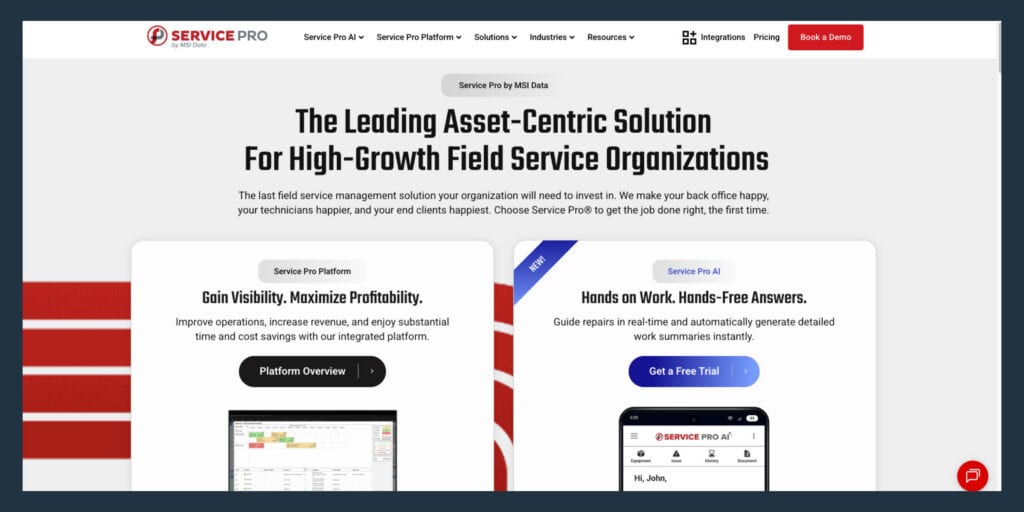
Service Pro by MSI Data
Service Pro is purpose-built for equipment-heavy service organizations in power and energy, industrial equipment and manufacturing, commercial HVAC and refrigeration, and related asset-intensive verticals. Every work order connects to the asset record, service history, warranty status, and contract coverage at intake, not stored in a separate module the technician has to navigate to separately.
Key capabilities:
- Asset-centric work orders: Service history, warranty status, and contract coverage are enforced at intake, before the job starts
- Native ERP integrations: Sage 100, NetSuite, Epicor Kinetic, Epicor Prophet 21, and Microsoft Dynamics Business Central, without middleware
- Offline-capable mobile: Technicians access job details, asset history, and checklists without a signal
- Service Pro AI: The Job Prep Brief delivers asset context and service history to the technician before arrival; the invoice agent generates same-day records synced to the ERP; the warranty agent enforces coverage at work order intake
- Forward Deployed Engineer: Every AI trial includes a Forward Deployed Engineer engineer embedded with the customer team
Honest limitation: Service Pro is purpose-built for power and energy-adjacent verticals, industrial equipment manufacturing and commercial HVAC and refrigeration. Teams outside those priority verticals should evaluate fit carefully.
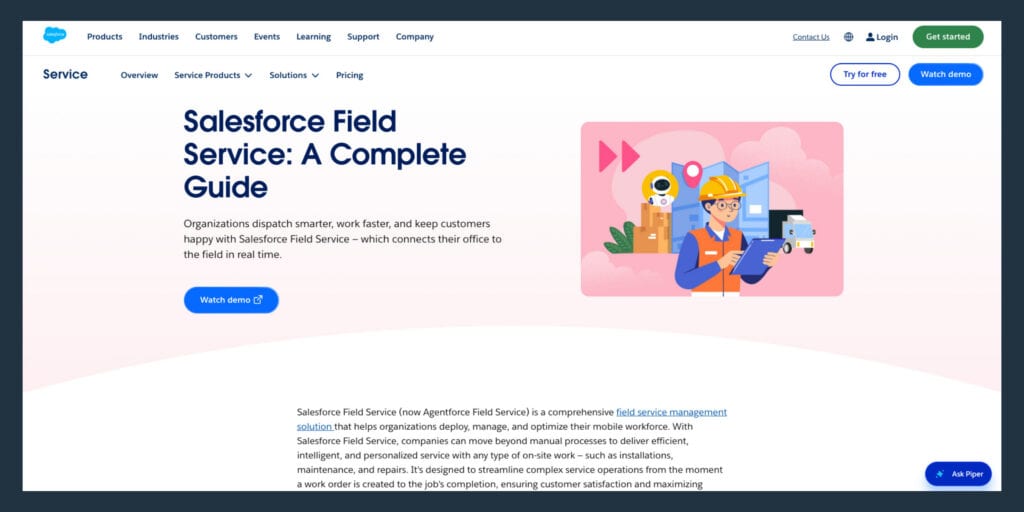
Salesforce Field Service
Salesforce Field Service is the right call for organizations already running Salesforce CRM that need field operations connected to existing customer and case data. Einstein AI scheduling automates technician assignment based on skills, location, availability, and job priority. The visual dispatch console gives dispatchers a real-time view of technician location and job status, and AppExchange extensibility allows teams to add industry-specific modules.
ERP integration: Salesforce positions MuleSoft and Flow connectors for ERP integration. For Sage 100 and Epicor, expect iPaaS middleware rather than an out-of-box connector.
Honest limitation: Salesforce documents a maintenance-plan work rule using COUNT being limited to 2,000 maintenance assets, and optimization can exclude complex-work information that isn’t fully available to Resource Schedule Optimization. Teams without a dedicated Salesforce admin will find implementation cost and complexity high.
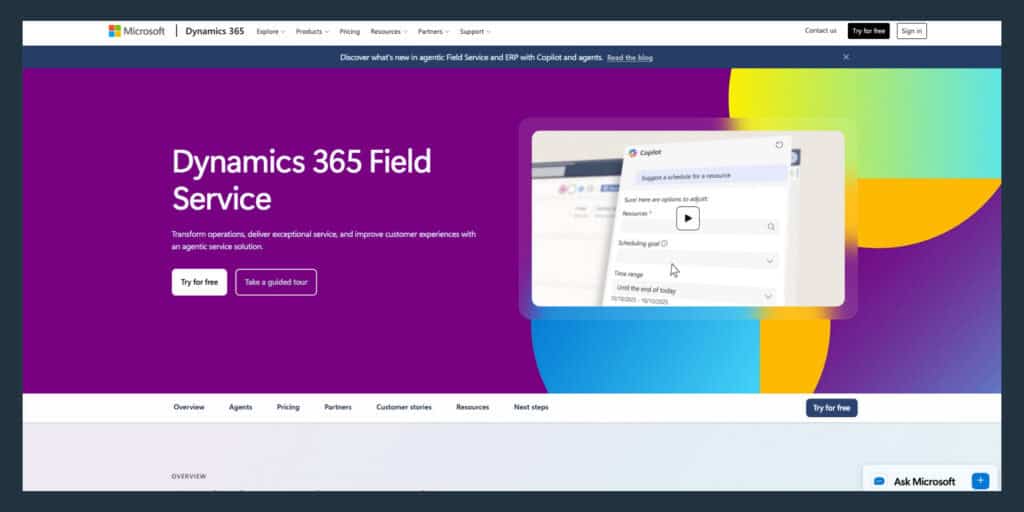
Microsoft Dynamics 365 Field Service
Dynamics 365 Field Service fits organizations already invested in Microsoft Teams, Power Platform, or Azure IoT. Resource Scheduling Optimization (RSO) automates technician assignment and route planning. IoT alert-triggered work orders allow equipment to create service requests automatically when sensors detect issues, and Remote Assist provides live expert support through mixed reality.
ERP integration: Business Central has a Microsoft-supported integration path via Dataverse assisted setup. For NetSuite, Epicor, and Sage 100, expect iPaaS or partner connectors.
Honest limitation: When the Finance and Supply Chain integration is enabled, Supply Chain becomes the inventory system of record and Field Service’s default inventory functionality is suppressed. Microsoft also states the existing Field Service to finance and operations integration will no longer be available after February 28, 2027.
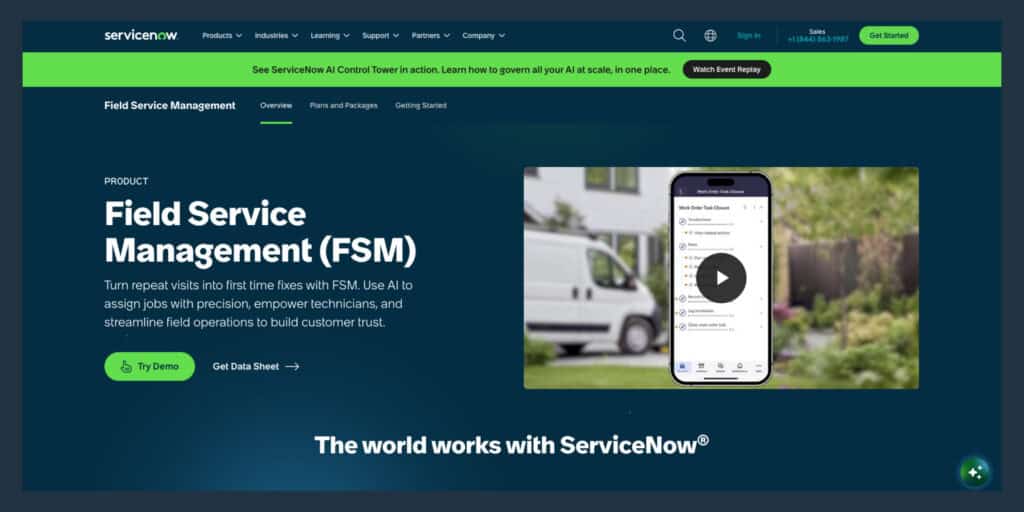
ServiceNow Field Service Management
ServiceNow FSM fits large enterprises that already run ServiceNow for IT service management and need field operations on the same platform. Structured approval and execution workflows enforce compliance and audit requirements. Contractor workforce management handles credentialing and compliance for third-party labor, and the predictive intelligence layer surfaces patterns in job history and asset performance.
ERP integration: ERP integration runs through IntegrationHub spokes plus API work. ServiceNow documents SAP RFC and IDOC spokes as an out-of-box option.
Honest limitation: Installing the FSM plugin adds new CI tables and relationships, which means CMDB-like governance overhead even if you are not doing ITSM. G2 review rollups repeatedly cite complex initial setup and a steep learning curve.
IFS Cloud
IFS Cloud fits utilities, energy, telecom, and manufacturing organizations managing large distributed fleets of physical assets under strict SLA and compliance requirements. Native enterprise asset management (EAM) tracks equipment lifecycle, maintenance history, and parts inventory in one system. SLA and contract compliance monitoring flags jobs at risk of missing contractual commitments, and contractor credentialing ensures third-party labor meets regulatory and safety requirements.
ERP integration: IFS is the ERP, EAM, and service suite in one platform, which creates the tightest asset-first and financials story when you adopt IFS broadly. For NetSuite, Sage, or Epicor, plan on integration work through IFS Connect, REST, or iPaaS.
Honest limitation: TechTarget summarizes user-cited downsides including that updating can be cumbersome and configurability can be a liability depending on organizational maturity. Smaller enterprise teams without dedicated EAM needs may find the platform more than they require.
Oracle Field Service
Oracle Field Service fits large-scale field operations running several hundred or more daily service appointments, particularly in utilities, broadband, and telecom. The time-based predictive scheduling engine optimizes travel and work time, maximizes assigned activities, and minimizes overtime. Customer self-scheduling portals allow end users to book appointments within available time slots.
ERP integration: Oracle’s integration docs emphasize Oracle Integration (OIC) and OFS adapters. For NetSuite, Sage, or Epicor, expect OIC or alternative middleware plus build work.
Honest limitation: Oracle documents that for routing Maintenance Work Order Operations, Maintenance Resource requirements are not used during routing, and routing-mode limitations restrict to bulk routing only. The interface and customization model are not well-suited for asset-centric industrial service.
ServiceMax
ServiceMax fits enterprises in manufacturing, medical devices, aviation, and energy managing high-value, mission-critical equipment under strict service contracts. Deep asset hierarchy management tracks parent-child relationships for complex equipment assemblies. Warranty and contract automation enforces coverage rules at the work order level, and preventive and predictive maintenance scheduling triggers service based on calendar intervals, usage thresholds, or sensor data.
ERP integration: ServiceMax runs on the Salesforce platform. SAP integration is frequently implemented via middleware such as Jitterbit. NetSuite, Sage, and Epicor typically follow the same iPaaS pattern.
Honest limitation: PTC’s documented Dispatch Console limitations include limited support for dependency work order management and inability to filter or sort long text fields due to Salesforce technical constraints. Mid-market operations will find the cost and complexity difficult to justify.
SAP Field Service Management
SAP FSM fits global enterprises already running SAP S/4HANA or SAP ERP that need field activity data flowing directly into financial and supply chain systems. Crowd service for gig and contractor workforces allows organizations to scale labor capacity without hiring full-time technicians. ERP-connected billing triggered by completed work orders creates invoice records automatically.
ERP integration: SAP provides a CPI and CI iFlow-based prepackaged integration guide, so native integration still assumes SAP integration platform setup. Non-SAP ERPs typically mean custom integration via APIs or iPaaS.
Honest limitation: SAP’s own KBA preview documents a known issue where SAP FSM auto-scheduling can produce inefficient routes that don’t minimize travel distance or time. Teams not already in the SAP ecosystem have little reason to start here.
ServiceTitan
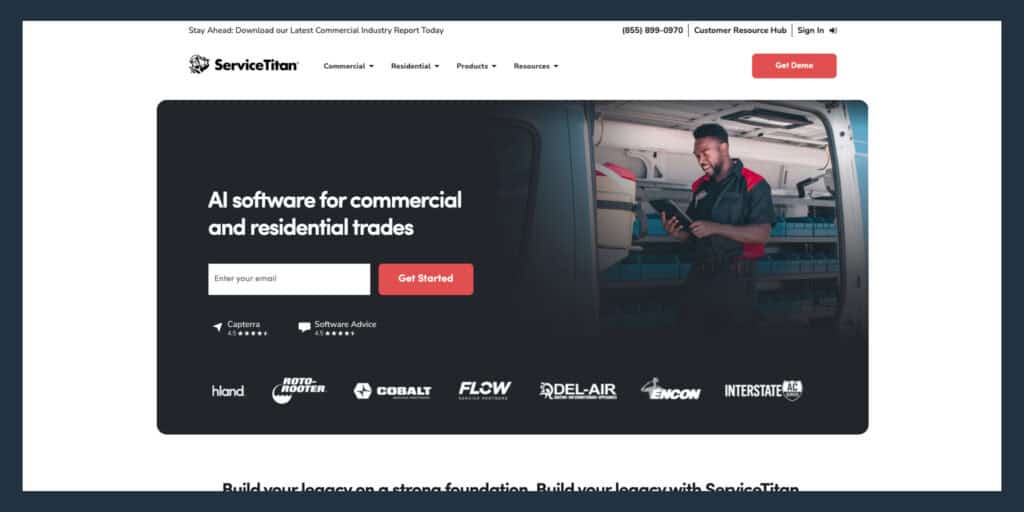
ServiceTitan fits large residential and commercial contractors in HVAC, plumbing, electrical, and related trades that need pricebook management, marketing attribution, membership program tools, and payment processing alongside dispatch. Flat-rate pricebook management allows technicians to quote jobs using pre-set pricing tiers, and integrated payments allow technicians to collect payment on-site via mobile card readers.
ERP integration: ServiceTitan publishes built-in integrations for NetSuite, Sage Intacct, and QuickBooks. For Sage 100 and Epicor, you may be in custom or API territory. ServiceTitan’s own commercial-service FAQ notes that if a property management company uses an integration ServiceTitan doesn’t support, users may need to manually copy and paste lead details.
Honest limitation: ServiceTitan is built for trades and home service. It does not serve industrial equipment, power generation, or asset-heavy commercial service organizations.
Which features matter most for enterprise field service teams
At enterprise scale, the feature checklist changes. The capabilities below separate platforms that handle 50-plus technicians across multiple regions from those built for smaller operations.
Scheduling and dispatch that protects technician utilization
Dispatch at enterprise scale is a utilization and profitability problem that goes beyond simple calendar management. Your dispatcher is doing Tetris with spreadsheets and phone calls, matching skills and proximity manually, and the cracks show up in your first-time fix rate.
Skills-based dispatching matches technician certifications, location, availability, and parts access against job requirements automatically, so the right person goes to the right job the first time. Aberdeen-style benchmarks put first-time fix rate at 63% for laggards and 88% for best-in-class. The gap between 70% and 88% is repeat truck rolls, wasted technician time, and customer churn.
Mobile field management software that works offline
Enterprise technicians work in basements, industrial facilities, and remote power generation sites where cell coverage is unreliable or nonexistent. A mobile app that requires connectivity to load job details, asset history, or checklists is a liability in those environments.
Offline capability means the app allows technicians to view work orders, complete checklists, capture photos and notes, and close jobs without a signal, then sync automatically when connectivity returns. Microsoft explicitly notes that virtual-table lookup updates are not supported in offline mode in the ERP integration pattern, which surfaces as a real gap when technicians need asset data in the field.
Asset history and service contracts at the job site
Your technicians manage large physical assets: cranes, industrial equipment, commercial refrigeration, power generation systems. Every visit builds on the last one, and a technician walking in without prior repair notes, install date, warranty status, or parts history is starting from scratch.
A platform that delivers complete asset service history and contract coverage to the technician before they arrive on site reduces diagnostic time and repeat visits. Asset data stored in the ERP must also be accessible in the field, at the job level, without a call back to the office.
Warranty coverage and same-day invoice sync
Warranty revenue write-offs are one of the most common and least visible profit leaks in enterprise field service. WPI recovered roughly $3.5M a year in warranty write-offs after implementing Service Pro. Contract and warranty enforcement at work order intake prevents technicians from completing work that should be covered, or billing for work that is not.
The gap between job close and invoice generation is where cash flow gets damaged. Aberdeen-style benchmarks show service-to-cash cycle time at 46 days for laggards and 33 days for best-in-class. In a documented ServiceMax and SAP context, Jitterbit describes a paper and fax workflow where invoicing took up to two weeks, reduced to hours after digitization and integration.
- Without coverage enforcement: Technicians complete work without checking contract status, and billing staff reconcile coverage after the fact, often writing off revenue they cannot recover
- With coverage enforcement at intake: The system flags coverage status before the job starts, so the technician and dispatcher both know what is billable before a truck rolls
ERP integration without a rip-and-replace project
One prospect described living in an island of automation, manually re-keying serial numbers, contract dates, and billing data between systems. ERP-agnostic means the FSM platform connects to the ERP the organization already runs through native connections or a secure API, without replacing either system.
Data needs to flow in both directions: work order status, parts usage, labor time, invoice records, and asset updates. Platforms that claim ERP integration but require middleware, custom build work, or nightly batch imports recreate the manual reconciliation problem they claim to eliminate. Microsoft documents that when the Finance and Supply Chain integration is enabled, Field Service’s default inventory functionality is suppressed entirely.
Reporting that shows profit by job and contract
Your controller does not have real numbers until a batch ERP report runs Tuesday morning, and work-in-progress tracking is happening in a manual Excel function. Enterprise service leaders need gross margin, technician utilization, and revenue-by-contract visible in real time.
Good reporting at this scale shows job-level profitability, contract performance against SLA thresholds, technician utilization across regions, and revenue by customer segment. Platforms that treat reporting as an add-on module or require a separate BI tool to surface basic profitability metrics do not meet the need.
How to choose FSM software for enterprise teams
This is a practical decision guide for a service director who has already sat through multiple demos and is now making the final call. Each step below gives one concrete move.
1. Map your ERP and field data first
Before evaluating any platform, document which system is the master record for customer data, asset data, financial data, and inventory data. Your IT lead or ops director will ask where the FSM platform is master of data versus where the ERP is. Answer that question before the demo, not during it.
Ask every vendor to:
- Show a live data flow between their platform and your specific ERP (not a generic integration diagram).
Vendors who cannot do this are not ready to support an enterprise deployment.
2. Test the demo with a real dispatch day
Do not let a vendor run a scripted demo. Bring your actual dispatch scenario: your busiest day, your most complex job type, your most common scheduling conflict, and your typical parts availability issue. Ask the vendor to work through it live.
The service manager who walks into a demo with a written list of 25 requirements is checking off every one because they have sat through enough pitches that do not hold up. The gap between what a platform promises and what it does under real conditions shows up immediately when the demo uses real data.
3. Score vendors against first-time fix rate
Ask each vendor to explain the specific mechanism through which their platform improves first-time fix rate. The answer should name a specific capability:
- Skills-based dispatch that matches technician certifications to job requirements
- Asset history delivered to the technician before arrival
- Parts availability confirmed before the truck rolls
A vendor who cannot connect their platform to this metric is selling features instead of outcomes.
4. Ask how implementation fits your service calendar
“I won’t implement anything new midyear” is a direct quote from a buyer in this space. Ask every vendor for a realistic implementation timeline, a phased rollout option, and what dedicated support looks like during go-live. Vendors who hand the buyer a login and a knowledge base after contract signature create the same training cost and timing risk the buyer is trying to avoid.
5. Calculate total cost by role and location
Per-user pricing compounds quickly at enterprise scale. A platform priced at a per-technician rate for 200 field technicians plus per-seat rates for dispatchers, service managers, and back-office staff can cost significantly more than the base quote. Ask vendors for a fully loaded cost model that includes implementation, training, ongoing support, and any add-on modules required for ERP integration or AI features.
Where Service Pro fits for enterprise teams
Service Pro is built exclusively for field service management, and has been serving industrial and commercial companies for more than 15 years. The data model, workflows, integrations, and mobile capabilities are purpose-built for the specific operational complexity of industrial, power generation, commercial HVAC, and refrigeration service.
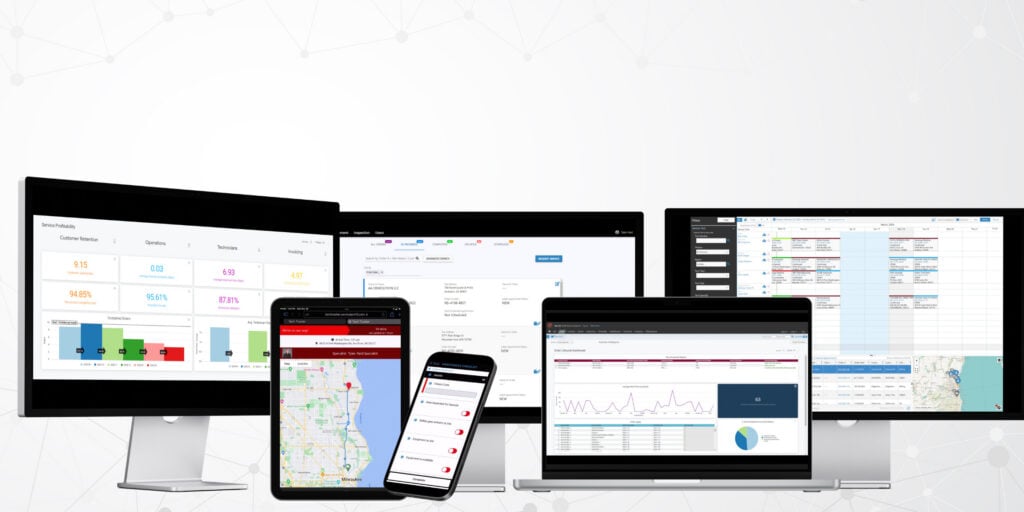
Every work order connects to the asset record, service history, warranty status, and contract coverage. Native integrations with Sage 100, NetSuite,, Epicor Prophet 21, and Microsoft Dynamics Business Central mean field activity data flows to the back office without manual re-entry.
Service Pro AI operates across four layers:
- Field Execution: The Job Prep Brief delivers asset context and service history to the technician before arrival
- Revenue: The invoice agent generates same-day records synced to the ERP; the warranty agent enforces coverage at work order intake
- Ops Intelligence: Service leaders get daily profitability visibility, not a Tuesday-morning batch report
- Integration Support: The Forward Deployed Engineer guides implementation and ensures adoption
Every AI trial includes a Forward Deployed Engineer embedded with the customer team, because AI adoption is an organizational effort that needs real support beyond a login. WPI recovered roughly $3.5M in annual warranty write-offs after implementing Service Pro.
Schedule a free demo to see how Service Pro fits your operation.
Frequently Asked Questions
What is the best field service management software for enterprise teams?
The best platform depends on what your operation is already built around. Organizations in the Microsoft ecosystem typically evaluate Dynamics 365 Field Service, Salesforce shops evaluate Salesforce Field Service, and asset-heavy industrial or energy-adjacent service organizations managing power generation, industrial equipment, or commercial HVAC are best served by Service Pro by MSI Data, which is purpose-built for that operational profile.
Can enterprise field service management software integrate with ERP systems?
Yes. The strongest enterprise FSM platforms connect natively to the ERP the organization already runs, whether that is Sage, NetSuite, Epicor, Business Central, or SAP, so field activity data (work order status, parts usage, labor time, invoice records) flows to the back office without manual re-entry.
What is the best field service management app for enterprise technicians?
The best mobile app for enterprise technicians works offline, delivers complete asset history and job context before the technician arrives on site, and allows checklist completion, photo capture, and job close without requiring a call back to the office.
How much does enterprise field service management software cost?
Enterprise FSM pricing varies widely by platform, team size, and which modules are included. Per-user rates, implementation fees, and add-on costs for ERP integration or AI features all factor into the total. Ask vendors for a fully loaded cost model before comparing quotes.
How does AI improve enterprise field service management?
AI in enterprise FSM improves outcomes at three specific points: before the job (delivering asset history and job context to the technician), at billing (generating invoice records the same day the job closes and syncing them to the ERP), and at the warranty level (flagging coverage status at work order intake so revenue is not written off after the fact).
How long does enterprise FSM implementation take?
Implementation timelines vary by platform complexity and team size, but most enterprise deployments range from several weeks for phased rollouts to several months for full multi-location go-lives. Ask vendors for a timeline that accounts for your service calendar and avoids peak operational periods.
What metrics should enterprise teams track after FSM rollout?
The four metrics that surface the most value after rollout are first-time fix rate, time to invoice, technician utilization, and warranty revenue recovery. Each one connects directly to a profit lever that the platform should be moving within the first few months of operation.