
We recently hosted a webinar, presented by MSI Data CEO, Michael Gonzalez, and the MSI Data Product Team, about something we have been working hard on: Service Pro AI.
Our customers told us they did not want another tool to log into, another system to manage, or another implementation project to budget for. They wanted AI that works with the investment they have already made.
So that’s what we built.
To view the full webinar, fill out the form below and you’ll be able to access the link instantly.
In the live walkthrough, attendees got a firsthand look at the real challenges field service organizations are facing today, saw Service Pro AI live with real Service Pro data, heard directly from a customer who has been in the trenches with us, and peeked back the curtain on what is coming next.
Whether you caught the webinar live or are just now getting up to speed, here is everything in one place.
The Three Challenges Every Field Service Leader Is Facing Right Now
Before we got into the product, Michael Gonzalez opened with something that has come up in virtually every customer conversation he has had since joining the company. Three challenges that are showing up consistently across field service organizations, regardless of industry.
1. The pressure to have an AI strategy
Everyone is being asked about AI. Boards want to know the plan. Leadership wants to see results. Technicians are hearing rumours. But up to 80% of AI projects fail, often because organizations are not sure where to start, which problems to solve, or whether they are introducing AI as a bolt-on versus something that actually changes how work gets done. With the speed of technology right now, waiting is not a neutral decision.
2. An aging and understaffed workforce
50% of service organizations are not fully staffed. Experienced technicians are aging out of the workforce, and it takes months to bring new technicians up to speed and get them operating independently in the field. The skilled trades gap is real, and field service organizations are suffering.
3. Siloed data and disconnected systems
Most service organizations have made significant investments in software, whether that is a field service management platform, an ERP, a CRM, or other systems. But those investments often sit in silos; the data exists, but the value doesn’t always follow. Getting those systems to talk to each other, and actually using the data you collect, is one of the biggest untapped opportunities in field service today.
These three challenges shape everything we build within Service Pro AI.
What Service Pro AI Does Today
Service Pro AI is built with Service Pro customers in mind. Service Pro AI integrates directly with the Service Pro platform and connects to your existing work orders, service appointments, equipment records, and knowledge bases inside Service Pro. No complex configuration. No expensive professional services engagement to get started. A few clicks, a couple of minutes, and your first user is up and running.
Here is what it delivers today:
In-the-field intelligence and troubleshooting
Technicians can ask plain-language questions and get answers grounded in your data, not the open internet. Your equipment manuals, service history, and knowledge articles power the experience. The AI surfaces the right next step for the job at hand, and technicians can interact with it using voice, text, and photos, whichever way makes their job easiest.
In the webinar demo, a technician encountered a fault code in the field, asked Service Pro AI what it meant and how to fix it, and received step-by-step guidance pulled directly from the manufacturer’s manual. The whole interaction took seconds.
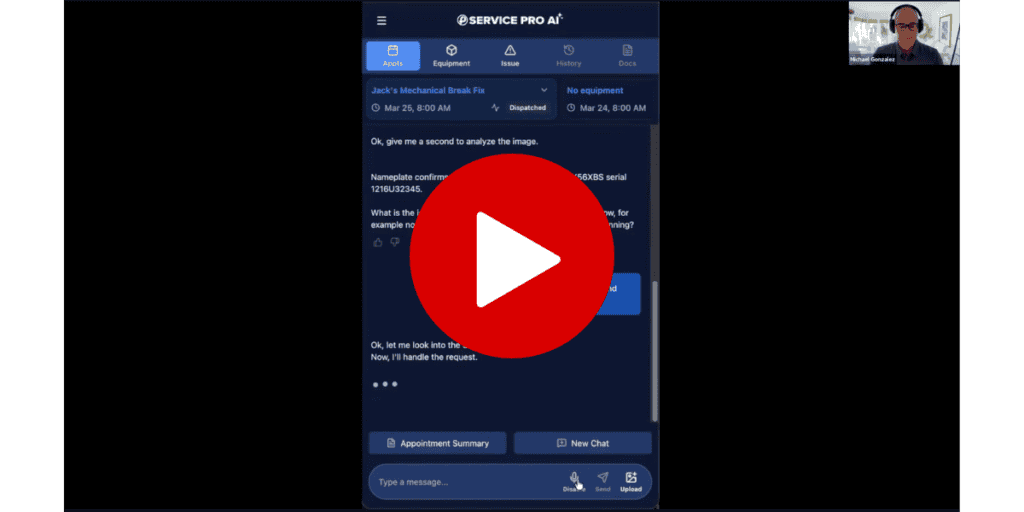
To see the whole interaction, request access to the full webinar recording here.
Service report automation
Ask any field service veteran and they will tell you the same thing: no technician enjoys writing service reports. Service Pro AI takes that task away. After a job is complete, a technician can ask the AI to generate an appointment summary. It pulls together customer information, equipment details, work performed, parts and labor, and even photos from the job, and produces a clean, complete report that uploads directly to Service Pro. Less time on paperwork + better documentation = faster billing cycles and efficient technicians.
Easy admin setup
Admins can upload equipment manuals directly to Service Pro AI, and the system automatically parses each one and extracts model numbers, no manual data entry required. Custom nicknames and shorthand can also be added so the AI picks up on your team’s language. Upcoming functionality will allow admins to connect directly to existing document repositories like SharePoint or Google Drive, making setup even faster.
Customer Success Story: Chuck and Service Pro AI
One of the highlights of the webinar was our fireside chat with Chuck Del Cielo, a software project manager at IPS (Integrated Power Solutions), a nationwide company specializing in power systems, generators, and power switching with over 5,000 employees. Chuck came to IPS with an IT and software background, was brought on to implement and run Service Pro, and has been one of our most engaged early adopters on the Service Pro AI journey.
As the go-to person for marine generator technical support at IPS, Chuck regularly gets calls from installers and technicians asking for help on equipment he freely admits he knows nothing about. During one of those calls, a technician reported an injector fault. Chuck did not know the answer, but he worked through it with Service Pro AI. The AI identified that the real issue was a fuel pump on the same circuit as the injector fault, pointed to exactly where to look, and gave Chuck the information he needed to walk the technician through the fix over the phone.
He tried to recreate the same result in ChatGPT. The generic AI told him to replace the injectors. That would have sent a technician back out on a repeat truck roll for the wrong repair.
That difference, trusted data versus whatever the internet happens to surface, is exactly why Chuck became a believer in the closed, enterprise approach Service Pro AI takes. Your data stays yours. Nothing is shared across customers or mixed with outside sources. The AI works from what you have uploaded and nothing else.
Chuck also shared what he wants to see built next: appointment summaries written directly into the appointment notes field in Service Pro, and voice-driven inspection completion, where a technician can talk through an inspection step by step and have the AI capture and submit the results automatically. Both are on the roadmap.
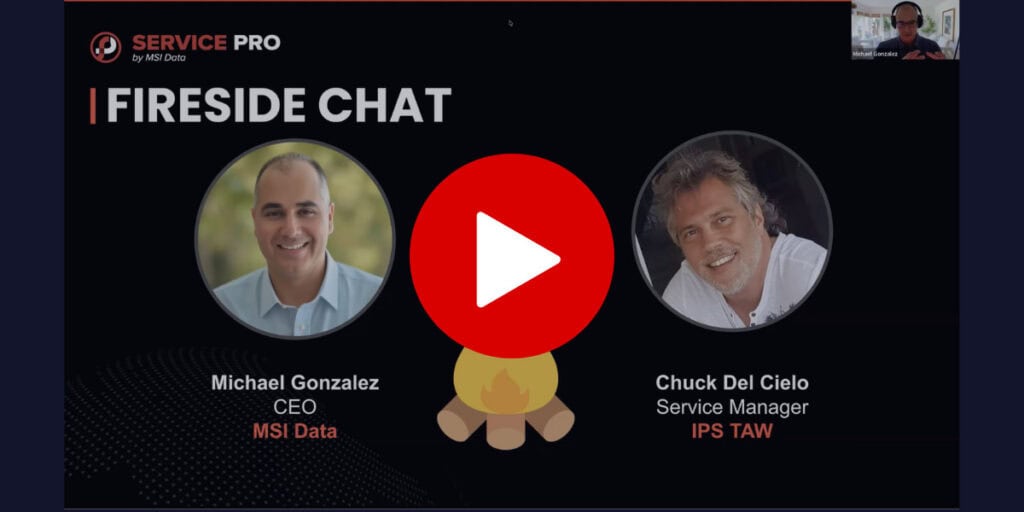
To see the full conversation with Chuck and the roadmap, request access to the full webinar recording here.
What’s Coming Next: The Service Pro AI Roadmap
Alok Patel, Head of Product at MSI Data, walked through the upcoming roadmap for Service Pro AI. Here’s what to expect in the months to come:
In the next 45 days: Technician productivity
The focus for the near term is reducing friction for technicians in the field. That includes:
- Pre-work brief: Before a technician arrives on site, Service Pro AI will automatically pull together relevant asset context, service history, equipment history, warranty status, and any critical parts needed for the job. Technicians show up prepared, not playing catch-up. This feature alone is expected to reduce repeat truck rolls, since roughly 40% of repeat visits are tied to missing parts.
- Voice-driven inspections: Technicians will be able to talk through inspection forms step by step, with the AI capturing responses in real time. No need to keep removing gloves or slow down. The completed inspection uploads automatically when the job is done.
- Deeper Service Pro integration: Appointment summaries will be configurable to post back to specific fields in Service Pro, including the appointment notes field. The AI will also be able to transact on behalf of technicians, recording information directly in the system without additional manual steps.
Days 46 to 90: Back office and revenue realization
The next phase shifts focus to the back office. Service Pro AI will help auto-generate invoice-ready and warranty claim-ready documentation from completed work orders, so your team is submitting claims faster with less manual effort. The mantra for this phase: your back office runs itself.
Beyond 90 days: Monetizing your install base
Looking further out, the AI will begin utilizing your service history to surface repair versus replace recommendations, upsell and cross-sell opportunities, and end-of-life alerts for aging assets. The goal is to turn your equipment records into a revenue intelligence tool, surfacing opportunities your team may not have time to find manually.
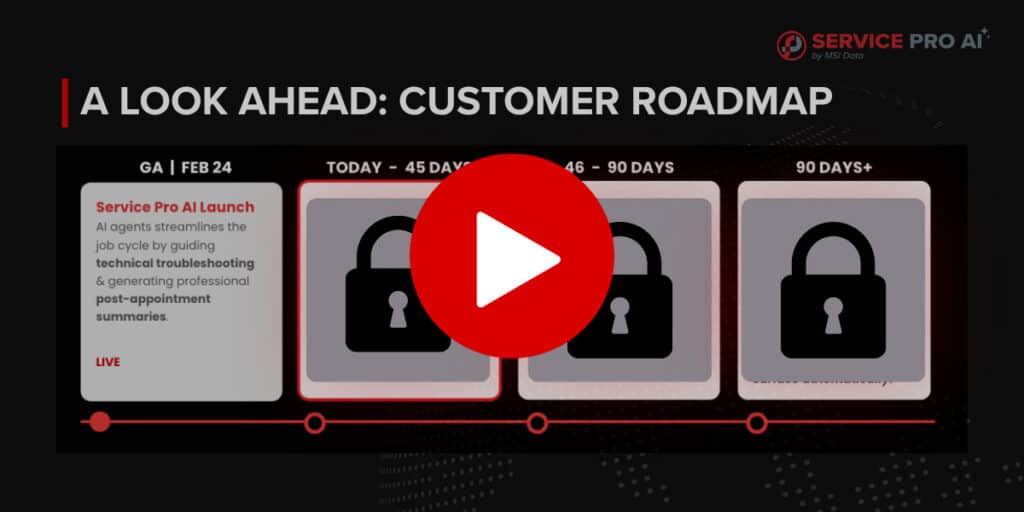
To see the full roadmap, click here to access the full webinar recording.
How Service Pro AI Is Different from Generic AI Tools
Generic large language models like ChatGPT, Copilot, Gemini, and others are powerful general-purpose tools. But they are not built for field service. They do not know your customers, your equipment, your workflows, or your service history. If they do not know the answer, they will make something up, or pull from potentially outdated or incorrect sources. Plus, if your technicians are using generic AI tools on their own, that data is not making its way back into Service Pro.
Service Pro AI is better in three core ways.
- First, it is a closed system. The AI works from data you control, your manuals, your service records, your knowledge base. No hallucinations from bad internet data.
- Second, it is instantly compatible with the Service Pro platform. The structured data from your work orders and appointments is already part of the experience. You’re not building an integration from scratch or writing your own prompts.
- Third, the setup is designed for field service operators, not developers. Admins can configure the system with point-and-click tools and plain-language instructions, no coding required.
You want your technicians to be able to trust the tools you equip them with, not question every answer and end up calling the senior tech anyway. Here’s how to get your hands on a trustworthy solution.
Join the Trial and Shape What Comes Next
The Service Pro AI trial program is unique to anything we have offered before. This isn’t a self-serve sign-up where you have to figure it out on your own. Every trial customer gets dedicated support from our forward-deployed engineers, deep engagement from our product and R&D team, and a seat at the table to shape where the product goes next.
We are delivering new capabilities every week based on what we are hearing from trial customers. Chuck’s features are on the roadmap because he told us what he needed. If you’d like to see your feedback integrated with our roadmap, all you have to do is let us know.
Ready to get started? Request access to the Service Pro AI trial and put an expert technician in the pocket of everyone on your team.
Come See Us on the Road: The 2026 Service Pro Roadshow
Interested in another opportunity to connect? This spring, the MSI Data team is hitting the road for the first Service Pro Customer Roadshow. These are intimate, in-person customer events where you can engage directly with the team, get hands-on with the product, and connect with other field service leaders facing the same challenges you are.
Upcoming stops:
- Fond Du Lac – April 22
- Charlotte – April 28
- Tampa – April 30
- Denver – May 12
- Houston – May 14
Interested in attending? Email marketing@msidata.
Frequently Asked Questions
What is Service Pro AI?
Service Pro AI is an AI-powered technician field app that integrates directly with the Service Pro platform to help field service technicians and back office teams work smarter. It gives technicians instant access to trusted, job-specific information in the field, automates service report creation, and surfaces insights from your existing service data. Unlike generic AI tools, Service Pro AI works exclusively from data you control, including your equipment manuals, work orders, equipment details, and knowledge base.
Is my data shared with other Service Pro AI customers?
No. Your data is yours and yours alone. Every customer gets their own instance of Service Pro a/I that they can upload content to. There is no cross-pollination between customers, and the AI does not learn from one customer’s data and apply it to another. Your manuals, service records, and knowledge base are private to your tenant, just like the rest of your Service Pro data.
Can technicians access site history and past service notes through Service Pro AI?
Yes, and this is a major focus of Service Pro AI. The pre-work brief feature will give technicians configurable access to site history, asset history, service history, and more before they arrive on a job. Admins will be able to control how far back the AI can look and what types of information are surfaced.
Will the appointment summary replace our existing notes fields in Service Pro?
No. The appointment summary is designed to work alongside your existing processes, not replace them. Where the summary posts back to Service Pro is configurable, so you can direct it to a specific field without interfering with how your back office currently uses appointment notes.
How is Service Pro AI different from just using ChatGPT or another generic AI tool?
Generic AI tools are not built for field service. They do not know your equipment, your customers, or your workflows, and if they do not have the answer, they will guess or pull from unreliable sources. Service Pro AI works exclusively from data you control and is fully integrated with Service Pro, so everything stays in one place and nothing gets lost.
Will Service Pro AI work for back office teams, not just technicians?
Yes. While the current focus is on field technician productivity, future releases plan to touch on the back office, including automated invoice and warranty claim documentation. BI and trend analysis capabilities are also being explored for a future phase.
What does the trial program include?
Every trial customer gets support from MSI Data’s forward-deployed engineers, involvement from the product and R&D team, and the opportunity to directly influence the roadmap. There is no cap on support days, and the team does not disengage until your technicians are adopting the tool and you are seeing real value. Request your free trial here.
How can AI help my field service organization?
AI can help field service organizations in three key areas: technician productivity, back office efficiency, and revenue growth. In the field, AI gives technicians instant access to the right information at the right time, reducing repeat truck rolls, speeding up troubleshooting, and automating paperwork. In the back office, AI can accelerate invoicing, warranty claims, and documentation. The key is finding an AI solution that works with your existing data and systems, not one that requires you to start from scratch.