
Your dispatcher spends half the day hunting through spreadsheets to find which technician is certified for refrigerant work and close enough to make the call worthwhile.
That gap costs commercial HVAC and refrigeration operations time and money. The software running most of these businesses was not built for work that centers on individual unit history, contract coverage, EPA compliance, and multi-site asset management across dozens of customer sites.
This guide covers nine platforms (Service Pro by MSI Data, BuildOps, FieldBoss, ServiceTrade, ServiceTitan, Simpro, FieldEdge, Jobber, and Housecall Pro) with a straight read on where each one fits and who it serves best.
FieldBoss, for example, quotes 8 to 16 weeks to go live and starts implementation fees at $50,000. That is not a surprise if you plan for it, but it’s a big problem if you didn’t.
Keep reading to see the breakdown of 5 field service management software solutions for commercial HVAC.
Best Field Service Management Software for Commercial HVAC and Refrigeration Companies at a Glance
| Platform | Best For | ERP Integration | Asset and Equipment Tracking | Refrigerant and Compliance Tools |
| Service Pro by MSI Data | Asset-centric operations $50M+ with 50+ technicians under service agreements | Sage 100, NetSuite, Epicor Prophet 21, Microsoft Dynamics Business Central | Unit-level asset records with full service history, warranty status, and refrigerant type | EPA 608 refrigerant tracking for audit-ready compliance documentation |
| BuildOps | Commercial mechanical contractors managing service work and construction projects | NetSuite, Viewpoint Vista, Viewpoint Spectrum, Sage, QuickBooks | Multi-location asset information with unit history and specs | Basic compliance tracking |
| FieldBoss | Operations committed to Microsoft Dynamics 365 | Native Dynamics 365 Business Central | 360-degree view of buildings and equipment across commercial sites | Warranty and service history tracking |
| ServiceTrade | Contractors whose revenue centers on maintenance agreements | QuickBooks, Sage Intacct, Microsoft Dynamics, Acumatica, Vista, Oracle NetSuite | Asset lifecycle management with equipment service history | Deficiency and inspection tracking |
| ServiceTitan | Large operations running high technician counts needing dispatch depth | QuickBooks, NetSuite, Sage Intacct, Viewpoint Vista (CSV/journal entry for others) | Customer equipment and installed system records with sublocations | Basic equipment warranty tracking |
What Makes Field Service Software Different for Commercial HVAC and Refrigeration Work
Field service management (FSM) software for commercial HVAC and refrigeration connects scheduling, dispatch, technician mobile access, asset records, service agreements, and invoicing in one system built for operations managing large equipment across multiple customer sites. Unlike general trades software, commercial HVAC and refrigeration FSM tracks individual unit history, refrigerant usage, contract coverage, and warranty enforcement as core functions.
A grocery chain might have 40 locations, each with four rooftop units, two walk-in coolers, a condensing unit that failed last quarter, and refrigerated display cases. The technician arriving at location three needs the service history for that specific condensing unit, not a flat customer record that lumps all 240 pieces of equipment together.
Residential platforms organize work around homeowner booking, payment collection, customer communication, and review generation. Commercial HVAC software organizes work around asset hierarchies, service agreement enforcement, refrigerant compliance tracking, and ERP integration. A platform built for residential service doesn’t have the unit-level history, EPA compliance workflows, ERP integration depth, or multi-site asset hierarchy a commercial operation needs to stay profitable and audit-ready.
What to Look for in Field Service Management Software for Commercial HVAC and Refrigeration Companies
Your dispatcher is cross-referencing spreadsheets and making phone calls to figure out who has the right skills and is closest to the job. Your back-office staffer is calling technicians to fill in invoice gaps before anything can go out the door. Both problems trace back to software mismatched with commercial HVAC and refrigeration operations.
Here’s what to look for:
Scheduling and Dispatch for Emergency Calls and Preventive Maintenance
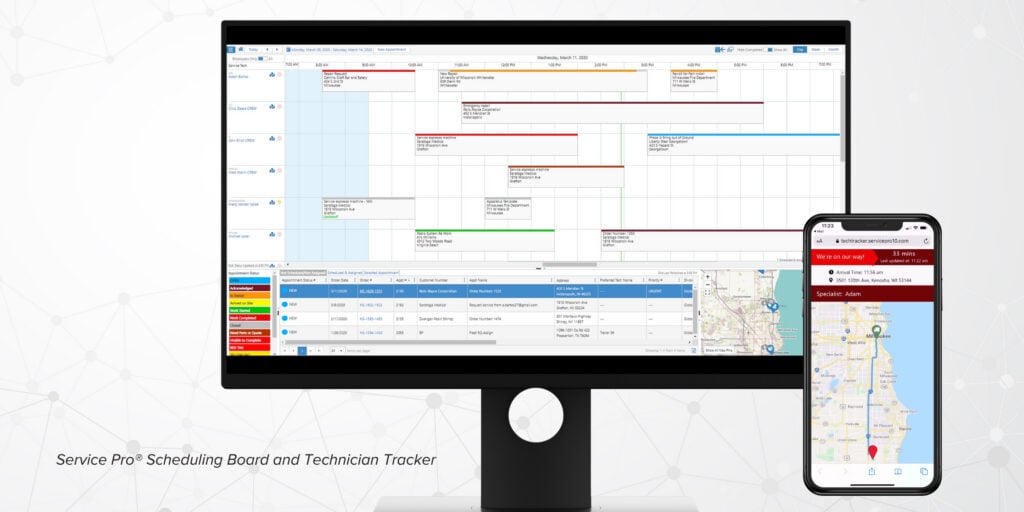
A blast freezer down at a food distribution center is an emergency call that interrupts the day. A quarterly PM visit to a retail chain’s rooftop units is scheduled weeks in advance under a service agreement. The scheduling engine needs to handle both without forcing dispatchers to manage them in separate systems.
Drag-and-drop dispatch boards that show technician skill sets, current location, certification status, and open capacity in one view cut the manual phone calls and spreadsheet lookups that slow response times. A dispatcher should be able to see that two technicians are certified for refrigerant work, one is 15 minutes from the emergency site, and the other is already committed to a PM route.
Offline Mobile Access for Rooftops, Crawlspaces, and Mechanical Rooms
Cellular connectivity is unreliable in basement mechanical rooms, walk-in coolers, and large cold storage facilities. A mobile app requiring connectivity will fail in the physical environments where commercial HVAC and refrigeration technicians work.
Ask vendors to demonstrate what the app does without connectivity. The test is simple:
- Turn off Wi-Fi and cellular
- Open a work order, log parts used, and capture a signature
- Close the job and confirm it syncs automatically on reconnect without technician intervention
If the app cannot complete that sequence, it will fail in the field.
Asset and Equipment History at the Unit Level
Commercial customers often have multiple units across one site and multiple sites under one account. Software that stores all history under a flat customer record forces technicians to sort through irrelevant notes on every visit.
The platform should let a dispatcher pull up the service record for a specific rooftop unit before the technician leaves the lot. That record needs make, model, serial number, refrigerant type, warranty status, and last service date tied to the individual unit and accessible without digging through customer-level note fields.
- Flat customer record: All history stored under one account with no unit-level differentiation. A technician arriving at a site with six rooftop units has to read through notes for all six to find the one that matters.
- Asset-centric record: History tied to each individual unit, accessible by serial number or equipment type. A technician pulls up the exact unit that failed and sees only the relevant service history, warranty status, and refrigerant type.
Jobber’s data model is client and property-based, and user community threads explicitly ask for equipment and asset history logging because it is not a native feature. A property-based CRM is not an asset register.
Refrigerant Compliance and High-Volume Inspections
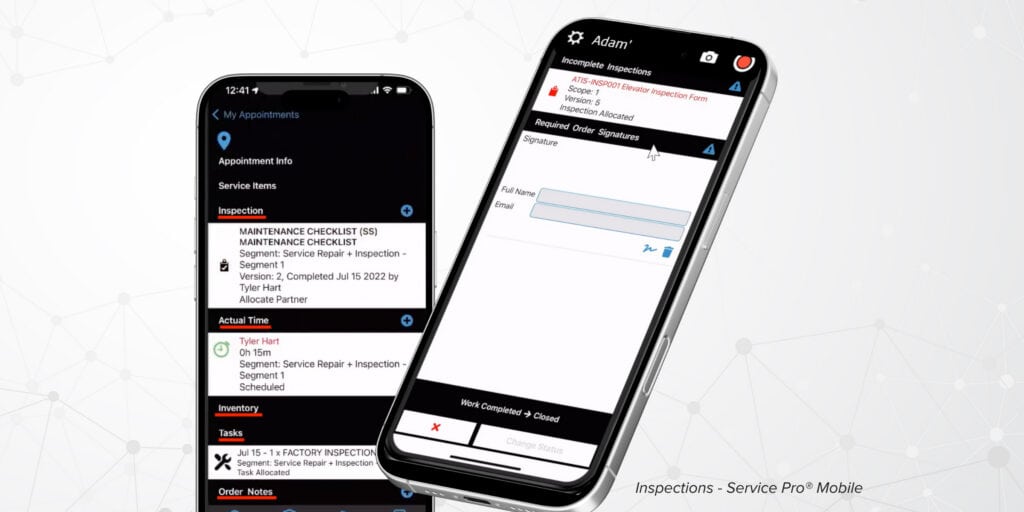
Commercial refrigeration work carries EPA Section 608 compliance obligations for refrigerant handling. The software should track refrigerant purchases, usage per job, technician-level usage, and recovery amounts in a format that produces audit-ready documentation without manual spreadsheet exports.
High-volume inspection tools matter for operations running seasonal PM visits across dozens of sites. A commercial HVAC contractor managing 200 rooftop units under quarterly service agreements needs inspection checklists that technicians can complete on a tablet, with deficiency tracking that automatically generates repair opportunities and feeds back into the dispatch queue.
Service Agreement and Contract Coverage Enforcement
Operations lose warranty revenue because technicians perform work outside contract scope without the system flagging it. The platform should surface contract and warranty coverage before a technician is dispatched, at work-order intake.
If a customer’s unit is under a parts-and-labor agreement, the system should flag that automatically rather than relying on a dispatcher to check a spreadsheet. A dispatcher creating a work order should see a coverage alert that says “Unit under warranty until March 2026” or “Customer has parts-only agreement” before assigning the job.
ERP Integration Without Replacing Your Back Office
The “island of automation” problem happens when service teams manually re-key serial numbers, contract dates, billing data, and customer records between the ERP and a separate service system. That double entry creates invoice delays and data mismatches that frustrate back office staff.
Ask vendors specifically which ERPs they integrate with, whether the integration is native or API-based, which system is “master” for customer records, and how pricing and invoicing data syncs.
Housecall Pro and FieldEdge both market equipment tracking, but their accounting integration posture is QuickBooks-first, which does not address the ERP-grade financial controls and multi-entity job costing that mid-market operations require.
Reporting on Job Profitability and Technician Utilization
Your controller does not have real numbers until a batch ERP report runs Tuesday morning. By then, the margin problem has already compounded.
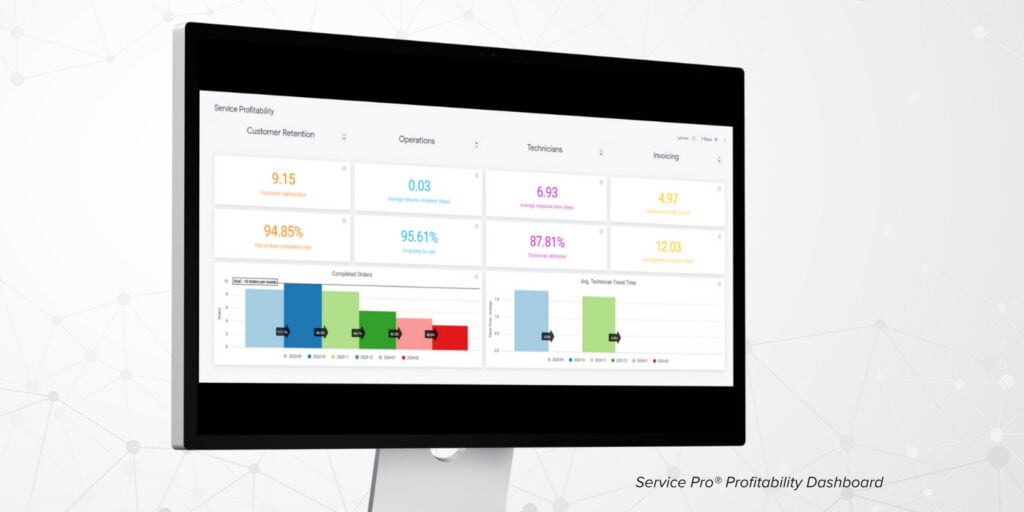
Service leaders at commercial operations need profitability data by job, by technician, by contract, and by service agreement in real time. Dashboards should show technician utilization, first-time fix rate, open warranty claims, and PM completion rates without requiring a manual report request.
- Technician utilization rate: The percentage of paid technician hours spent on billable work
- First-time fix rate: The percentage of jobs closed without a return visit, with industry best-in-class running around 88%, according to field service benchmarking data, and most mid-market operations running closer to 70%, based on industry surveys
Both metrics have direct dollar values that a controller can tie back to the software investment without abstract efficiency language.
The Best Field Service Management Software for Commercial HVAC and Refrigeration Companies
These platforms were selected for commercial HVAC and refrigeration operations specifically, meaning they handle multi-site asset management, service agreements, compliance workflows, and ERP integration.
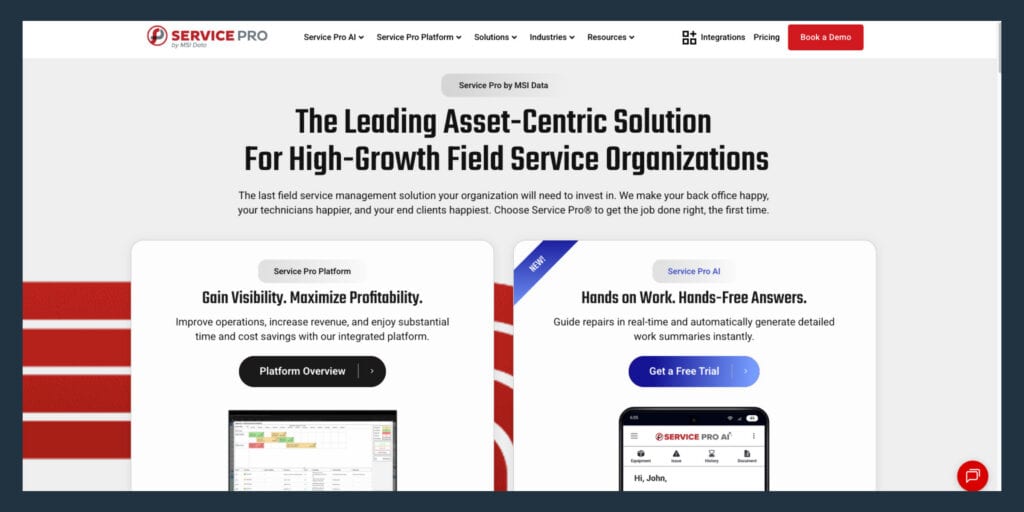
Service Pro by MSI Data
Best for: asset-centric commercial HVAC and refrigeration operations running $50M+ in revenue with 50 or more field technicians managing large equipment portfolios under service agreements.
Service Pro is an asset-centric field service management platform built exclusively for equipment-centric service organizations. Every work order ties to an individual unit record, and contract and warranty coverage is enforced at intake before a technician is dispatched.
Key capabilities:
- Asset-centric work orders tied to individual unit records, including refrigerant type, install date, warranty status, and full service history
- Contract and warranty coverage enforcement at work-order intake, so out-of-scope work is flagged before dispatch
- Offline-capable mobile app for technicians working in mechanical rooms, crawlspaces, and cold storage environments
- Native ERP integrations with Sage 100, NetSuite, Epicor Prophet 21, and Microsoft Dynamics Business Central
- EPA refrigerant compliance tracking for audit-ready EPA 608 documentation
- Service Pro AI agents for field execution, invoice and warranty enforcement, and operations intelligence
WPI, reported losing roughly $3.5 million a year in warranty write-offs before Service Pro.
An HVAC services company, managing 20,000-plus buildings, standardized inspection checklists and cut paperwork burden after switching to Service Pro.
Where it has limits: Service Pro is built for mid-market and enterprise operations. Smaller contractors under 20 technicians will find more than they need here.
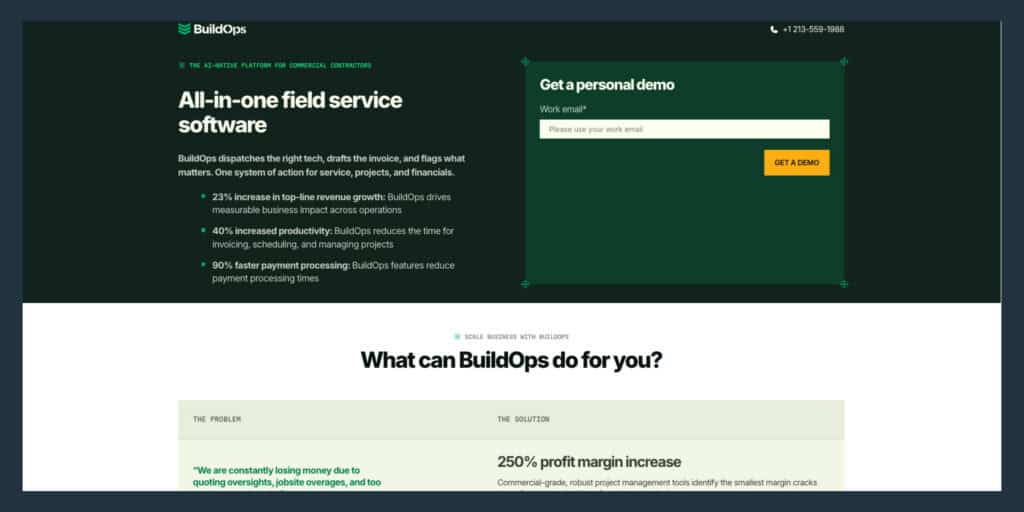
BuildOps
Best for: commercial mechanical contractors managing both service work and construction projects under one platform.
BuildOps positions itself as covering service calls to project closeout, with a dedicated project management module that ties RFIs, submittals, daily logs, and punch lists to change orders. The asset management page explicitly calls out multi-location asset information, unit history, and specs. BuildOps integrates with NetSuite, Viewpoint Vista, Viewpoint Spectrum, Sage, and QuickBooks.
Buyers who need deep ERP integration beyond accounting sync should verify connector depth before committing.
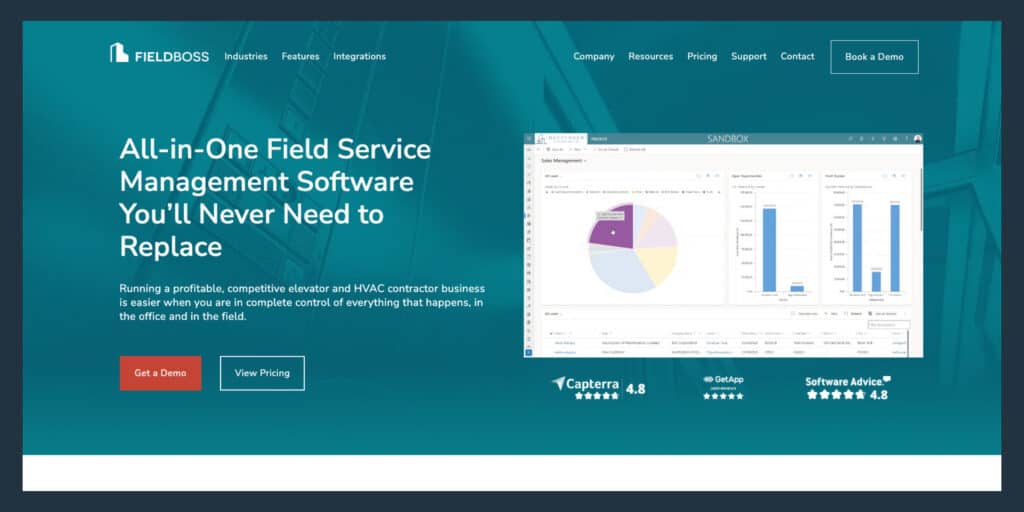
FieldBoss
Best for: commercial HVAC teams already committed to Microsoft Dynamics 365.
FieldBoss is built within the Dynamics 365 ecosystem and integrates with Business Central through hundreds of touchpoints. The platform markets a 360-degree view of customers, buildings, equipment, and service history across commercial sites, with refrigerant tracking, maintenance agreement billing, compliance documentation, and warranty management.
FieldBoss implementation resembles running an ERP program. FieldBoss’s own methodology states onboarding projects typically take 8 to 16 weeks from kickoff to go-live, with a $50,000-plus implementation fee. Action Elevator’s customer story on the FieldBoss site states their implementation ran eight to nine months from start to finish. Buyers who need to be live in 30 days should look elsewhere.
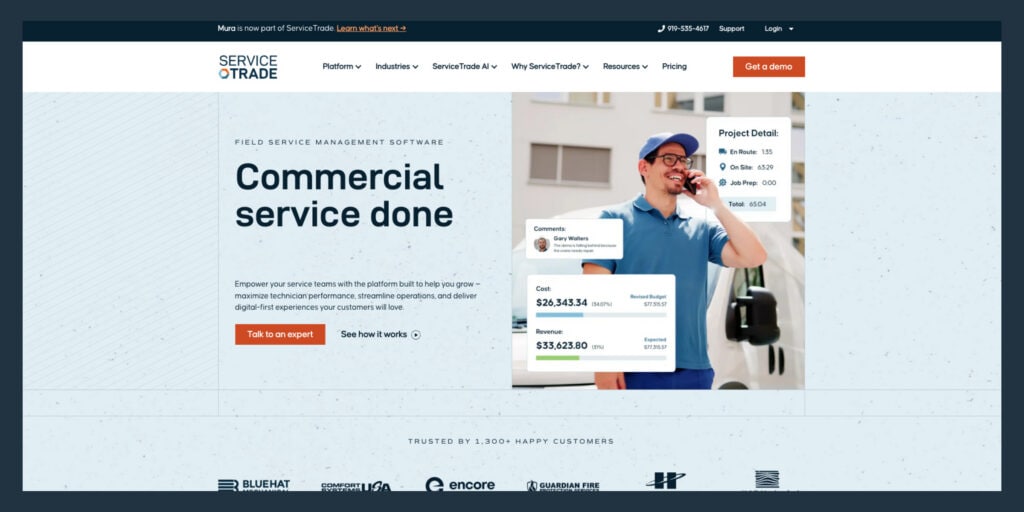
ServiceTrade
Best for: commercial HVAC contractors whose revenue model centers on maintenance agreements and repair pull-through.
ServiceTrade positions around asset lifecycle management and technician access to equipment service history. Their homepage copy explicitly frames landing maintenance agreements as a key strategy, and their feature pages describe asset-based service proposals with customized preventative maintenance schedules and tiered pricing options.
The public material is lighter on describing a multi-level hierarchy (sublocations and components) compared with platforms that emphasize building navigation. Buyers managing complex commercial sites with multiple floors, rooms, and equipment zones should verify how deep the asset hierarchy goes during a demo.
ServiceTitan
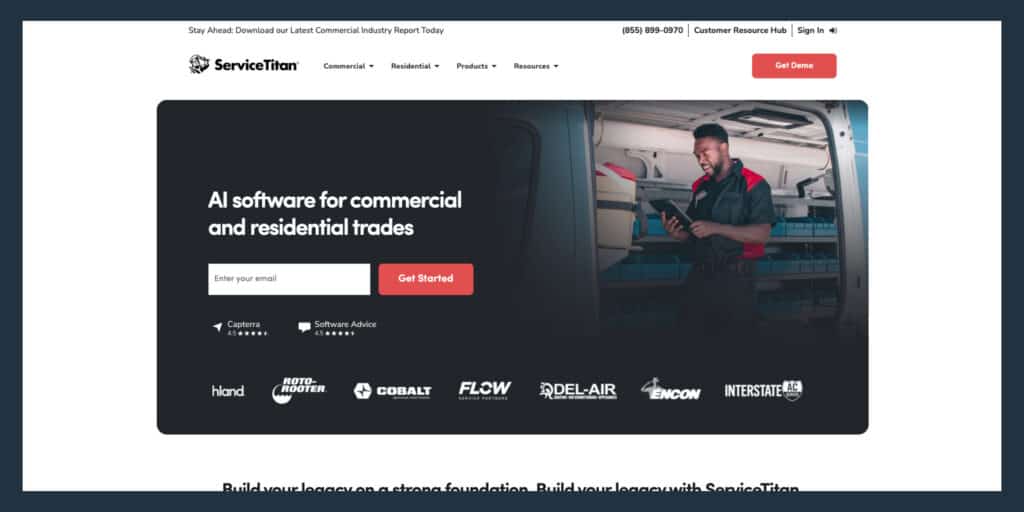
Best for: large trade service operations running high technician counts with a need for dispatch depth and BI reporting.
ServiceTitan markets customer equipment and asset tracking, plus the ability to bill complex accounts, locations, tenants, or property managers. The platform has publicly discussed sublocations structures to navigate buildings, floors, rooms, and equipment zones. ServiceTitan integrates with QuickBooks, NetSuite, Sage Intacct, and Viewpoint Vista, with CSV or journal entry fallbacks for ERPs not on the list.
ServiceTitan’s marketing claims all features are available in offline mode, but HVAC technicians in community support sites describe workflows that break down in the field under poor connectivity.
One reviewer reports getting stuck on the login page after losing Wi-Fi, requiring uninstall and reinstall. Capterra’s aggregated review summary flags desire for improved offline performance even among generally positive sentiments. Test the technician-facing experience in a basement mechanical room or walk-in cooler before committing. Pricing is quote-based and contract terms are multi-year, according to ServiceTitan’s sales process.
Simpro, FieldEdge, and Other Notable Platforms
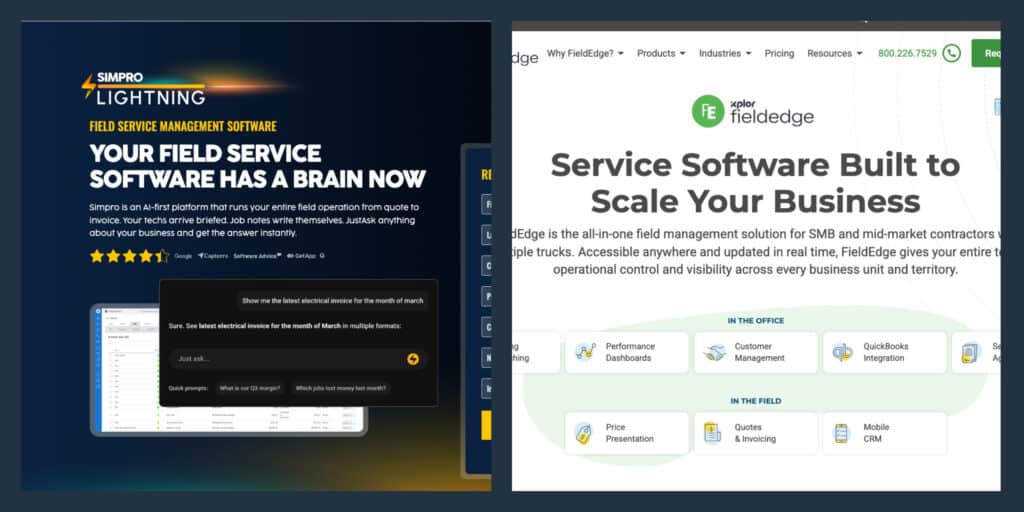
Simpro is an end-to-end operations platform strong on inventory and job costing for trades. Simpro’s inventory management runs on FIFO costing, posting the actual price to the job, which matters for operations managing high-value parts across multiple jobs. Simpro integrates with Sage Intacct as a billable enhancement and lists connectors to Dynamics 365 and NetSuite via third parties.
FieldEdge offers QuickBooks-connected workflow and HVAC equipment history, with equipment tracking that includes photos on work orders and maintenance records. The platform reads home-service and SMB-first, without the deep asset hierarchy complex commercial sites require.
Jobber and Housecall Pro
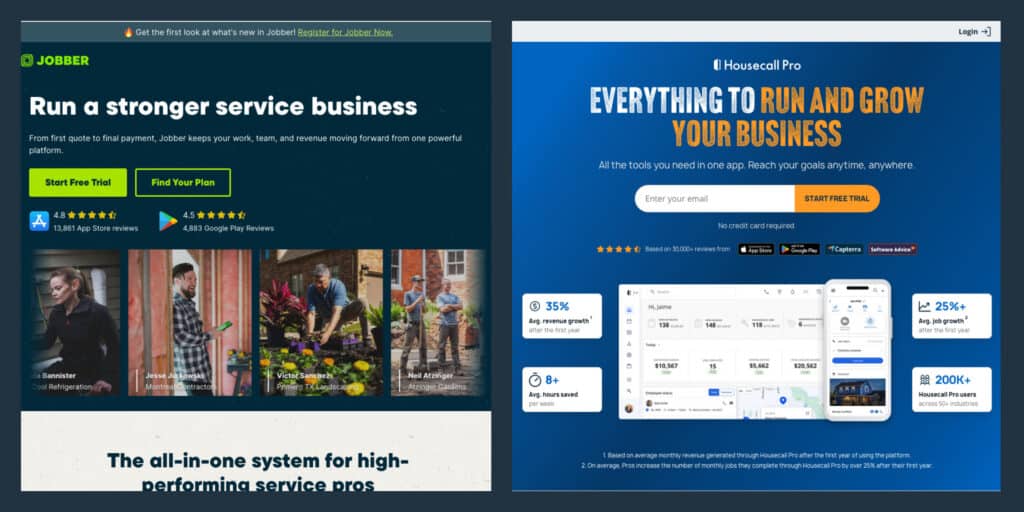
Residential platforms like Jobber and Housecall Pro handle scheduling, invoicing, customer communication, and payment collection well for smaller operations, but they lack the asset hierarchy, multi-site commercial account structure, compliance tracking, and ERP integration that commercial HVAC and refrigeration work requires.
Jobber’s data model is client and property-based. Housecall Pro positions equipment tracking as equipment installed at a property plus service history, without a true multi-level equipment hierarchy (site, building, floor, room, unit) needed for enterprise multi-site portfolios. Both platforms integrate primarily with QuickBooks, which works for smaller contractors but does not address ERP-grade financial controls. If the operation manages commercial accounts with multiple sites and equipment under service agreements, both platforms will become a constraint quickly.
Questions to Ask Before a Software Demo
The service manager who shows up with a written list of requirements gets a focused demo tailored to operational needs. These four questions cut through feature lists and force vendors to demonstrate operational fit.
- How does the platform sync with our ERP, and which system owns the customer record? Ask the vendor to name the specific integration, whether it is native or API-based, and what happens when a record is updated on both sides simultaneously. If the answer is “we have an API” without naming the ERP objects that sync, the integration requires significant development work.
- Can you show us the chain from a customer account to a specific unit’s full service history? The vendor should demonstrate account to site to unit to service history to invoice in one connected flow without switching screens. A failure here indicates a flat data model – it isolates critical information, forcing manual data re-entry and creating operational blindness that leads to costly billing errors, missed warranties, and an inability to track an asset’s true service history.
- How does the system enforce contract and warranty coverage at work-order intake? The answer should describe an automatic flag or coverage check. If the vendor says “you can set up custom fields to track that,” the platform requires manual configuration for coverage enforcement (slowing you down).
- What does rollout look like for a team of our size, and what does the first 90 days require from our team? Retraining cost and timing frequently drives hesitation in FSM buying decisions. Buyers often express reluctance to implement new systems midyear. The vendor should describe phased rollout options, training timelines, internal resource requirements, and post-go-live support during onboarding.
How to Measure ROI After Rollout
Your controller joins the buying conversation once reporting becomes the sticking point. These five metrics move fastest after a successful FSM rollout and have direct dollar values that tie back to the software investment without abstract efficiency language.
- Technician utilization rate: The percentage of paid technician hours spent on billable work. Real-time dispatch visibility closes the gap between what technicians are paid for and what generates revenue.
- First-time fix rate: The percentage of jobs closed without a return visit. Industry best-in-class runs around 88%, according to field service benchmarking data. Most mid-market operations run closer to 70%, based on industry surveys. A return visit costs fuel, technician time, customer trust, and potential contract renewals.
- Time to invoice: The number of days between job close and invoice delivery. Some operations running without FSM software report 16-plus days to invoice. Every day of delay is cash sitting in work-in-progress instead of accounts receivable.
- Preventive maintenance on-time completion rate: The percentage of scheduled PM visits completed within the contracted window. Missed PM visits create contract compliance exposure and customer churn.
- Warranty revenue recovered: The dollar value of warranty claims processed that would otherwise have been written off as out-of-scope work. WPI reports recovering $3.5 million annually in warranty write-offs after implementing Service Pro.
The right FSM platform for a commercial HVAC and refrigeration operation treats assets as the organizing unit of the business. Schedule a free demo to see how Service Pro handles commercial HVAC and refrigeration operations at scale.
Frequently Asked Questions
What is field service management software for commercial HVAC and refrigeration companies?
Field service management software for commercial HVAC and refrigeration connects scheduling, dispatch, mobile access, asset records, service agreements, and invoicing in one system built for operations managing large equipment across multiple customer sites. Unlike general trades software, it tracks individual unit history, refrigerant usage, contract coverage, and warranty enforcement as core functions.
How is commercial HVAC field service software different from residential platforms?
Residential platforms organize work around homeowner booking, payment collection, customer communication, and review generation. Commercial HVAC software organizes work around asset hierarchies, service agreement enforcement, refrigerant compliance tracking, and ERP integration.
Does field service software replace your ERP?
FSM software runs alongside your ERP. The FSM platform manages field execution (scheduling, dispatch, work orders, mobile access, invoicing), while the ERP manages financials, payroll, inventory, and purchasing. The integration between the two systems determines whether your team is re-keying data manually or working from a connected record.
How long does commercial HVAC software implementation take?
Implementation timelines vary by platform and team size, but commercial operations with 50 or more technicians should plan for a phased rollout. Buyers who start with one crew or one region report faster adoption and fewer disruptions than those who attempt a full cutover on day one.
What metrics prove field service software ROI for commercial HVAC operations?
The four metrics that move fastest after a successful FSM rollout are time to invoice, first-time fix rate, technician utilization, and warranty revenue recovered. Each has a direct dollar value that a controller can tie back to the software investment.
How important is offline mobile access for refrigeration technicians?
Refrigeration technicians regularly work in walk-in coolers, basement mechanical rooms, and large cold storage facilities where cellular connectivity is absent or unreliable. A mobile app requiring connectivity in these environments forces technicians to complete paperwork after the fact, which delays invoicing and introduces errors in service documentation.
Can AI help commercial HVAC and refrigeration field service teams?
AI tools built for field service work by grounding responses in a company’s own asset records, service history, equipment documentation, and technician notes. Service Pro AI agents handle field execution (Job Prep Brief), revenue enforcement (invoice and warranty agents), operations intelligence, and technician support, with practical use cases including real-time troubleshooting guidance for less-experienced technicians and same-day invoice generation synced to the ERP. Buyers who are cautious about AI should ask vendors specifically how the system uses their data and what it does not have access to.