






Job Prep Brief: The Context Your Technicians Have Been Waiting For + Webinar Recap
The number one complaint we hear from the field? Techs arriving to jobs with no idea what they're walking into. Technicians are going in blind without service histories, equipment information, and unique customer insights they need to do the job the right way the first time.
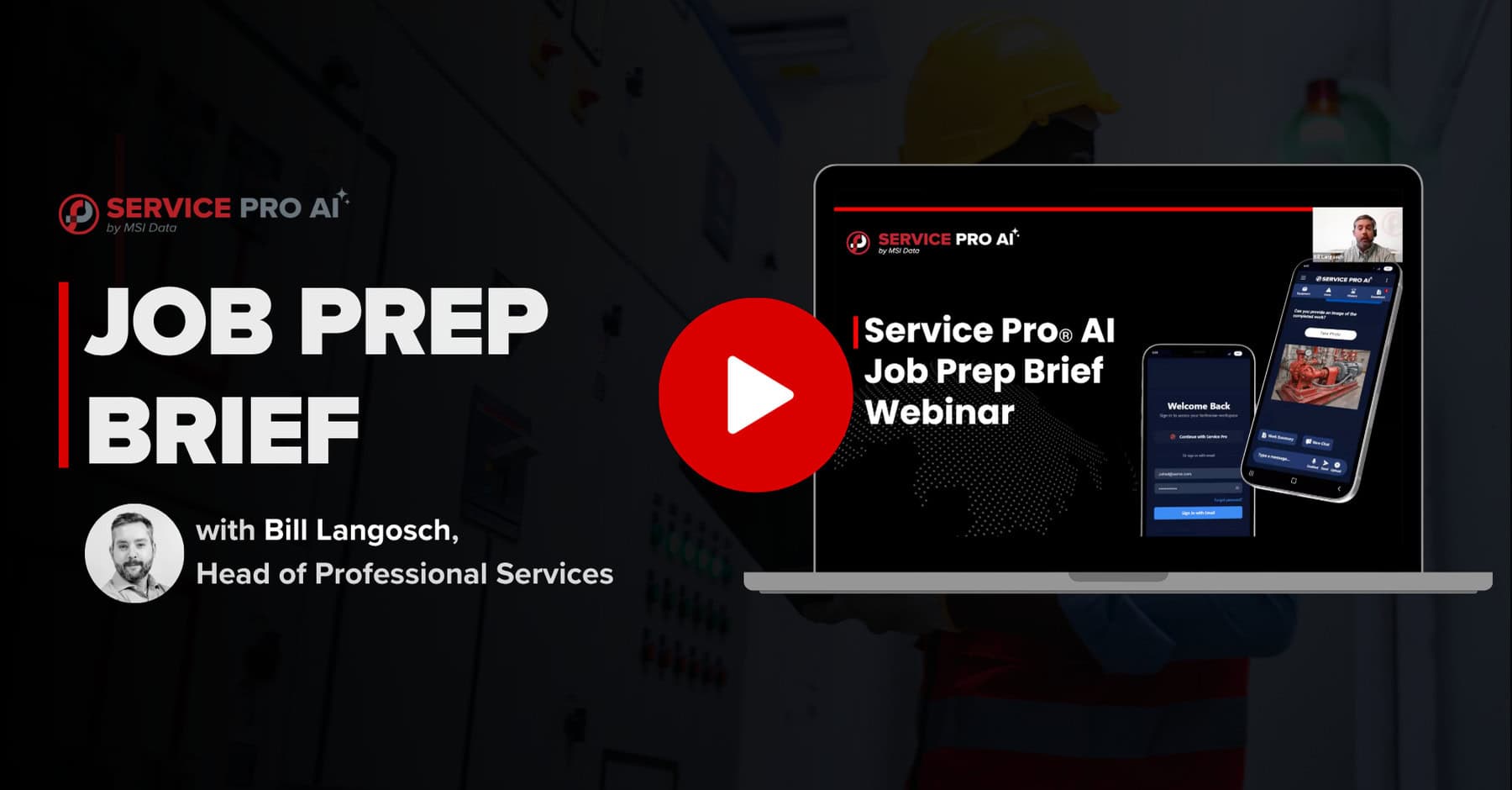
We built Job Prep Brief to repair this broken workflow. In our recent webinar, we covered the launch of Job Prep Brief, how to use it, and what benefits you'll see, presented by Bill Langosch, Head of Professional Services at MSI Data.
If you've ever had a tech struggle due to lack of context on site, you know just how life-changing Job Prep Brief will be. Get all the details by watching the full webinar recording, available below. If you want just the highlights, keep reading.
Watch the Webinar Recording — Fill Out the Form to Access
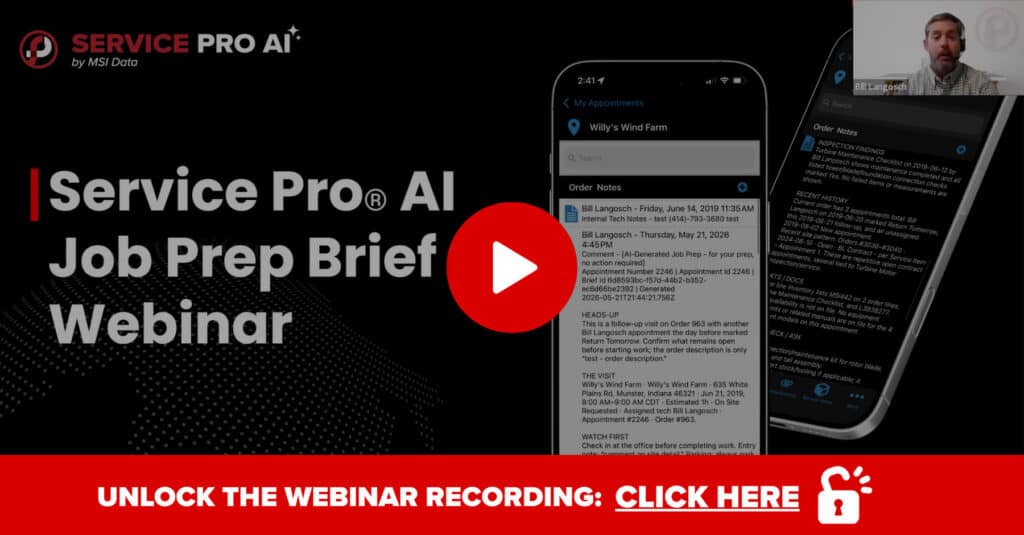
Job Prep Brief is Here
Job Prep Brief is now officially available to all Service Pro AI users. If you're already in the trial, reach out to your Forward Deployed Engineer to get it enabled today. Not yet a Service Pro AI user? There's never been a better time to start your free trial.
Let’s dive into why Job Prep Brief is the feature service teams have been waiting for.Let’s dive into why Job Prep Brief is the feature service teams have been waiting for.
The Problem We Set Out to Solve: Techs Going In Cold
During our 2026 Service Pro AI Roadshow, we sat down with field service leaders across five cities, and one recurring pain point came up in every single room: techs are pulling up to job sites cold. They’re missing accurate service histories and notes from the last visit, so they have no idea what's already been tried.
All they can do is improvise, ask the customer to repeat everything they already told someone else, and hope for the best. It's not the professional experience you promised nor the one your customer expects, but it’s still happening every day.
The cost of that missing context isn't just frustration. First-time fix rate (FTFR) is one of the most closely watched KPIs in field service, and it's directly tied to how prepared a technician is before they walk in the door. Every unnecessary repeat truck roll costs anywhere from $175 to over $1,000 in labor, fuel, and vehicle wear, before you factor in the customer trust you're burning along with it. As we cover in our Field Service Knowledge Management guide, a technician showing up without context is one of the most preventable and costly problems in field service.
Across all of our conversations with customers and field service leaders, the #1 ask we keep hearing is consistent: give techs a brief they can read before they ever leave the shop. More than once, that idea was described as a "dream come true." So, that's exactly what we built.
What the Job Prep Brief Actually Does
Here's how it works: once enabled, it will automatically check every 10 minutes for upcoming appointments in your schedule. When it finds an appointment that is showing as scheduled or dispatched with an assigned Service Pro AI user and has a scheduled time on the books, it generates a Job Prep Brief automatically, one hour before that appointment is set to begin.
That brief surfaces in three places:
- Service Pro AI — where the technician sees a concise, readable summary before they start the job
- Service Pro Mobile — available in the order notes tab just like any other note
- Service Pro 10 back office — visible to dispatchers, managers, and anyone else interacting with that work order
What's Actually Inside a Job Prep Brief?
The agent pulls from the last five work orders tied to that job, plus site notes, customer notes, equipment details, warranty and contract coverage, inspection findings, parts history, and prior technician notes. It organizes all of that into a structured brief with sections for background, what to watch for on arrival, equipment in scope, contract and warranty status, and what to bring.
The agent also flags anomalies. In the webinar, the live example appointment had been sitting open since 2019, and Job Prep Brief caught it and called it out. Expired warranty coverage that lapsed mid-contract? Also flagged.
Instead of a data dump, Job Prep Brief offers an organized, intelligent brief that can be exported as a PDF or UDF for cleaner, richer content, which shows up as a brief for field tech in the Service Pro Mobile App and as a Order Note for back-office admins.
Headless vs. Headful: What That Actually Means
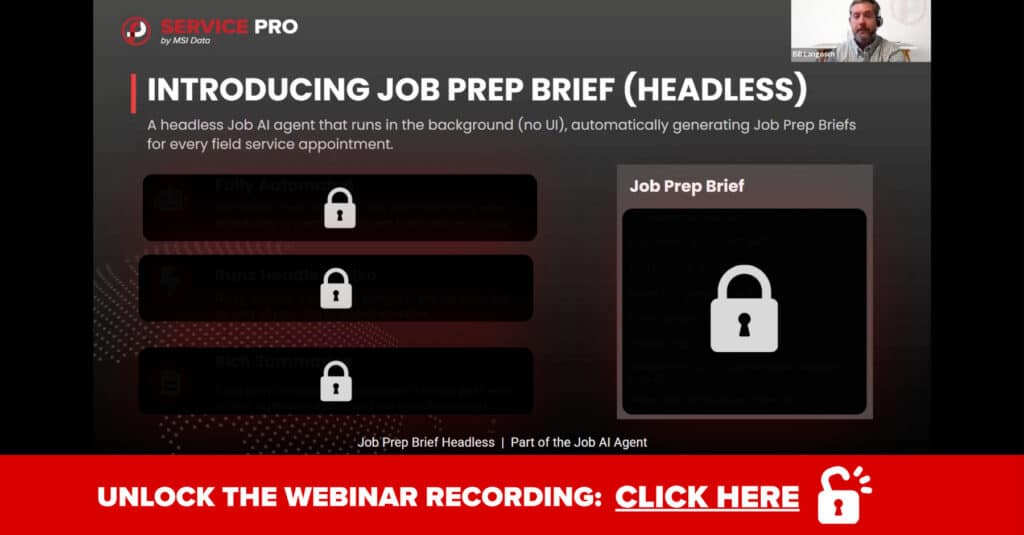
Bill introduced two terms during the webinar that are popping up more and more amongst technology leaders and are worth knowing: headless and headful agents.
A headless agent runs in the background without any user interaction needed. It takes action on its own based on defined triggers. The Job Agent that generates the Job Prep Brief is headless. You don't have to ask it to run. It watches your schedule and produces the brief automatically.
A headful agent requires a user interface and direct interaction from a person. This is what you're working with when a technician opens Service Pro AI and starts asking questions about the job. Want to know what warranty coverage exists on the equipment? Ask it. Want to know who was last on site or what inspections have been completed in the past year? Ask it. Want to know details about site history? Ask it. The chat interface is where the headful agent lives, and it's how technicians can dig deeper into anything the Job Prep Brief surfaces.
Why does this matter to you? Job Prep Brief is a headless agent, meaning it runs automatically in the background without requiring anyone to trigger it. Your back office doesn't need to push any buttons or spend valuable time pulling information together. Setting it up takes two clicks. In the Service Pro AI settings, there's a toggle to enable the Job Prep Brief and a dropdown to select which order note type you want it to write to. Just enable it and let it run automatically and handle chat follow-ups on demand.
What Attendees Asked: The Q&A Highlights
Our Q&A portions of our webinars are always stuffed with questions. Here are the ones that stood out.
Can techs have the brief read aloud while driving to the job? Yes. Technicians can enable voice in Service Pro AI so the agent reads responses back to them hands-free.
Can we configure how far back the agent looks? Right now, Job Prep Brief pulls from the last five work orders. That isn't configurable today, but it's something the team is actively gathering feedback on.
Can we adjust the one-hour timing? Not yet, but adjustable timing is on the feedback list. Several attendees asked for options like 24 hours in advance for more complex jobs.
What if a job is scheduled for right now? Covered. Because the agent runs every 10 minutes, a last-minute scheduled job will still get a brief generated as long as the Appointment is scheduled in the future and is picked up by the every 10-minute job.
Can it pull up PDFs, attachments, or prior trip reports? Not yet. Right now, the agent works from text-based records in Service Pro. Attachment analysis is on the roadmap.
Can we get more detail in the brief that shows up in Service Pro AI? By design, it's intentionally concise, but you can prompt Service Pro AI directly to pull up the complete brief if you want more depth in the moment.
To hear more questions in the full live Q&A, get the recording here. [Fill Out the Form to Access]
The Agentic Approach: Three Agents, One Mission
Job Prep Brief is the third major agent to go live in Service Pro AI, and it completes a picture that's been building since launch.
Think about the lifecycle of a job in three stages:
Before the job — the Job Agent handles this. Job Prep Brief, which is generated automatically so techs walk in with context.
During the job — the Asset Agent handles this. It's the troubleshooting and knowledge base layer where techs ask questions, surface equipment manuals, reference SOPs, and get accurate answers grounded in your own data.
After the job — the Appointment Agent handles this. It generates the appointment summary, pushes the PDF back to the work order, and now also pushes the text version back to a custom field for easier back office access.
Three agents. Before. During. After. That's the full loop.
What's coming next? This is just the beginning. New agents are in development, shaped directly by feedback from customers and roadshow attendees, and each one will build on this same framework. Stay tuned for future webinars where we'll be pulling back the curtain on what's coming next.
Start Your Free Trial of Service Pro AI
Job Prep Brief is now live! If you're already in the trial, reach out to your Forward Deployed Engineer to get it enabled. If you haven't started a trial yet, now is a great time. Features like the Job Prep Brief and Service Report Automation are ready to use from day one, and our FDE team stays with you throughout the process to make sure your technicians are actually using it and seeing value.
Start Your Free Trial of Service Pro AI
Frequently Asked Questions
What is the Job Prep Brief?
Job Prep Brief is an automated feature in Service Pro AI that generates a pre-job summary for technicians one hour before a scheduled appointment. It pulls from service history, site notes, customer notes, equipment details, warranty and contract coverage, and inspection findings, so techs walk into every job with the context they need.
When does the Job Prep Brief generate?
The agent runs every 10 minutes and generates a brief one hour before the scheduled appointment time. It only generates for appointments that have a Service Pro AI user assigned and a scheduled date and time on the appointment.
Does it work if I don't have a fully built knowledge base?
Yes. Job Prep Brief works from data already in Service Pro 10, including your existing work order history, site notes, customer notes, and equipment records. You don't need to have uploaded manuals or built out a full knowledge base to start seeing value from this feature.
How is this different from just reading the work order?
Job Prep Brief doesn't just show you the work order. It synthesizes history across the last five work orders, pulls in site and customer notes, summarizes warranty and contract status, surfaces relevant inspection findings, and flags anomalies, like appointments that have been open for unusually long periods or lapsed warranty coverage. It's the difference between reading one piece of paper and having a knowledgeable colleague brief you before you walk in.
What data does it pull from?
Job Prep Brief pulls from work order history (last five orders), site notes, customer notes, appointment notes, equipment records, warranty and contract data, inspection records, and parts history stored in Service Pro 10.
Is it available on mobile?
Yes. Job Prep Brief generates as an order note that is visible in Service Pro Mobile, Service Pro AI, and Service Pro 10 back office.
How do I enable the Job Prep Brief?
It's a two-click setup inside Service Pro AI settings. Toggle it on and select the order note type you want it to write to. Your Forward Deployed Engineer can walk you through it if you're in the trial program.
See what the wait between a finished job and a sent invoice is costing you.
Run the numbers