

Most FSM platforms were built for residential trades and then marketed to industrial equipment manufacturers.
That mismatch shows up fast. Most platforms can’t handle things you deal with every day: serialized equipment with a 10-year service history, warranty claims that need to be checked before a technician startsor, tech on a manufacturing floor with no cell signal. But there are specialized field service management solutions that can.
This article covers eight solutions on the market today: Service Pro by MSI Data, ServiceMax, IFS Cloud, Microsoft Dynamics 365 Field Service, Salesforce Field Service, Oracle Field Service, SAP Field Service Management, and Zuper.
These FSM solutions are evaluated on asset lifecycle management, ERP integration, and whether warranty enforcement is real or just a date field on a record.
One heads-up on ServiceMax: it runs on Salesforce Force.com, which means a second set of licenses if you’re not already a Salesforce shop.
Which field service management software do industrial equipment manufacturers use?
Most FSM platforms were built for high-volume, short-duration jobs: residential HVAC, plumbing, appliance repair. They handle scheduling and invoicing well. What they don’t handle is a serialized crane with a 10-year service history, three open warranty claims, a technician standing on a manufacturing floor with no cell signal, and warranty enforcement that happens before the job starts.
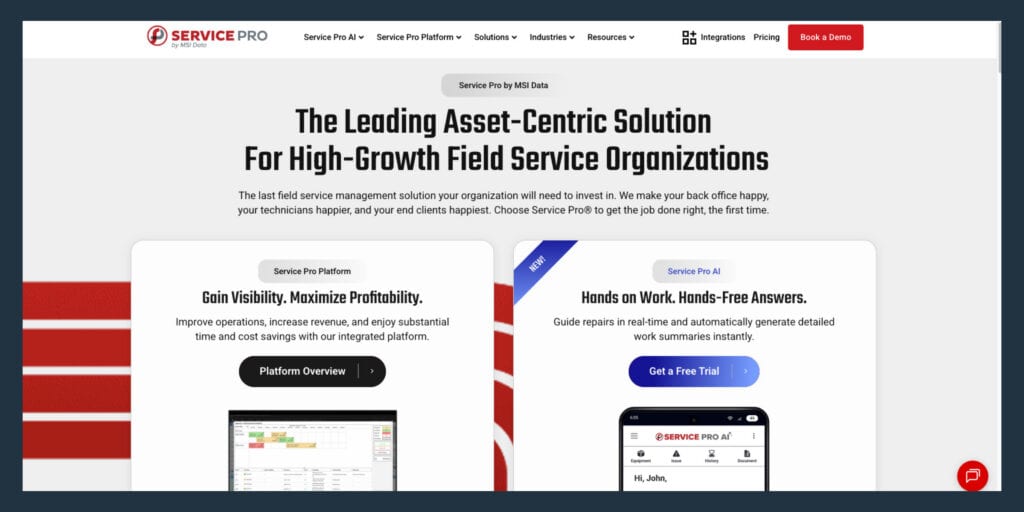
Service Pro by MSI Data
Service Pro is built exclusively for equipment-centric field service organizations. Serialized equipment records, contract and warranty enforcement at work-order intake, offline mobile access, and native ERP connectors are core capabilities built into the platform from the start. It connects natively to Sage 100, NetSuite, Epicor Prophet 21, and Microsoft Dynamics Business Central without middleware or custom integration layers. Field service management has been MSI Data’s sole focus for more than 15 years.
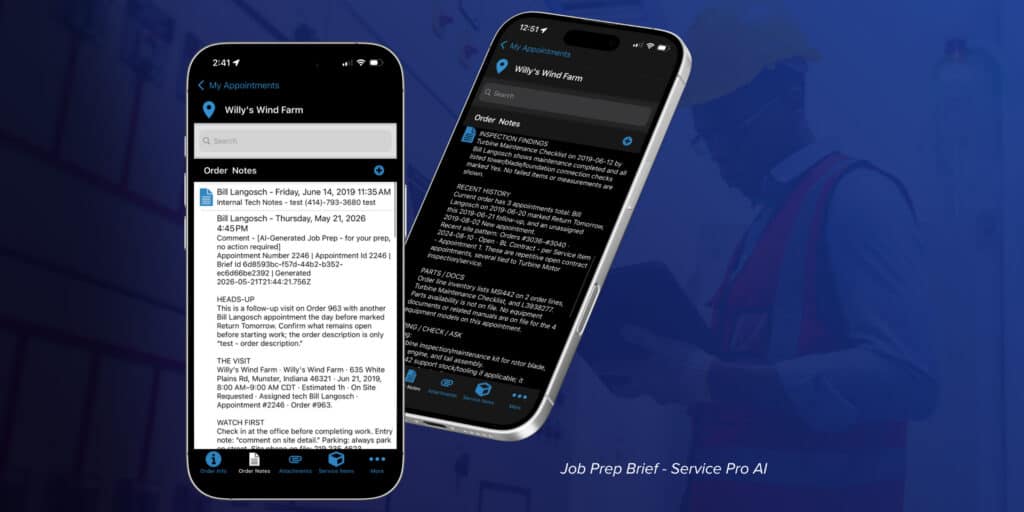
Service Pro AI extends the platform with purpose-built agents across field execution, revenue recovery, and operations intelligence. Before a technician arrives, the system delivers a Job Prep Brief: asset history, prior repairs, open warranty status, and recommended parts. During the repair, it provides real-time diagnostic guidance using the company’s own manuals and service records. When the job closes, it generates a structured service summary and syncs an invoice record to the ERP the same day. WPI recovered $3.5 million annually in warranty revenue after implementing Service Pro’s contract and warranty enforcement.
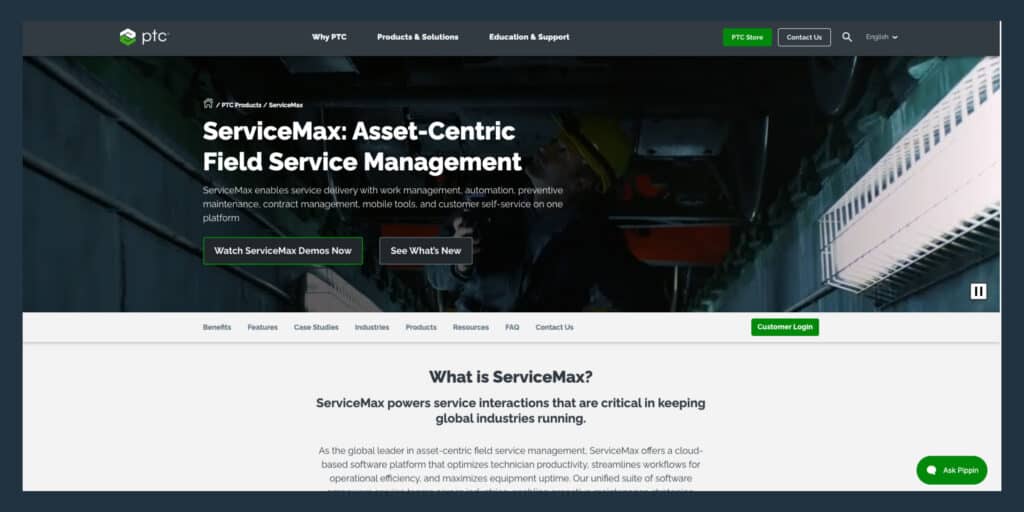
ServiceMax
ServiceMax has strong installed base lifecycle tracking and warranty workflow automation. It is built entirely on the Salesforce Force.com platform, which means buyers pay for both ServiceMax licenses and associated Salesforce user profiles. Mid-market organizations without an existing Salesforce footprint face a double-license reality and a longer path to value. Choose ServiceMax when you’re a large OEM manufacturer with dedicated IT resources and Salesforce already in place.
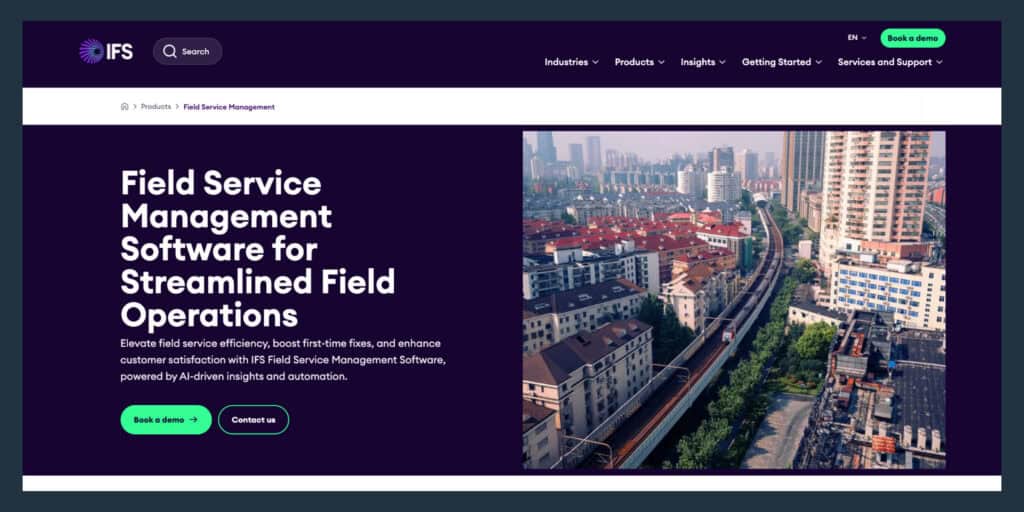
IFS Cloud Field Service Management
IFS Cloud has mature capabilities in asset lifecycle management, AI scheduling, predictive maintenance, and workforce optimization, designed for global multi-site operations. Buyers already running NetSuite, Epicor, Sage 100, or Microsoft Dynamics Business Central face either a two-ERP reality or a deep integration project that carries the same cost and complexity as the platforms IFS was meant to replace. Avoid IFS when you need to be live in under six months and your ERP isn’t SAP or IFS.
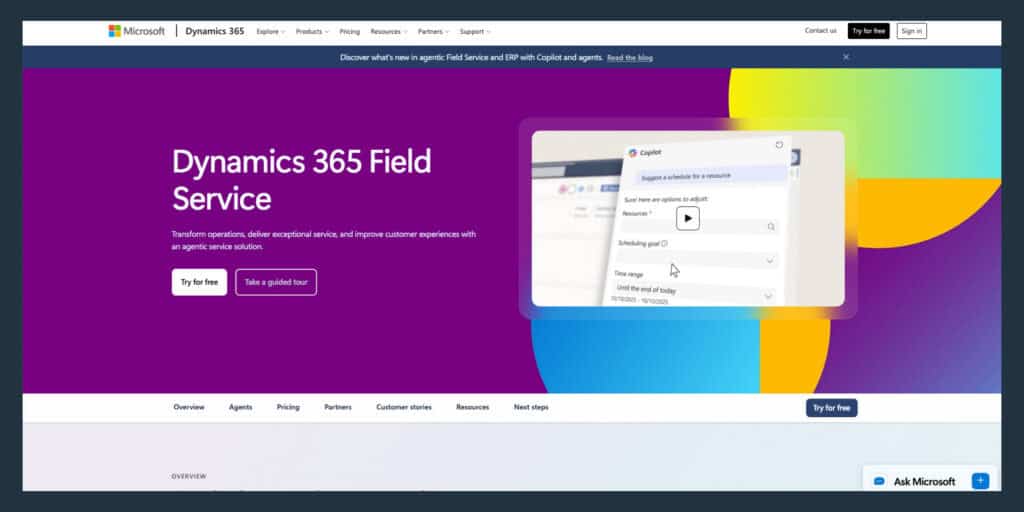
Microsoft Dynamics 365 Field Service
Dynamics 365 Field Service is the strongest fit for organizations already running Business Central, Finance, or Azure IoT. Resource scheduling optimization and Power Platform extensibility are real advantages for buyers who already own those tools, though buyers outside the Microsoft ecosystem face a larger integration lift and licensing complexity.
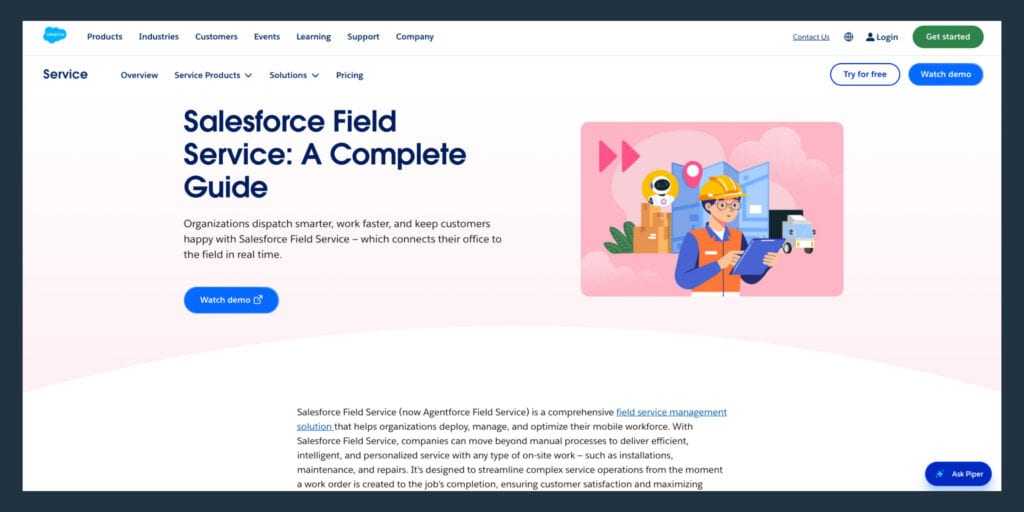
Salesforce Field Service
Salesforce Field Service is built on a CRM-driven architecture, which makes it the right choice for manufacturers where aftermarket service is tightly connected to sales workflows. Asset visibility is managed through CRM-linked records rather than a dedicated asset hierarchy. Forrester’s Total Economic Impact study for Salesforce Field Service Management shows a six-to-ten-month implementation timeline, external professional services, and 1.5 full-time employees for ongoing administration in years one through three. Choose Salesforce Field Service when your service team and sales team share the same customer data and you’re already committed to the Salesforce ecosystem.
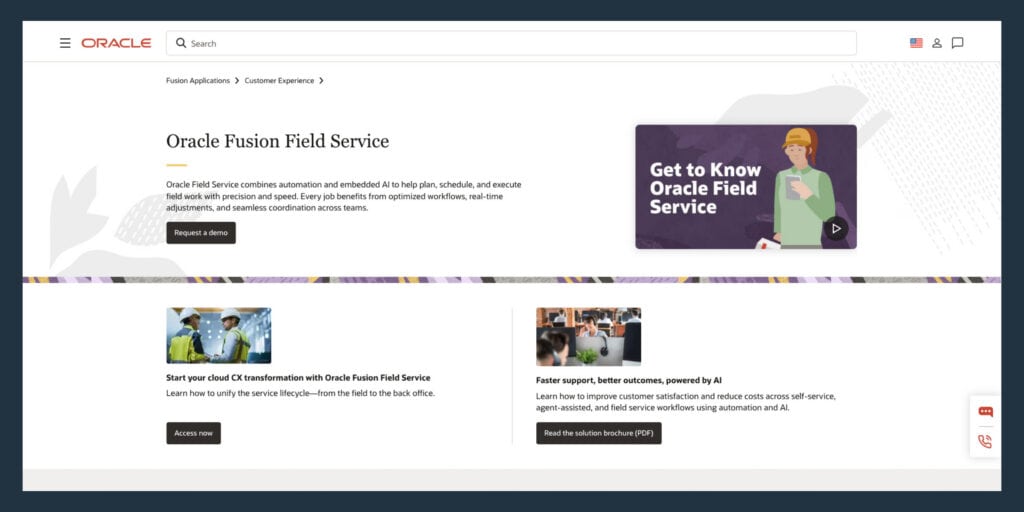
Oracle Field Service
Oracle Field Service has the strongest routing and workforce optimization algorithms in the market, designed for high-volume, geographically distributed field operations. Oracle’s documentation describes integrating with other applications through Oracle Integration (ICS/OIC), which means buyers not already running Oracle ERP face a platform integration project rather than a native connection.
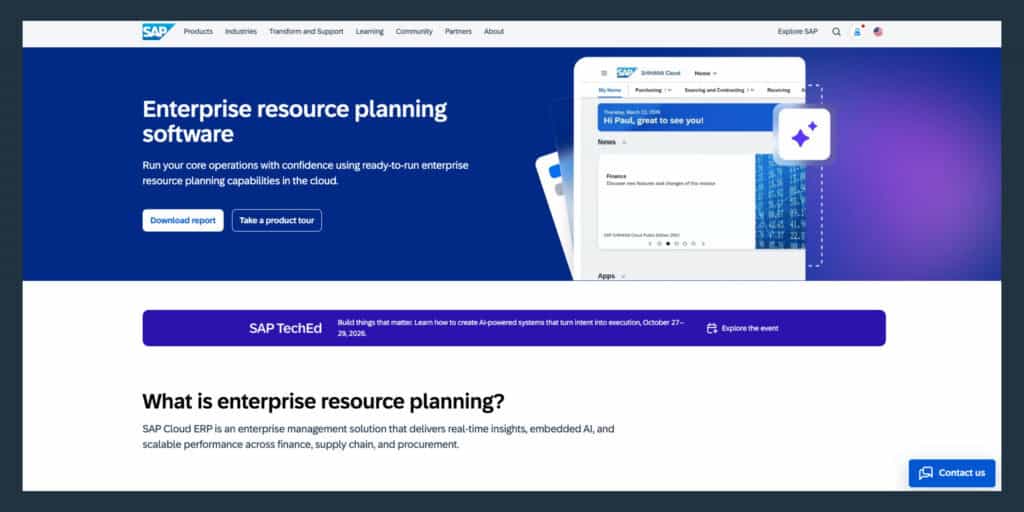
SAP Field Service Management
SAP Field Service Management is the default choice for manufacturers already running SAP S/4HANA. SAP’s setup guide is explicitly scoped to integration between SAP S/4HANA and SAP FSM, so the prepackaged integration path only applies to buyers already on SAP backend systems. Not a practical option unless SAP is already the ERP backbone.
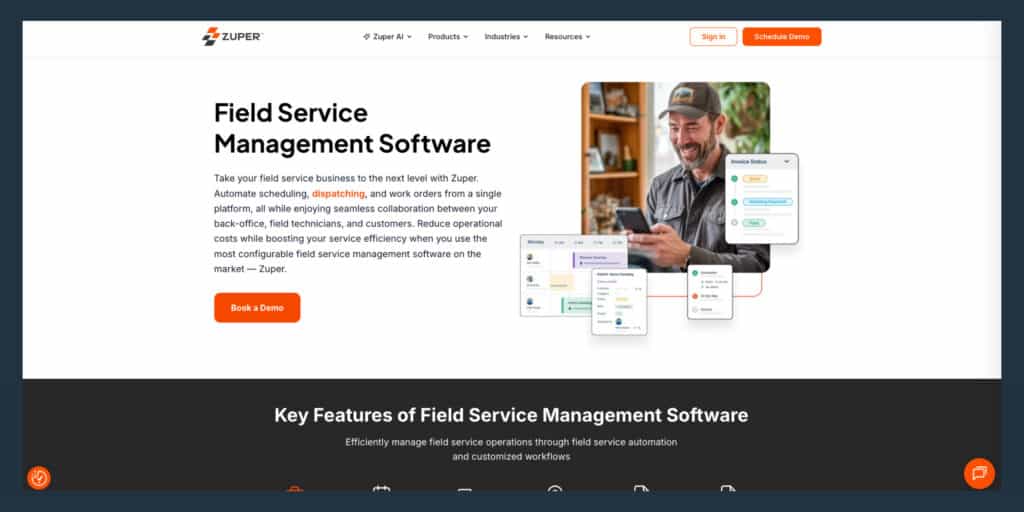
Zuper
Zuper is a mid-market option with modern workflow automation and solid mobile technician tools. Warranty in Zuper is represented as a “Warranty Expiry Date” field on the asset record, with no documented concept of coverage types, failure-code exclusions, meter-based warranties, or multi-policy stacking. Service contracts are documented for packaging and recurring invoicing, not entitlement enforcement at the work-order level. A reasonable fit for manufacturers whose service operations are growing and not yet complex enough to require OEM-style serialized equipment service with entitlement enforcement.
| Platform | Best For | Asset Lifecycle Support | ERP Integration | Industrial Equipment Fit |
| Service Pro by MSI Data | Mid-market equipment manufacturers ($50M+ ARR, 50+ techs) | Native asset-centric design with warranty enforcement | Native: Sage 100, NetSuite, Epicor P21, Business Central | Purpose-built for serialized equipment service |
| ServiceMax | Large OEM manufacturers with Salesforce | Strong installed base lifecycle tracking | Salesforce platform dependency | High, requires Salesforce investment |
| IFS Cloud | Global multi-site enterprises | Mature asset lifecycle and predictive maintenance | Unified ERP/FSM/EAM architecture | High, enterprise pricing and scope |
| Microsoft Dynamics 365 FS | Microsoft stack organizations | CRM-linked asset records | Native to Business Central and Finance | Moderate, best with existing Microsoft footprint |
| Salesforce Field Service | Sales-driven service organizations | CRM-driven asset visibility | MuleSoft for ERP connections | Moderate, CRM-first architecture |
| Oracle Field Service | High-volume distributed operations | Moderate asset lifecycle depth | Oracle Integration (ICS/OIC) required | Moderate, best for Oracle ERP shops |
| SAP FSM | SAP S/4HANA organizations | Strong with SAP backend | Native to SAP S/4HANA only | High for SAP shops, impractical otherwise |
| Zuper | Growing mid-market service teams | Basic asset tracking, date-only warranty | Standard integrations | Low for complex equipment service |
What features matter most for industrial equipment service?
Your dispatcher is cross-referencing spreadsheets and making phone calls to find who has the right certification and is closest to the job. Your controller doesn’t have real margin numbers until a batch report runs Tuesday morning. Your one senior technician fields calls all day because the service history lives in his head.
The features below are what close those gaps for organizations that service serialized equipment under multi-year contracts.
Installed asset records and service history
Industrial equipment manufacturers service serialized assets where the machine’s full history must be available before a technician touches anything. Without it, technicians call back to the office or wait on the one person who knows the equipment.
An asset record in FSM software should contain:
- Serial number and install date: Ties the physical machine to its service record
- Prior work orders: Shows what has been repaired, replaced, or inspected
- Open warranty and contract coverage (if applicable): Flags entitlements before the technician starts billing
- Recommended parts and service intervals: Reduces parts shortages and repeat visits
Technician scheduling and dispatch
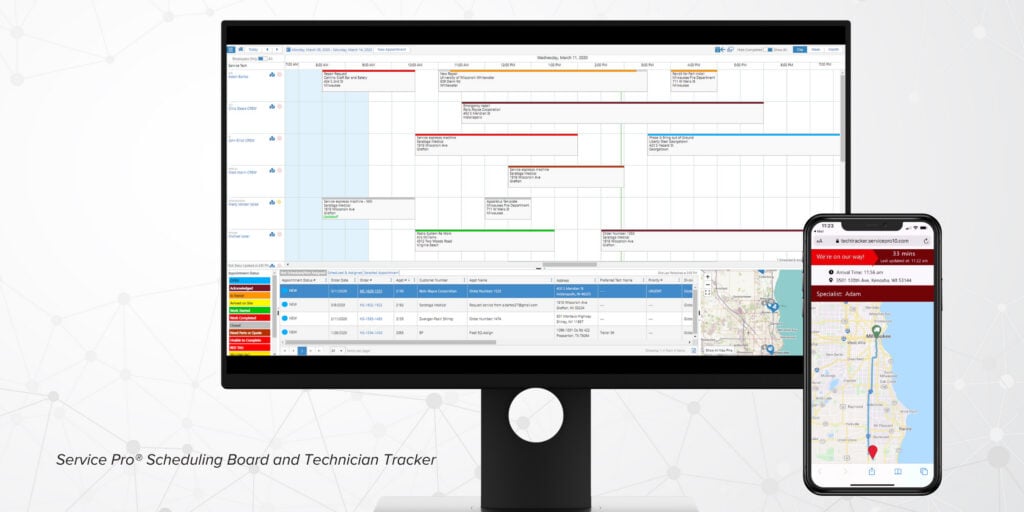
Matching technicians to jobs requires skill-set filtering (certifications, equipment type), not just proximity. FSM scheduling tools for this market should surface skill match, travel time, current workload, and parts availability together in one view, so dispatchers stop playing phone-tag Tetris to fill a job.
Offline mobile work orders
Industrial equipment is often serviced in locations with no cell coverage: manufacturing floors, remote energy sites, underground facilities. The mobile app must function fully offline, pulling up asset history, completing inspection checklists, capturing photos, logging parts used, and collecting a signature. Data syncs when connectivity returns. Platforms built for residential service often treat offline as an edge case. Industrial equipment service requires offline as a core design requirement.
Contract, warranty, and entitlement rules
Aberdeen benchmarking shows contract and warranty leakage at 24% for average performers versus 14% for best-in-class organizations. WPI recovered $3.5 million annually in warranty revenue after implementing Service Pro’s contract and warranty enforcement.
Enforcement means the system checks coverage at work-order intake and flags entitlements before the technician starts, stopping billing errors at the source. Platforms that store warranty as a date field on the asset record without entitlement logic digitize paperwork while leaving revenue unprotected.
Parts inventory and van stock
When a technician arrives without the right part, the job becomes a repeat visit. FSM software for this market should track parts by location, generate purchase orders, and alert dispatchers when a job requires a part that isn’t on the assigned technician’s truck.
- Van stock visibility: Shows what each technician is carrying before dispatch
- Parts usage logging: Updates inventory automatically when a technician marks a part used
- Low-stock alerts: Flags reorder needs before a shortage causes a missed job
Preventive maintenance and inspection scheduling
Industrial equipment runs on maintenance intervals: hours of operation, calendar cycles, regulatory inspection requirements. FSM software should auto-generate PM work orders based on asset-level triggers, eliminating manual dispatcher creation. PM compliance is increasingly tied to service contract SLAs, so missed PMs carry financial consequences beyond the equipment downtime.
ERP integration and service profitability reporting
The IT gatekeeper’s question is always where the FSM is “master” of data versus where the ERP is. Mid-market industrial equipment manufacturers typically run Sage 100, NetSuite, Epicor Prophet 21, or Microsoft Dynamics Business Central. FSM software that integrates natively eliminates the manual re-keying of serial numbers, contract dates, billing data, and customer records between systems. ERP-agnostic platforms give the buyer flexibility without forcing an ERP replacement.
AI job guidance and automated service summaries
Service Pro AI delivers a Job Prep Brief before the technician arrives, provides real-time diagnostic guidance during the repair using the company’s own manuals and service records, and generates a structured service summary automatically when the job closes. Each capability ties to a specific outcome:
- Job Prep Brief: Fewer repeat visits because the technician walks in knowing the asset’s history
- Real-time diagnostic guidance: Reduced dependence on senior technicians who hold tribal knowledge
- Automated service summary: Faster invoice generation without a back-office staffer chasing down incomplete notes
Service Pro AI grounds responses in your company’s own data, which matters for a buyer whose technicians are standing next to a $2 million piece of equipment making a warranty call.
How to compare FSM vendors for industrial equipment service
The buyer who walks into a demo with a generic list of 25 feature requirements and checks every box is still at risk of buying the wrong platform. The evaluation moves below are designed to surface real gaps before the contract is signed.
Match the platform to your service model
FSM platforms are built around different service models. A platform optimized for residential trades handles scheduling and invoicing well. Industrial equipment service requires deep asset hierarchy and warranty entitlement logic. Before evaluating features, identify your primary service motion: break-fix, preventive maintenance contracts, OEM warranty service, or installation and commissioning. The answer determines which platform architecture fits.
Test ERP data ownership in the demo
Ask the vendor:
- show a live work order syncing to the ERP
- what happens when a field record conflicts with an ERP record
- whether the integration is native or built on a middleware layer that your IT team will need to maintain.
Vendors who can’t answer this question cleanly in the demo won’t answer it cleanly in production.
Walk through a full field day
Ask the vendor to demo a technician’s full day:
- receiving a job assignment
- pulling up asset history offline
- completing a work order
- logging parts used
- capturing a signature
- closing the job
Then ask how that data reaches the invoice. Most demos skip from scheduling to reporting. The gap in the middle is where most FSM implementations break down for industrial equipment service.
Validate the invoice cycle
Some companies could see gaps of more than two weeks between job close and invoice out the door before implementing FSM software with same-day invoice sync.
In the demo, ask the vendor to show the path from a closed work order to a posted invoice in the ERP. Ask what triggers the invoice, who touches it, and how many manual steps remain.
Check rollout support and adoption planning
The most common hesitation from buyers in this market is retraining cost and timing. Sometimes, it’s challenging to implement anything new midyear.
Ask the vendor what implementation looks like in weeks one through eight: who is on-site, what training is provided, what happens when a technician refuses to use the app, and how data migration is handled.
Platforms that hand over a login and a knowledge base are not built for the operational complexity of industrial equipment service.
How to measure FSM ROI for industrial equipment manufacturers
Your controller wants profitability visible in real time. The KPIs below are the metrics that matter for industrial equipment service organizations evaluating whether an FSM investment is delivering measurable return.
First-time fix rate
First-time fix rate is the percentage of service calls resolved in a single visit. A repeat visit means a second truck roll, a second technician’s time, and a customer whose equipment is down longer than it should be. Aberdeen benchmarking shows overall average first-time fix rate at 75% and best-in-class at 89%, with laggards at 56%. PTC’s field service KPI analysis puts best-in-class at 88% and laggards at 63%. What drives first-time fix rate: technician skill matching, asset history at the point of work, parts availability before dispatch, and access to diagnostic guidance.
Technician utilization
Technician utilization is billable hours divided by total available hours. Most mid-market industrial equipment service organizations are leaving utilization on the table because dispatchers can’t see technician availability and skill sets in real time. Utilization gains don’t require better visibility into the ones already on the team, not necessarily hiring more technicians.
PM on-time completion rate
PM on-time completion rate is the percentage of scheduled preventive maintenance work orders completed within the contracted window. Missed PMs on industrial equipment carry two costs: the equipment downtime risk and the contract penalty if the SLA was tied to PM completion. Manual PM scheduling in spreadsheets produces missed windows that no one catches until the customer calls.
Time to invoice
Time to invoice is the number of days between a technician closing a job and an invoice reaching the customer, and it’s a direct cash flow driver. Forrester’s Total Economic Impact study for Microsoft Dynamics 365 Field Service shows average days to invoice improving from four days to two days in year one, then to 0.5 days later.
The back-office staffer reconciling incomplete technician notes before an invoice can go out is a symptom of a broken time-to-invoice cycle – resulting in revenue you’ve already earned stuck in invoicing.
Warranty recovery rate
Warranty recovery rate is the percentage of warranty-eligible work correctly coded and recovered from the manufacturer or contract. Write-offs happen when technicians perform covered work without checking entitlements, or when billing staff catch the error too late to reverse it. WPI was losing $3.5 million annually in warranty revenue before implementing Service Pro’s contract and warranty enforcement.
| KPI | What It Measures | Why It Matters |
| First-Time Fix Rate | Percentage of service calls resolved in one visit | Repeat visits double truck roll costs and extend customer downtime |
| Technician Utilization | Billable hours divided by total available hours | Reveals hidden capacity without adding headcount |
| PM On-Time Completion Rate | Percentage of scheduled PMs completed within contracted window | Missed PMs trigger contract penalties and equipment downtime risk |
| Time to Invoice | Days between job close and invoice sent | Longer cycles mean carrying work cost without the revenue |
| Warranty Recovery Rate | Percentage of warranty-eligible work correctly coded and recovered | Prevents revenue write-offs from entitlement errors at billing |
Why Service Pro is built for industrial equipment manufacturers
Service Pro is built exclusively for equipment-centric field service organizations, and field service management has been our sole focus for more than 15 years. The capabilities below are specific to how Service Pro handles the operational requirements that matter for industrial equipment manufacturers.
ERP-agnostic native integrations
Service Pro connects natively to Sage 100, NetSuite,, Epicor Prophet 21, and Microsoft Dynamics Business Central without requiring a middleware layer. Native means field data moves to the ERP without a human re-keying it, and MSI Data maintains the integration. A secure API is available for organizations running other ERP systems.
Contract and warranty coverage enforcement
Service Pro enforces contract and warranty coverage at work-order intake, before the technician starts. Our system checks coverage automatically and flags entitlements. WPI recovered $3.5 million annually in warranty revenue that was previously written off.
Offline mobile field execution
Service Pro’s mobile app functions fully offline. Asset records, work orders, inspection checklists, parts logging, and signature capture all work without a cell signal, and data syncs to the back office automatically when the technician reconnects. Manufacturing floors, remote energy sites, underground facilities, and offshore platforms are what we’re built for.
Service Pro AI for field execution and revenue recovery
Service Pro AI has three layers:
- Field Execution: Job Prep Brief delivered before the technician arrives, real-time diagnostic guidance during the repair using the company’s own asset records, manuals, service history, and parts catalogs
- Revenue: Automated warranty and invoice agents that enforce coverage and generate invoice records synced to the ERP
- Ops Intelligence: Trends and historical data for service leaders, so profitability is visible without waiting for a batch report
Every AI trial includes a Forward Deployed Engineer embedded with the customer’s team to ensure adoption.
Schedule a free demo to see how Service Pro handles serialized equipment service, warranty enforcement, and same-day invoice sync for your ERP.
Frequently Asked Questions
What is field service management software for industrial equipment manufacturers?
Field service management software for industrial equipment manufacturers is a platform that manages the full service cycle for organizations that maintain and repair large physical assets, built around the equipment record rather than the customer record. It covers scheduling, dispatch, work orders, parts tracking, contract and warranty enforcement, and ERP integration.
How is FSM software different from CMMS and EAM systems?
CMMS (Computerized Maintenance Management Systems) and EAM (Enterprise Asset Management) platforms focus on asset upkeep and maintenance planning inside a facility, while FSM software coordinates the field technicians who travel to the equipment. Some platforms (IFS, for example) combine all three, but most industrial equipment manufacturers use FSM alongside an existing ERP.
Which ERP systems should FSM software connect to for industrial equipment service?
Mid-market industrial equipment manufacturers typically run Sage 100, NetSuite, Epicor Prophet 21, or Microsoft Dynamics Business Central. The integration should be native. The buyer should ask the vendor to demonstrate a live data sync in the demo.
How long does FSM software implementation take for a mid-market service organization?
Implementation timelines for mid-market industrial equipment service organizations typically run three to six months, depending on data migration complexity, ERP integration scope, the number of technicians being onboarded, and existing process documentation. Organizations with existing asset data and a clear ERP integration path move faster than those starting from paper-based processes.
Can FSM software help less experienced technicians perform at a higher level?
FSM software captures and delivers the knowledge that currently lives in senior technicians’ heads (asset history, prior repairs, service manuals, and diagnostic procedures) so that less experienced technicians can work from the same information without calling the one person who knows everything. This is how organizations reduce dependence on a small number of senior technicians as they retire, without losing the institutional knowledge they carry.
What data should an industrial equipment service organization bring to an FSM demo?
The most useful demos happen when the buyer brings real data: a sample asset record with service history, a current work order, a recent invoice, and a contract with warranty terms. Vendors who can’t work with real data in a demo are unlikely to handle it cleanly in production.
Additionally, make sure you know how many days it takes from job complete to invoice sent, where that process gets stuck (tech, office, ERP) and roughly how much unbilled revenue is sitting in that gap right now.