
Your technicians finish the work. The equipment runs. The customer’s happy.
Then the incomplete invoice just sits there.
That gap, between “the work is done” and “the invoice is sent,” is what we’ve started calling the last mile of the job. We hosted a live webinar to introduce two new Service Pro AI capabilities that help close it: The AI connector (MCP) coupled with Invoice Ready Notes. We also sat down with Garrett Jobgen, General Manager of J4 Commercial Services, for a fireside chat on even more ways he and his team are using the AI Connector.
If you missed it, here’s the recap.
The Last Mile of the Job
Technicians are hired to fix equipment, not to write documentation for a billing audience. That mismatch is where the last mile of the job breaks down.
A tech finishes a job and logs notes on the work order, often in shorthand, because they’re standing next to the machine and heading to the next call. Those notes are accurate, but not something you’d put in front of a customer, so the job sits until someone in the back office rewrites it into something billable. No invoice goes out until that happens, no warranty claim gets submitted, and the revenue you’ve earned sits there, unreachable.
Industry research from Aberdeen Group, Gartner, The Service Council, ServiceMax, and IFS puts real numbers on that gap: about 18% of a technician’s capacity is recoverable from admin work like this, the average lag between job complete and work order closeout is two days, and 15 to 20% of revenue gets lost in the seams between the field, the back office, and the ERP. None of that is a people problem. Technicians are good at their jobs, and their job just isn’t writing billing copy. Admins are good at theirs, and their job shouldn’t be transcription.
We hear the same bottleneck from every angle: a service manager who says it takes time just gathering info to move a job forward, an operations director whose admins spend real hours rewriting technician notes into something a customer will accept, a VP of service who can only get data out of the platform manually or by opening a ticket.
About 72% of field service organizations haven’t adopted AI into their operations yet. That doesn’t mean the industry is behind. It means the AI adoption already happening is happening outside the systems that run the business. Technicians already have ChatGPT or Claude on their phones. The question is whether those tools can see equipment history and work orders.
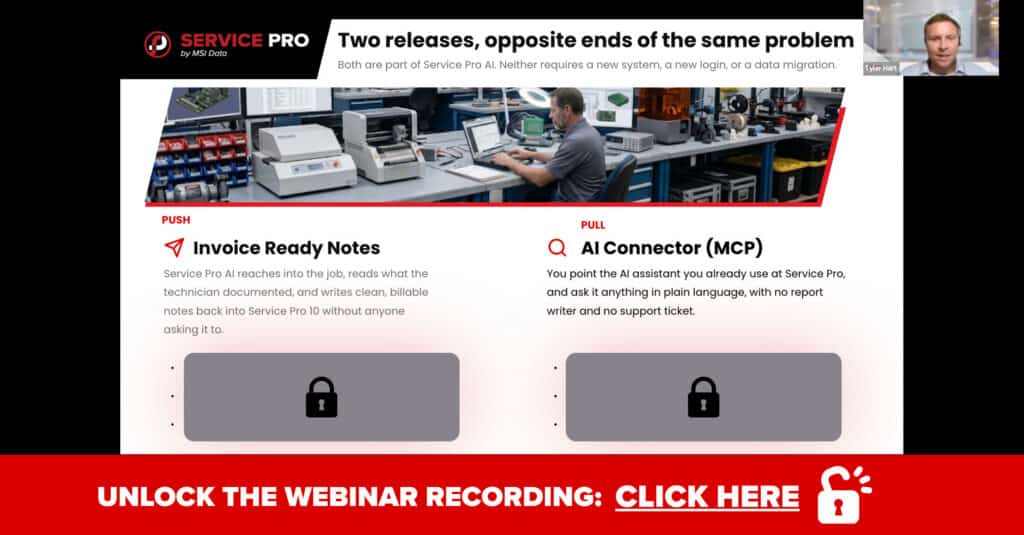
That’s the gap Invoice Ready Notes and the AI Connector (MCP) were built to close, working together from opposite ends. Invoice Ready Notes pushes: it works in the background and writes clean documentation into Service Pro 10 without anyone asking it to. The AI Connector pulls: you ask it a question in plain language, on demand, and it answers using your live Service Pro data.
AI Connector (MCP): Bring Service Pro Into the Tools You Already Use
MCP stands for Model Context Protocol, an open standard for how AI applications connect to outside tools and data. Think of it as USB-C for AI: instead of a drawer full of proprietary chargers, one universal port works with everything.
Before a standard like this existed, connecting an AI tool to a system like Service Pro meant custom development. Someone builds an integration against an API, then owns it, and it breaks every time either side updates. In practice, most organizations never build that connection, so getting data out stays manual: an export, a report request, or a support ticket.
The AI Connector changes that. Connect once, and your AI assistant speaks the same language Service Pro does. Ask a question in plain language and get an answer back, pulled from your current data, with no glue code to maintain.
On day one, your team can ask your data anything in plain language, across orders, appointments, equipment, customers, inventory, and invoices. You can run analysis without a report writer, spot orders that fell through the cracks between Service Pro and your ERP, and wire Service Pro into automations and notifications you already run. With write access enabled, you can create and update records, not just read them, and your AI tool can also tap the Service Pro AI troubleshooting agent for equipment knowledge, not just raw data.
The interface really is just a sentence. Questions like “Which open orders have been sitting at work complete for more than five days?” or “What’s the service history on this compressor, and what failed most recently?” work exactly as typed. No query language, no report specification, no ticket.
On security, the AI Connector is layered on top of your existing Service Pro permissions. Every connection starts read-only, and write access is something an admin has to turn on deliberately. If your user account can’t see a record in Service Pro today, the AI assistant can’t either. There are no delete tools, by design, at any access level, and nothing is reachable until an administrator enables AI Connector access in Service Pro AI settings. It’s included in your existing Service Pro AI license at no added per-user cost.
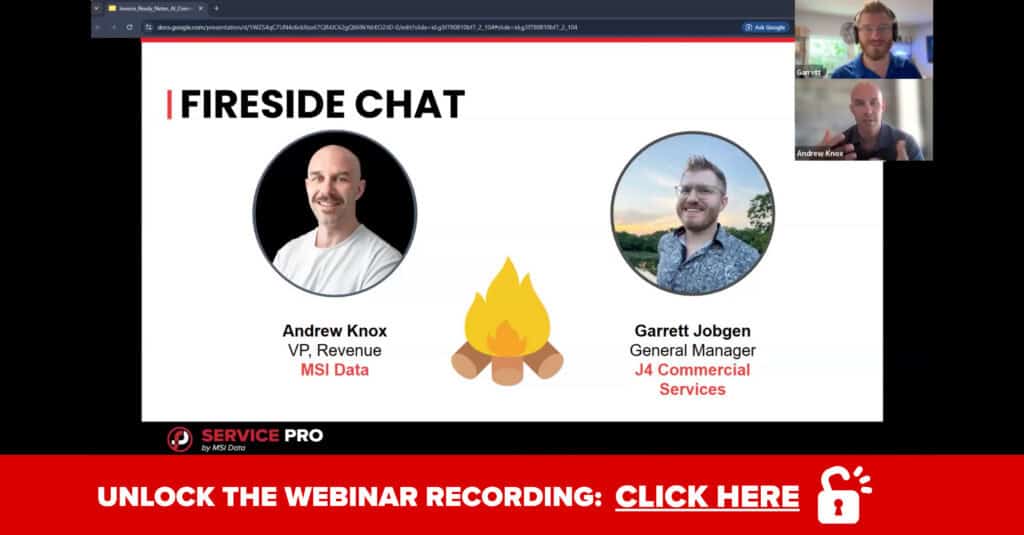
Fireside Chat: Garrett Jobgen’s AI Journey at J4
Garrett Jobgen is General Manager of J4 Commercial Services, an air compressor supplier headquartered in Texas. Today, J4 runs reactive and preventative maintenance contracts across 14 states.
Garrett was part of the inspiration behind the AI Connector and one of the first customers to put it to work. He’s connected it into Claude alongside NetSuite, Slack, and Microsoft 365, giving his team visibility across service data, customer email history, and document libraries in one place, and he’s using it to flag stagnant orders and track metrics like response time, time to estimate, and time to invoice.
His AI journey started with tools everyone already has on their phone. He picked up ChatGPT first for email drafts and light research, then moved into troubleshooting and researching state compliance codes before discovering Claude’s growing library of connectors, including ones for NetSuite and Slack.
“It was just a no brainer how much time it was saving…It kind of paid for itself.”
– Garrett Jobgen, J4 Commercial Services
Early on, he ran into a familiar problem with generic AI tools. “Sometimes it would make stuff up or hallucinate,” Garrett said. “But if you connect it to real data, real context, that’s when you start getting real value out of it.” Once he started wiring tools into his actual tech stack instead of using them standalone, the payoff was immediate. “It was just a no brainer how much time it was saving,” he said. “It kind of paid for itself.” Adoption spread from there. “Now everybody in my office, pretty much down to the coordinator level and parts ordering level, has a seat, and they’re using it,” Garrett said. “They’re building skills. We’re sharing skills with each other.”
His advice for anyone getting started mirrors how MSI Data recommends rolling out the AI Connector: start read-only, get comfortable, and expand from there.
Invoice Ready Notes: From Shorthand to Customer-Ready in One Step
Invoice Ready Notes is a new capability inside Service Pro AI. It’s a headless agent, meaning nobody prompts it and no one opens a chat window. It watches your orders, and when a job hits the status you designate, typically work complete, it writes a clean, professional summary directly into Service Pro 10. For your admins, that means reviewing notes instead of authoring them from scratch.
The process runs in five steps, and your team touches exactly one of them, the last:
- A trigger fires when an order or appointment hits the status you’ve configured.
- The agent gathers its sources: technician service report notes, order notes, and results from an inspection type you’ve designated.
- The notes get composed into a Complaint, Cause, and Correction format, the same structure the trades have used on invoices for decades.
- A quality gate reviews the output. Low-confidence notes come back as pending review instead of getting published silently.
- The finished note writes to Service Pro 10, ready for an admin to scan and approve.
To see what that looks like in practice, imagine a technician’s raw note reading something like this: “blower not working. pulled dash, r&r blower motor + resistor. new o’rings on ac lines. all back together, tested ok.” That’s an accurate, fast note, and also not something you’d put in front of a customer or bill from without a phone call.
Invoice Ready Notes turns that into a clear statement of what the customer reported, what was found on inspection, and what correction was performed, written in full sentences a customer can read. Profanity and technician names get redacted automatically, and non-billable steps like returning shop tools or uploading photos are filtered out of the customer-facing narrative.
It’s worth being clear about what this doesn’t do. It doesn’t pull from equipment manuals or invent repair steps, claim undocumented work, or overwrite a note a human already wrote. If the original notes are thin, the output will be thin too, and it gets flagged rather than filled in with a guess.
What changes depends on the role. Back-office and billing admins feel it most directly, shifting from authoring notes to reviewing them. Service managers get more consistent documentation, since quality no longer depends on which technician was on the job or how late in the day they wrote it up. Field technicians see no change at all, no new app, field, or step. And customers get an invoice they can actually read, with a clear complaint, cause, and correction, which tends to mean fewer follow-up questions.
In the webinar, Andrew Knox, MSI Data’s VP of Revenue, described it as a bookend on the job: Job Prep Brief prepares your technician before they arrive, and Invoice Ready Notes closes the job out once they leave.
Hear what else he said: get the full webinar here.
What’s Coming Next: Time to Invoice
Invoice Ready Notes carries the note across the last mile: the job story arrives written, complete, and ready to bill. But that’s just the first domino. The real prize is everything between “work complete” and “invoice sent,” and that’s where we’re headed next.
Every day an invoice waits, you’re giving your customer an interest-free loan. Most service teams can’t answer a couple basic questions about it:
- How many days is it from last wrench turn to invoice out the door? Not the number you quote, the number your data shows. Most teams guess low.
- Where do the days actually go? Dispatch? The tech’s paperwork? The approval sitting in someone’s inbox since last Tuesday? Until you can name the stage, you can’t fix it.
- Which jobs are quietly aging past 30, 60, 90 days, and how much revenue is trapped in them right now?
- How much billable work is finished, documented, and still not invoiced because it’s waiting on a signature, a parts line, or a warranty submission window that’s about to close?
Coming soon: a live view of your entire work-complete-to-invoice pipeline: every job, every stage, every stalled dollar, with AI agents working the queue so clean jobs invoice themselves and only the true exceptions ever need extra time from your back office staff.
You already know time-to-invoice is costing you. Soon you’ll know exactly where, exactly how much, and enjoy watching the number fall.
Q&A Highlights
A few questions came up repeatedly during the live session.
Does the AI Connector work with tools other than Claude, like ChatGPT or Copilot? Yes. It’s built on an open standard, so any AI tool that supports MCP can connect.
Can we roll this out gradually? Yes, and that’s the recommended approach. Turn off write tools to start, use the connector to read and pull data, and enable write access once your team is comfortable.
What happens if a technician’s notes are incomplete? Invoice Ready Notes produces a thinner note and flags it for review rather than filling in gaps with invented detail.
Start Your Free Trial of Service Pro AI
Ready to integrate Invoice Ready Notes, the AI Connector (MCP), or both into your workflow? If you’re already a customer, talk to your Forward Deployed Engineer about enabling Invoice Ready Notes, and have an admin turn on AI Connector access in your settings.
If you’re on Service Pro 10 and considering trying Service Pro AI, this is a good moment to look closer. Both features work inside the platform your team already knows, with no new login and no data migration.
If you’re new to Service Pro altogether, the trial is the place to start, with a dedicated Forward Deployed Engineer working alongside your team from onboarding through rollout. With the unique opportunity to influence where we go, you’ll get the best of the best and have your voice heard. See what 30 days in the trial actually gets you.
Ready to get started? Start Your Free Trial of Service Pro AI
Frequently Asked Questions
What is the AI Connector (MCP) for Service Pro?
A feature in Service Pro AI built on the Model Context Protocol, an open standard that lets AI assistants like Claude, ChatGPT, or Copilot connect directly to your Service Pro data. Ask questions in plain language and get answers pulled from live data, with no custom integration work.
Is the AI Connector (MCP) for Service Pro secure?
Yes. Every connection starts read-only, and write access has to be turned on deliberately by an administrator. It inherits your existing Service Pro permissions rather than bypassing them, and there are no delete tools at any access level.
What is Invoice Ready Notes?
Within Service Pro AI, Invoice Ready Notes is a headless agent that monitors your orders and, when a job reaches a status you designate, automatically turns technician notes and inspection results into a clean, structured summary. For Service Pro 10 users, this summary is written directly into your Service Pro environment.
Does Invoice Ready Notes change anything for technicians?
No. Technicians keep documenting jobs exactly as they do today, with no new app, field, or step required.
Can Invoice Ready Notes invent information that wasn’t documented?
No. It only summarizes what technicians and inspections actually captured. Thin source notes produce a thin, flagged summary rather than a filled-in guess.
Are these features available to Service Pro FSM or Service Pro 10 customers who don’t yet have Service Pro AI?
Both are part of Service Pro AI. If you’re on Service Pro FSM or Service Pro 10 and want to add it, reach out to your account manager or start a free trial to see how it fits your setup.